

 ART GENERATOR
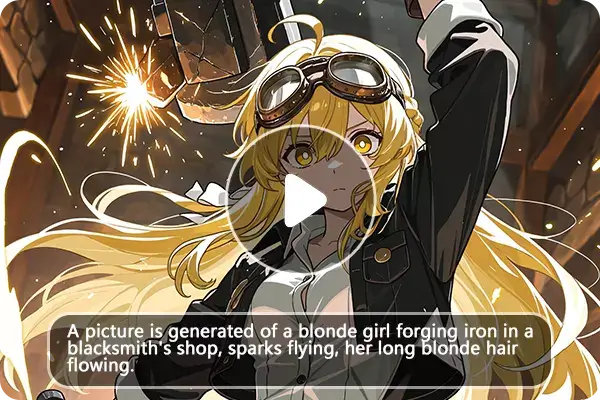
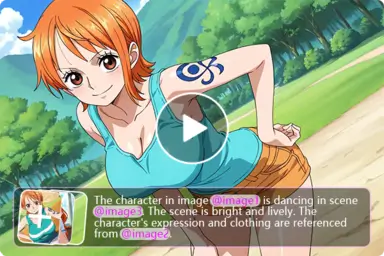
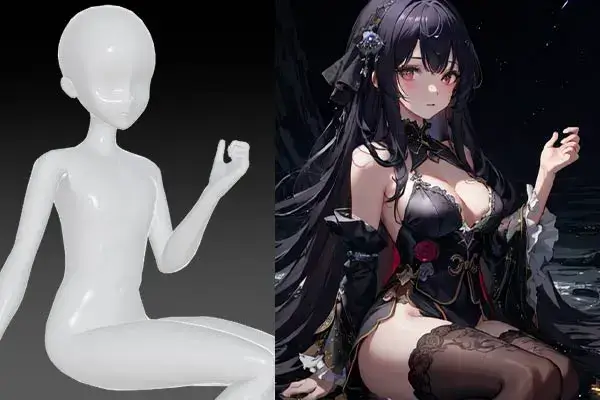
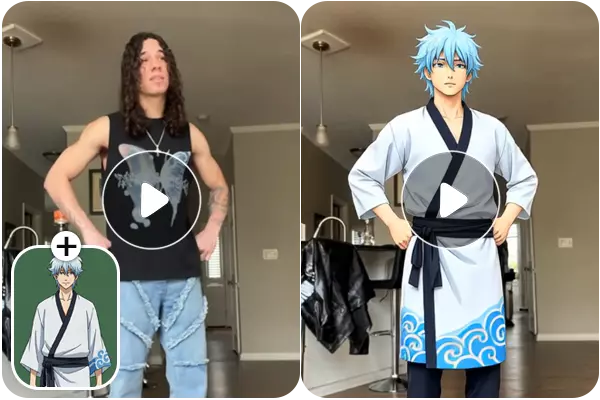
 EXPLORE


 TUTORIAL
How To
Learn how to use AnimeGenius AI tool with detail text & video tutorial.
Use Case
Find the hidden features of AI text-to-image generators and learn how to master AI for creative uses.
Prompt Guide
We provide detailed prompt tutorials to help you use AI like a pro

Parameter
Learn the usage of Stable Diffusion parameters and get more professional AI skills in generation.
Create Cute Chibi Videos Online Using Just a Photo
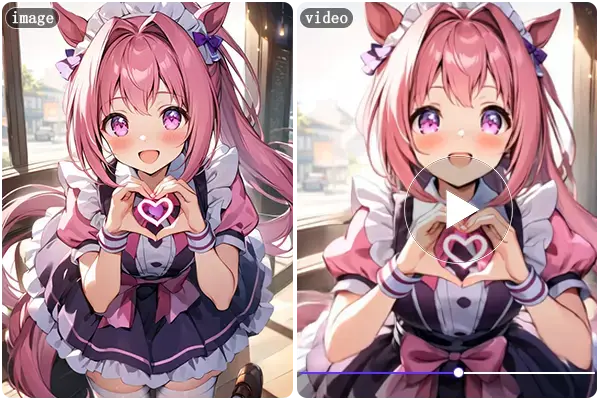
Bring your selfies, pets, and loved ones to life as adorable chibi characters! Our fun AI Chibi Video Effects Filter turns any photo into a lively, shareable chibi video that sparks joy and creativity.
See Real Chibi Videos Created from Photos
Create Adorable Chibi Animations Full of Life and Charm
Bring cuteness and joy to your content with lively chibi-style animations that feature big sparkling eyes, expressive faces, and playful movements. These charming mini characters instantly capture hearts and add a burst of fun to any project or message.
Try Chibi Video Generator Now ->
Animate Everyone and Everything — People, Pets, Anime, and More
Turn your selfie, portrait, or pet photo into a lively chibi-style cartoon video in seconds. Our AI brings your image to life with big eyes, expressive faces, and playful movements. Whether you want a fun avatar, a unique gift, or just a cute animation to share, creating your chibi video has never been easier—quick and effortless.
Animate Anyone as a Chibi ->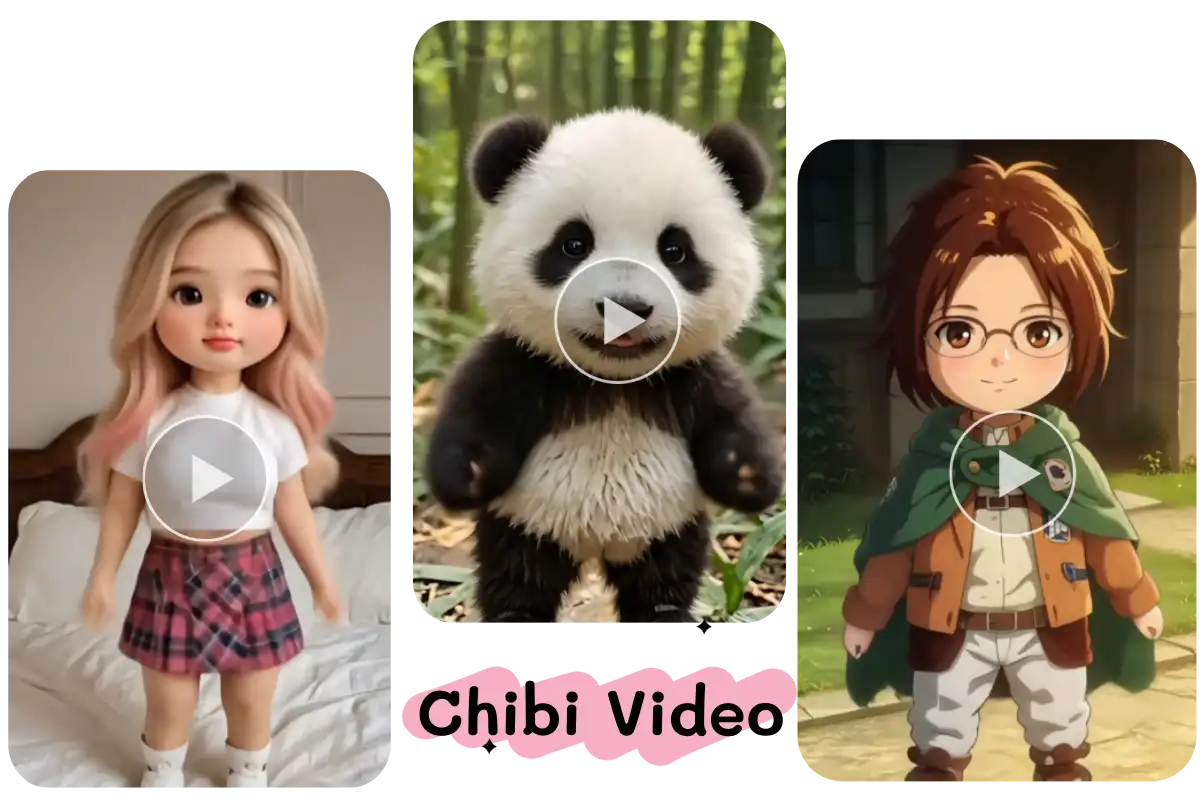
Make Shareable, Viral Chibi Videos for TikTok, Instagram, and Beyond
Easily create captivating chibi animations that stand out on social media. Whether joining viral challenges, sharing fan tributes, or posting fun clips, our AI tool helps you produce engaging videos that attract likes, shares, and followers quickly and effortlessly.
Create Viral Chibi Videos Now ->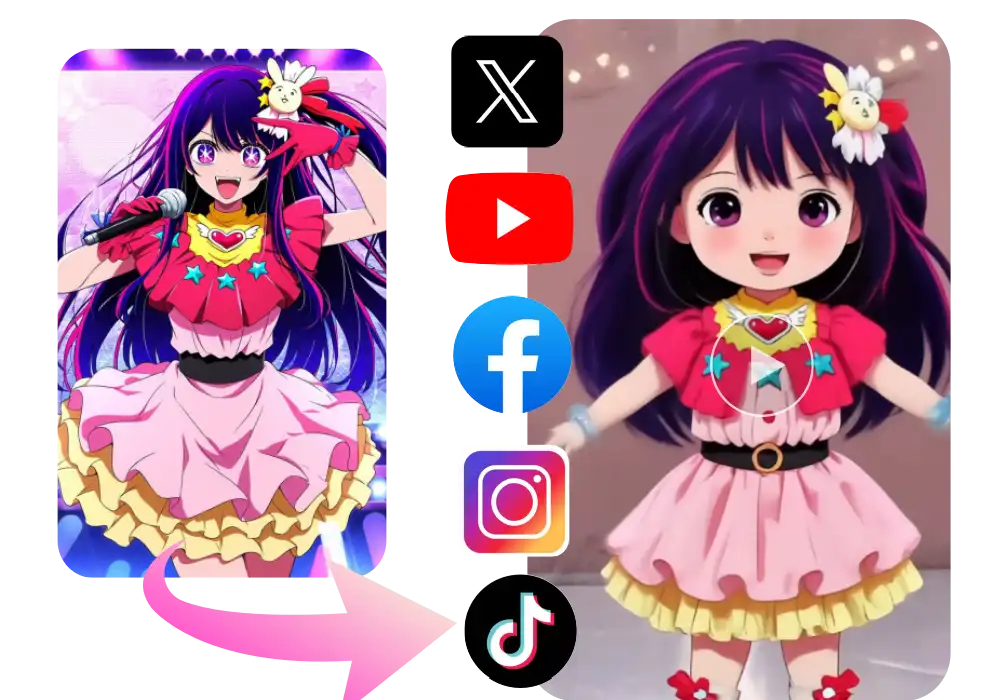
How to Make a Chibi Style Video with AI
No app needed — just open the AI Chibi Video Filter in your browser. It works smoothly on desktop and mobile, with nothing to install or download. You're ready to go instantly.
Pick a clear photo of yourself, a friend, a pet, or even a favorite anime character. The AI works with real faces, illustrations, or mascots — anything with facial features is welcome!
Click "Generate" and let the AI do the magic. In just seconds, your image is transformed into a lively, cute chibi-style animation. Preview your video and download it instantly — no watermark, ready to share.
Frequently Asked Questions
Everything You Need to Know About the AI Chibi Video Filter