
 ART GENERATOR
 EXPLORE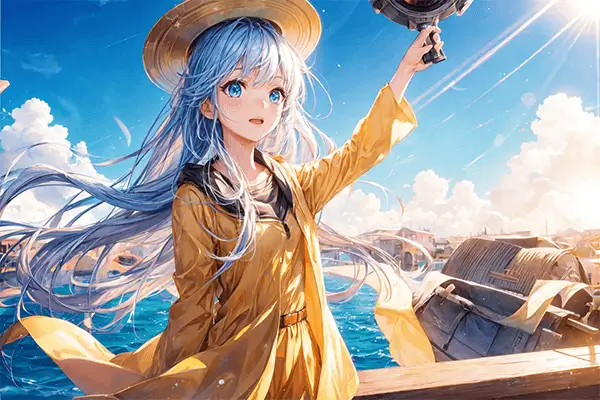


 TUTORIAL
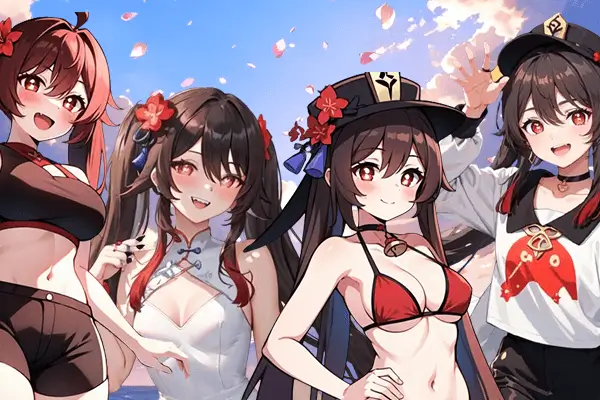
How To
Learn how to use AnimeGenius AI tool with detail text & video tutorial.
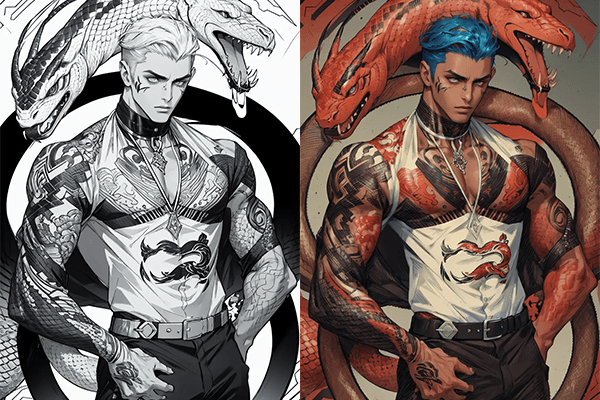
Use Case
Find the hidden features of AI text-to-image generators and learn how to master AI for creative uses.
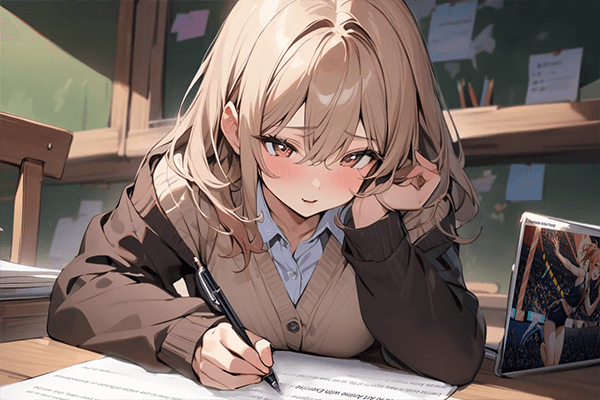
Prompt Guide
We provide detailed prompt tutorials to help you use AI like a pro

Parameter
Learn the usage of Stable Diffusion parameters and get more professional AI skills in generation.
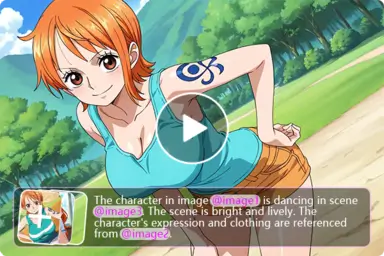
AI Image Editor with Prompt
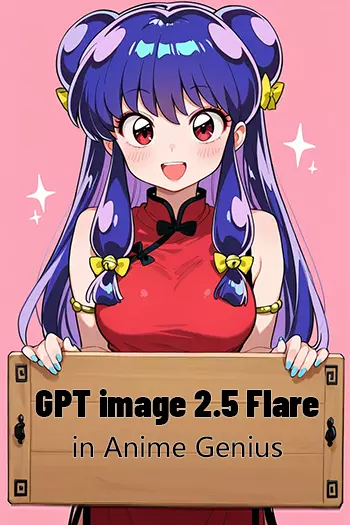
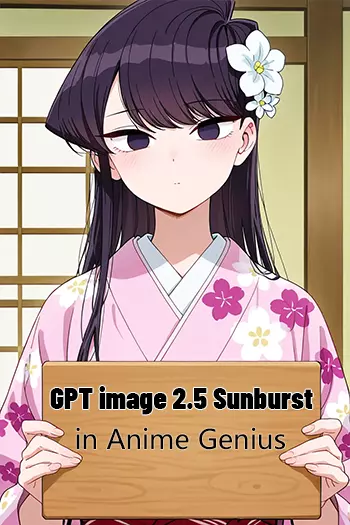
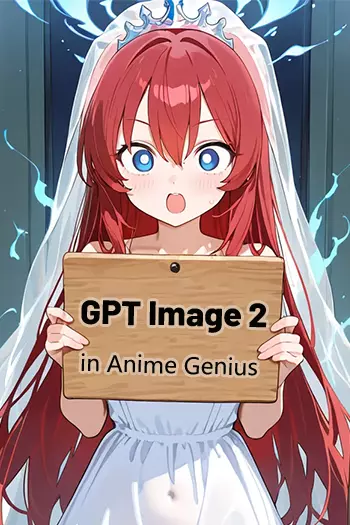
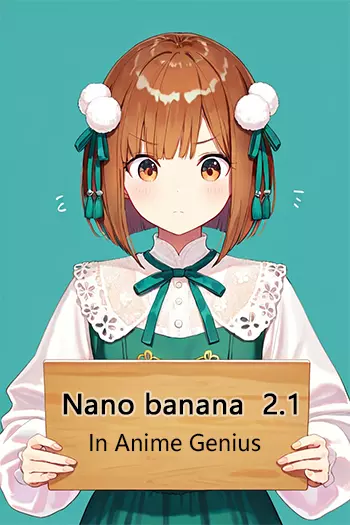
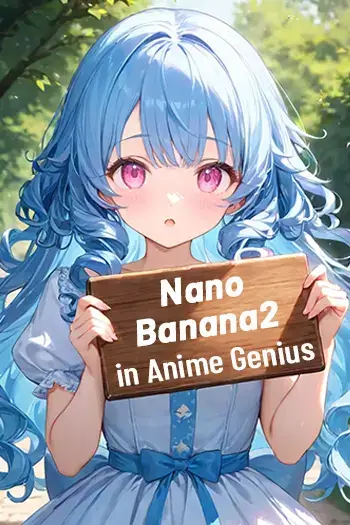
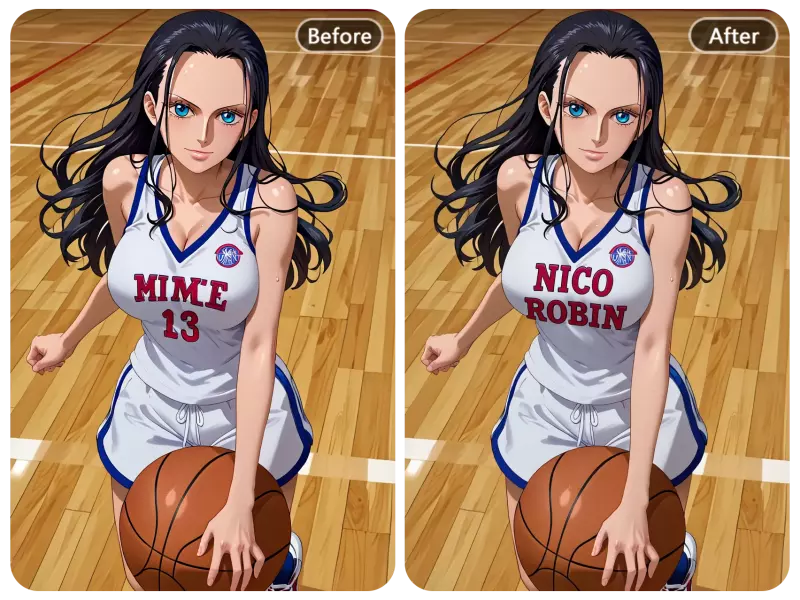
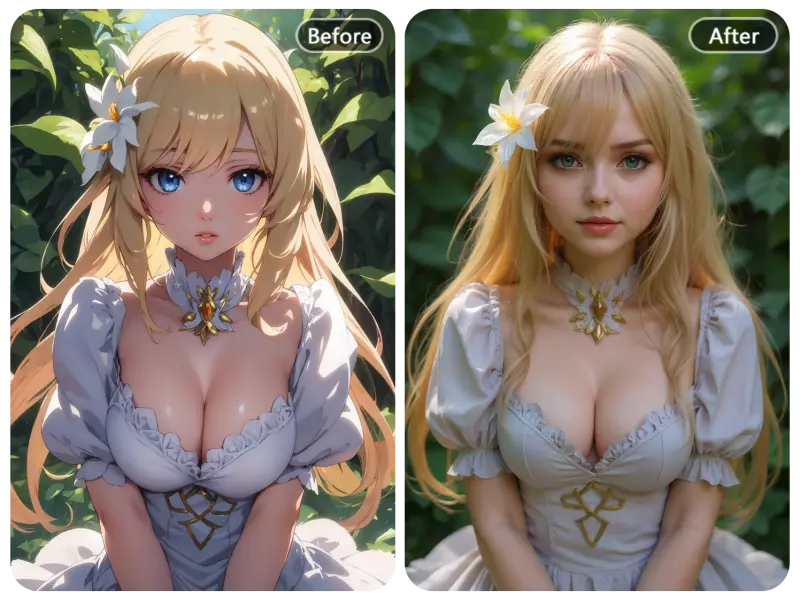
Get More Inspiration with Our AI Prompt Image Editor
Frustrated with inconsistent AI-generated results? Try our powerful AI prompt image editor to quickly solve your toughest image editing challenges.
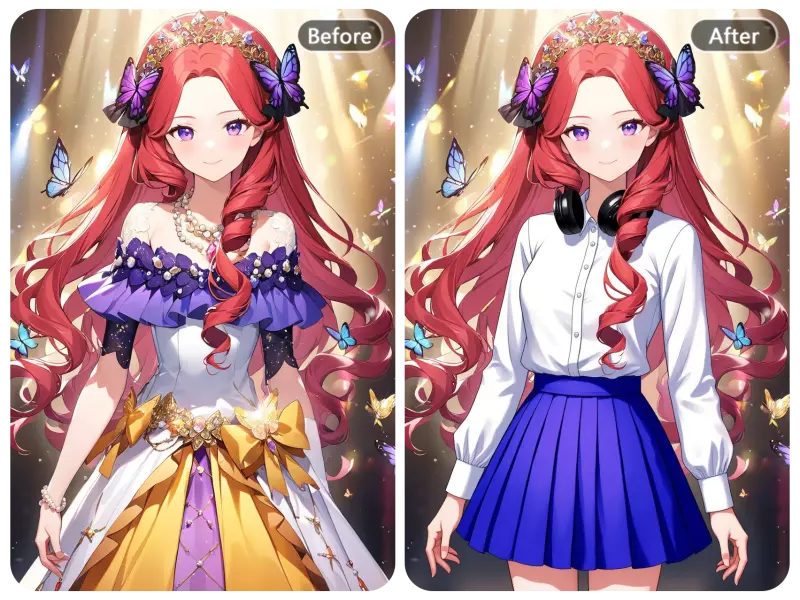
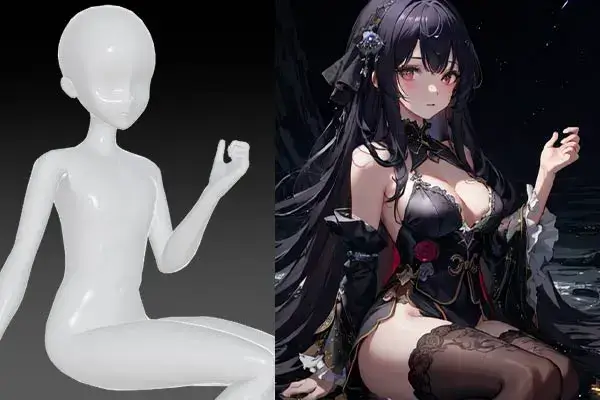
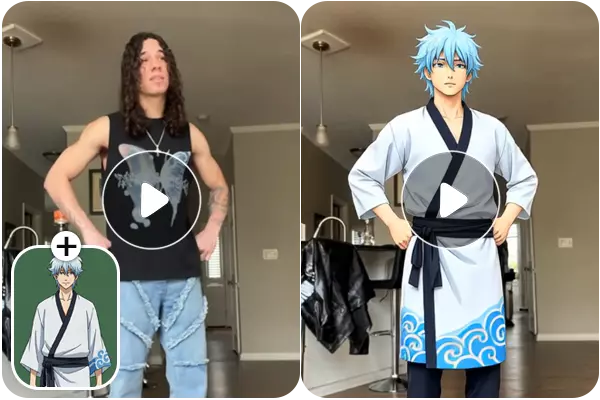
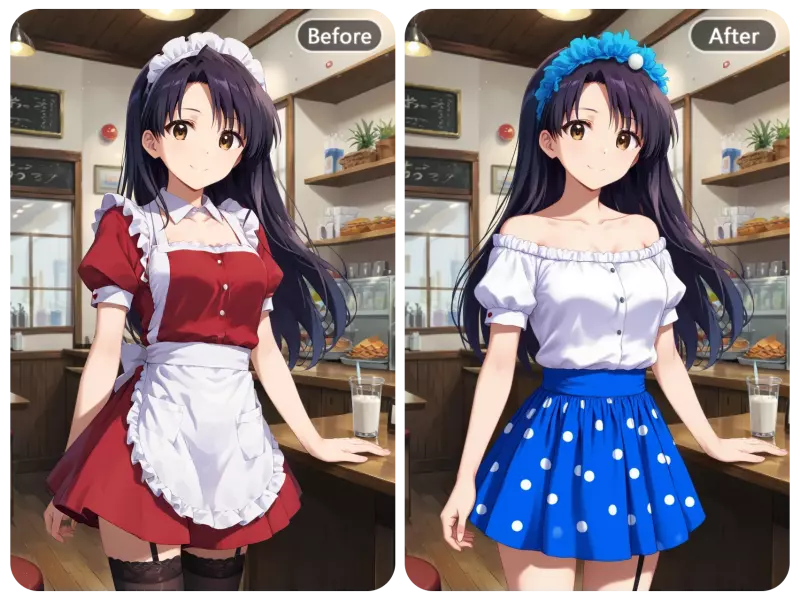
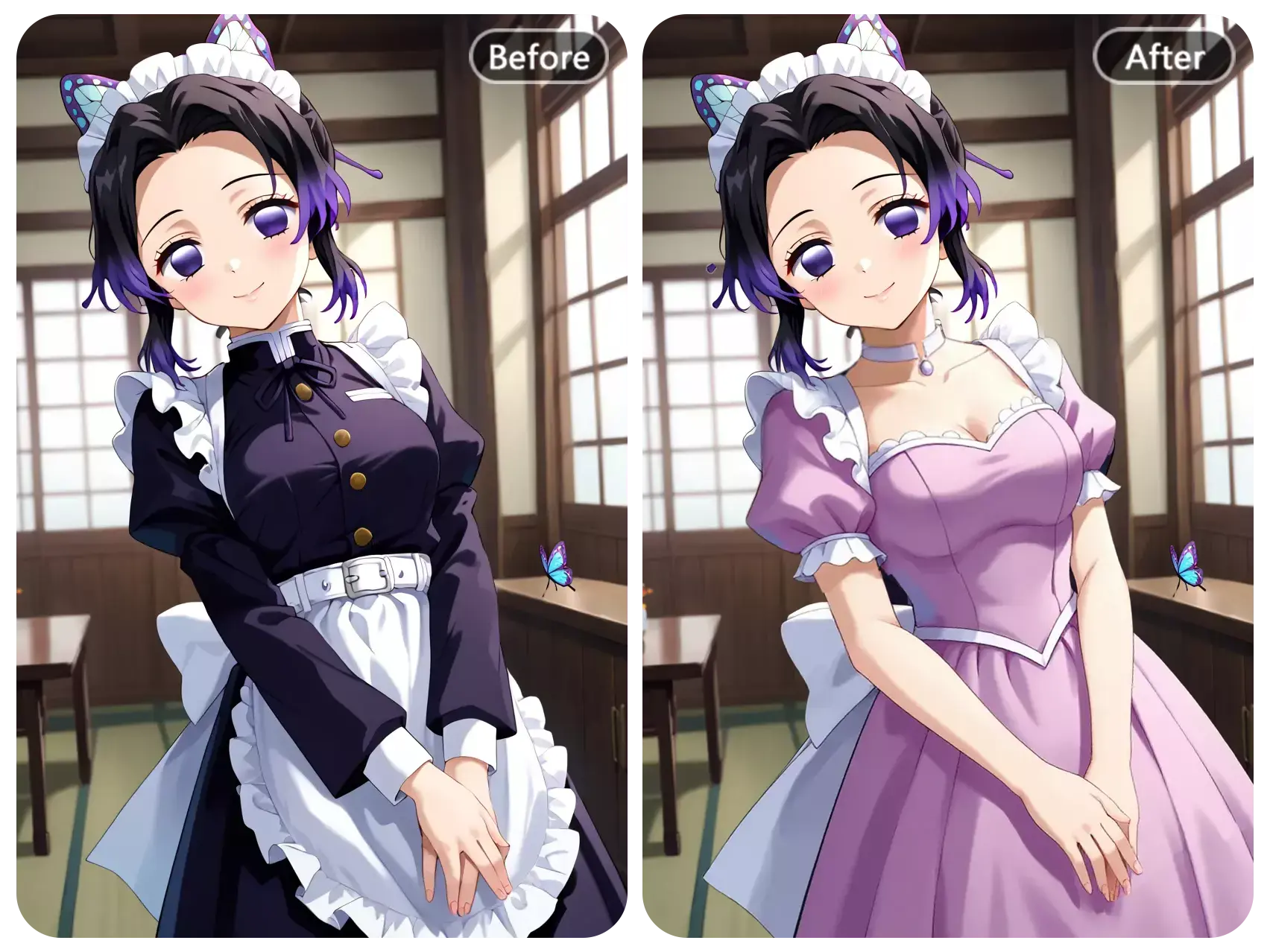
Change character costumes
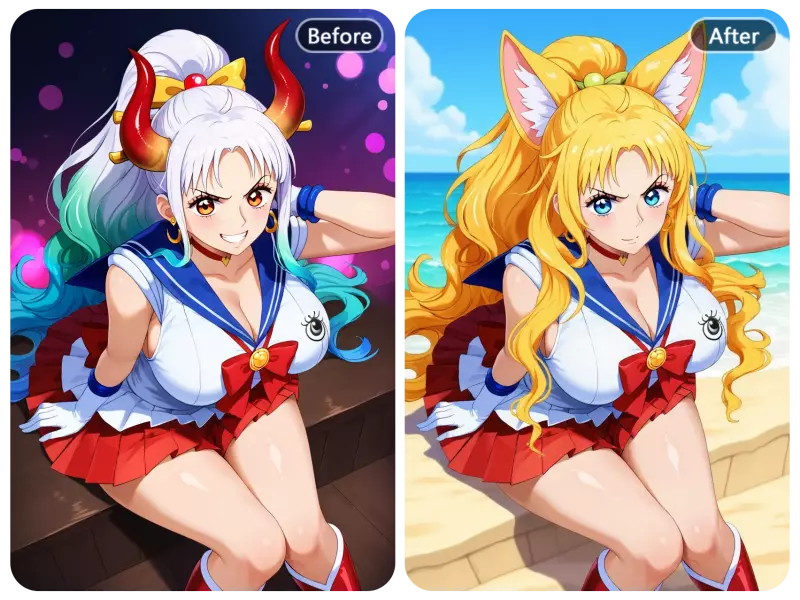
Modify character appearance
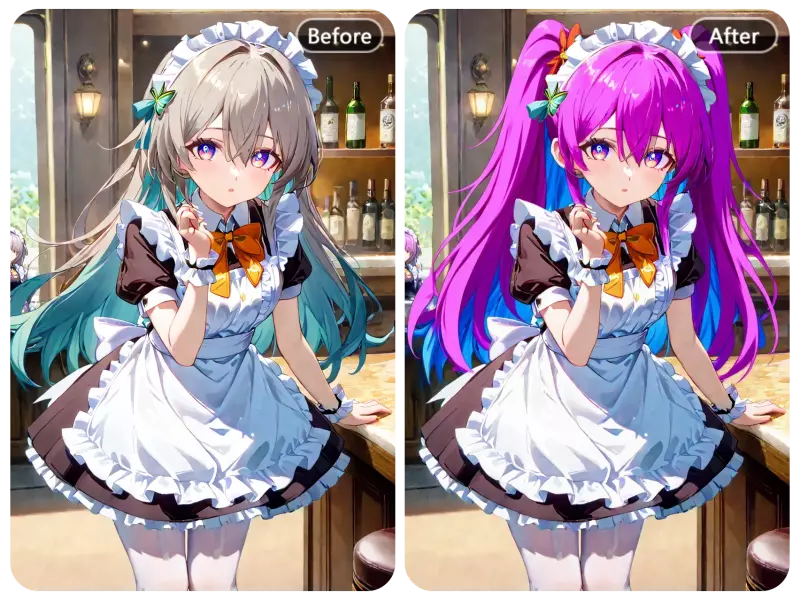
Change the OC's hairstyle or color
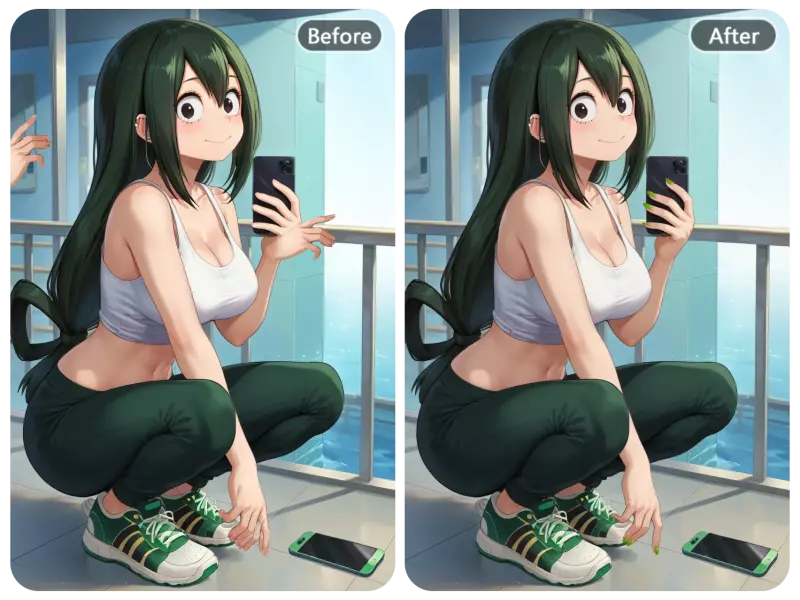
Enhance hands details
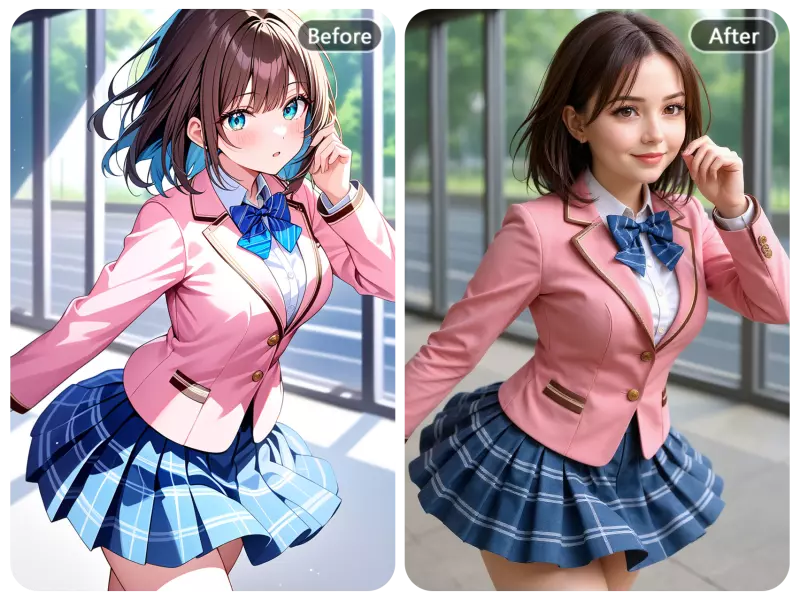
Transform the image style
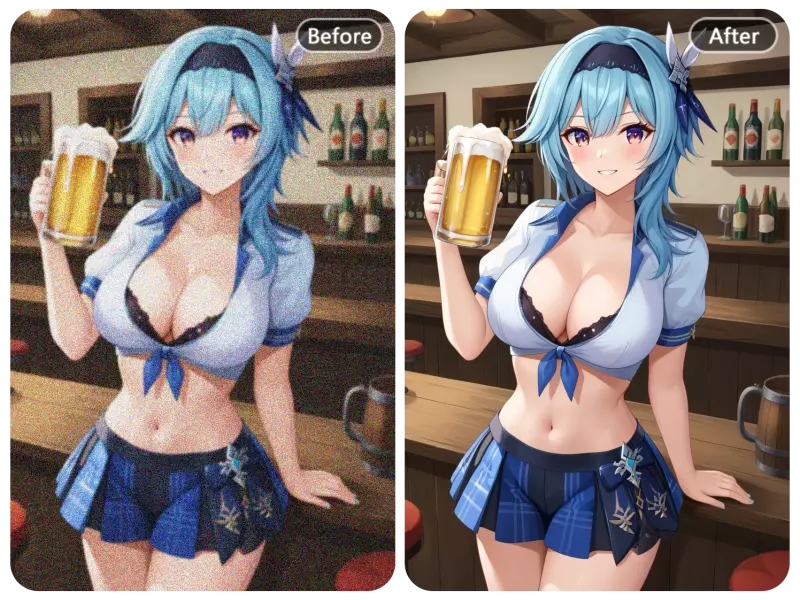
Repair damaged parts of the image
What are the Useful Features of a Prompt-Based AI Image Editor?
Our AI image editor seamlessly integrates natural language, making image editing simpler and more efficient than ever.
Quickly Remove Unwanted Parts of Picture with AI Prompt Image Editor
AI-generated images often include unexpected flaws—distorted hands, broken elements, or misplaced objects—that affect the final result. Our AI Prompt Image Editor solves this problem by letting you simply describe what to remove. Just enter a quick prompt like “remove extra fingers” or “erase the unclear person on the background,” and our tool intelligently removes the unwanted parts while maintaining visual consistency. No manual editing required—fast, intuitive, and clean results every time.
Remove Unwanted Part Right Now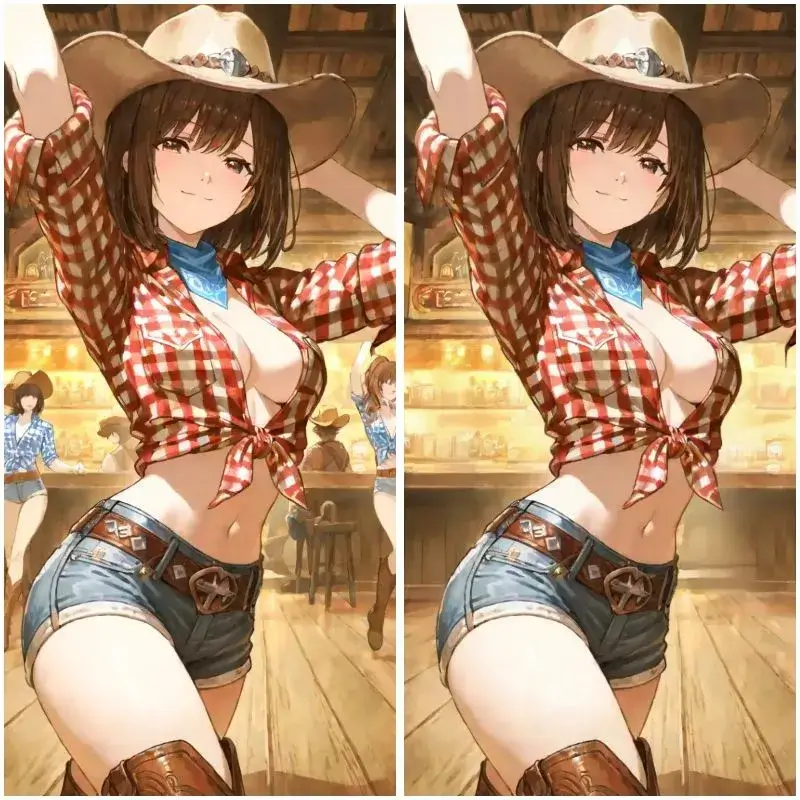
Accurately Modify or Replace Text with Prompt-Based AI Image Editor
AI-generated images often struggle with displaying clear and accurate text, whether it's due to distorted fonts, pixelation, or inconsistent alignment. This can be especially frustrating when you need the text to be sharp and professional. Our AI Image Editor eliminates this issue by allowing you to easily modify or replace text with precision. With just a simple prompt, you can instruct the tool to update existing text or add new, clear English text to any image, ensuring that the font style, size, and clarity match the surrounding design. No more blurry, misaligned, or unreadable text—our powerful AI image editor guarantees crisp, high-quality text replacements every time.
Add Clean Text to Your Image Now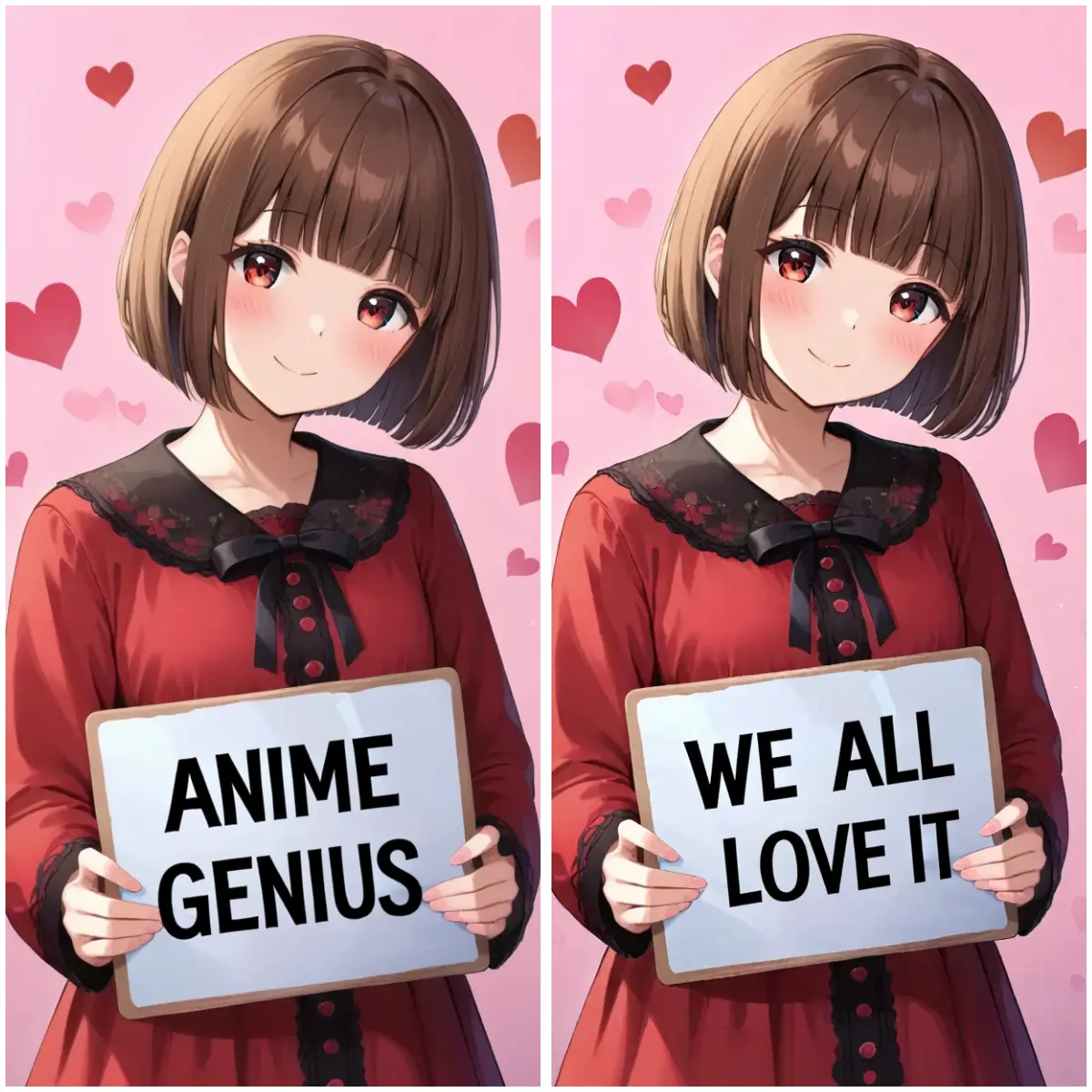
Change Objects in the Image While Maintaining Image Consistency
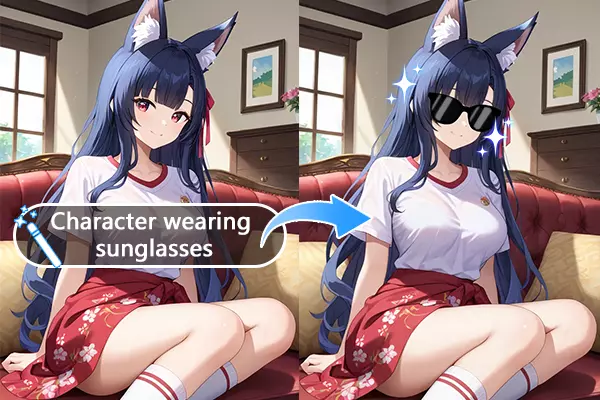
Modifying specific elements in an AI-generated image can be a time-consuming process, often requiring painstaking adjustments that risk disrupting the overall image’s balance or integrity. Whether you're trying to replace a single object, adjust an element, or even change the background, these edits can unintentionally alter other parts of the image, leaving it looking inconsistent. Our AI Image Editor solves this problem by understanding natural language prompts, allowing you to seamlessly change or replace objects while maintaining the overall consistency and style of the image. Simply describe the object or element you want to change, and our tool intelligently handles the replacement, ensuring that the new element integrates smoothly with the existing image without any unwanted distortions or disruptions.
Try this Feature Now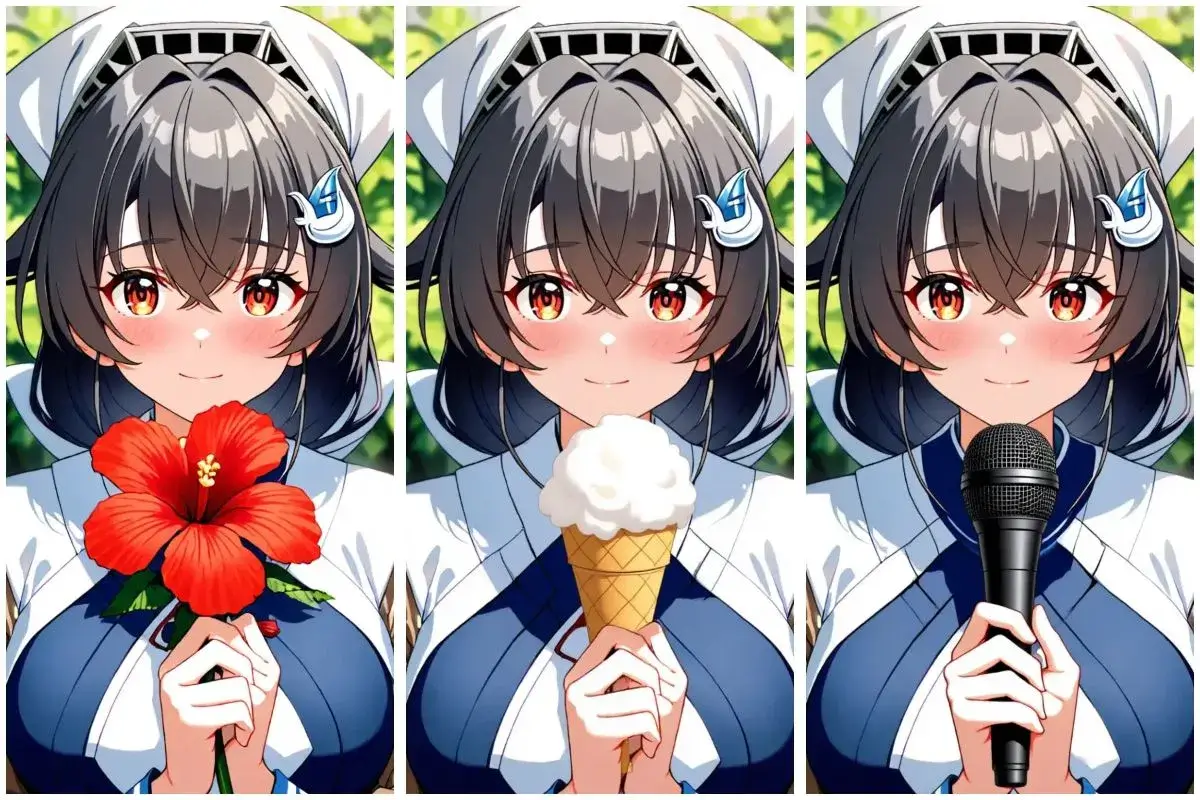
Seamlessly Replace Image Backgrounds to Unlock More Creative Possibilities
With our AI Image Editor, you can seamlessly replace the background of any image while keeping the characters and their poses completely unchanged. This powerful feature allows you to transform the overall scene, atmosphere, and even the level of blur in the background, all without disrupting the subject in any way. Whether you want to place your character in a bustling city, a serene landscape, or an abstract dream world, the possibilities are endless. This feature truly unleashes your creative potential, especially when it comes to anime-style images, where you can push the boundaries of imagination and explore countless dynamic and visually stunning environments.
Replace Background in One Click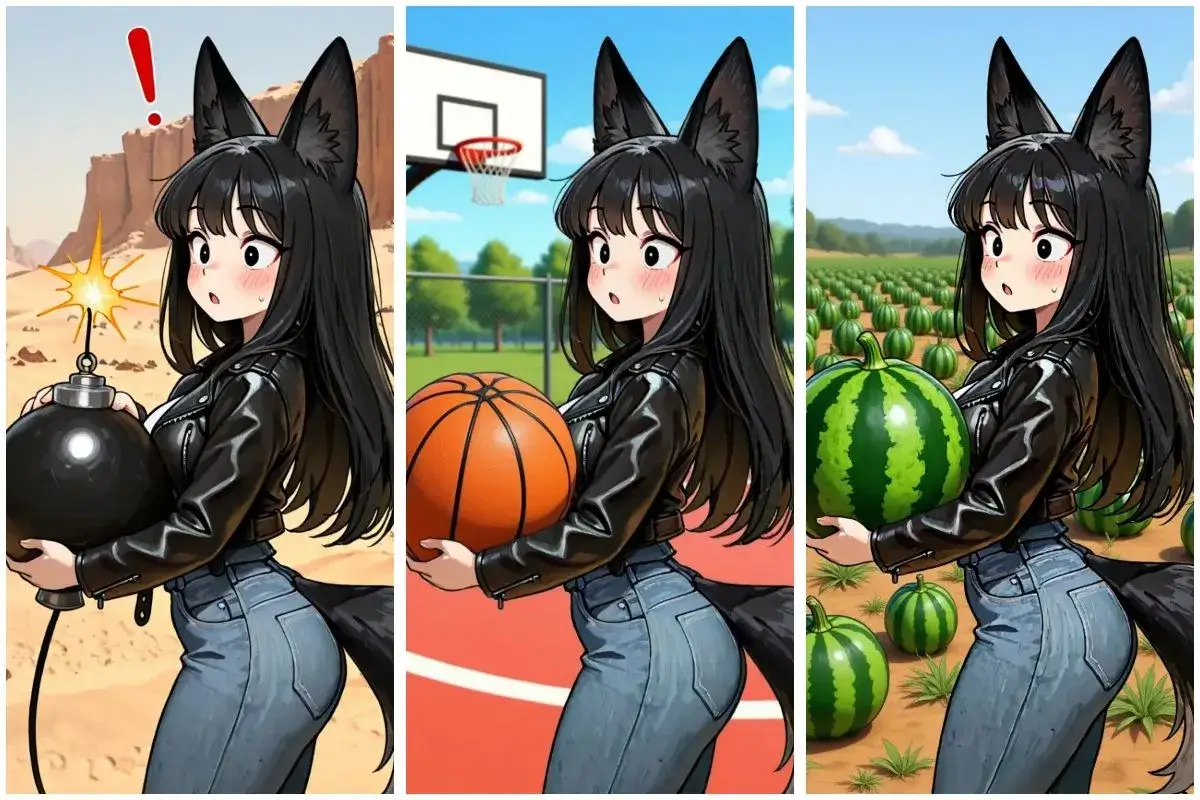
Try AI Image Editor with Prompt and Convert Image Style in Seconds
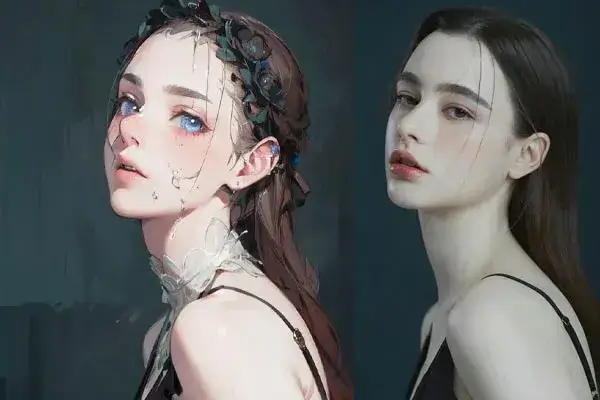
Transforming the style of your images has never been easier with our AI Image Editor. Simply input a prompt, and within seconds, you can turn a vibrant photo into a timeless black-and-white masterpiece, create intricate sketch-style drawings, or even convert anime characters into stunning, realistic portrayals. The process is fast, intuitive, and highly customizable, giving you the freedom to experiment with various artistic styles and breathe new life into your creations.
Convert Your Image to Different Art Style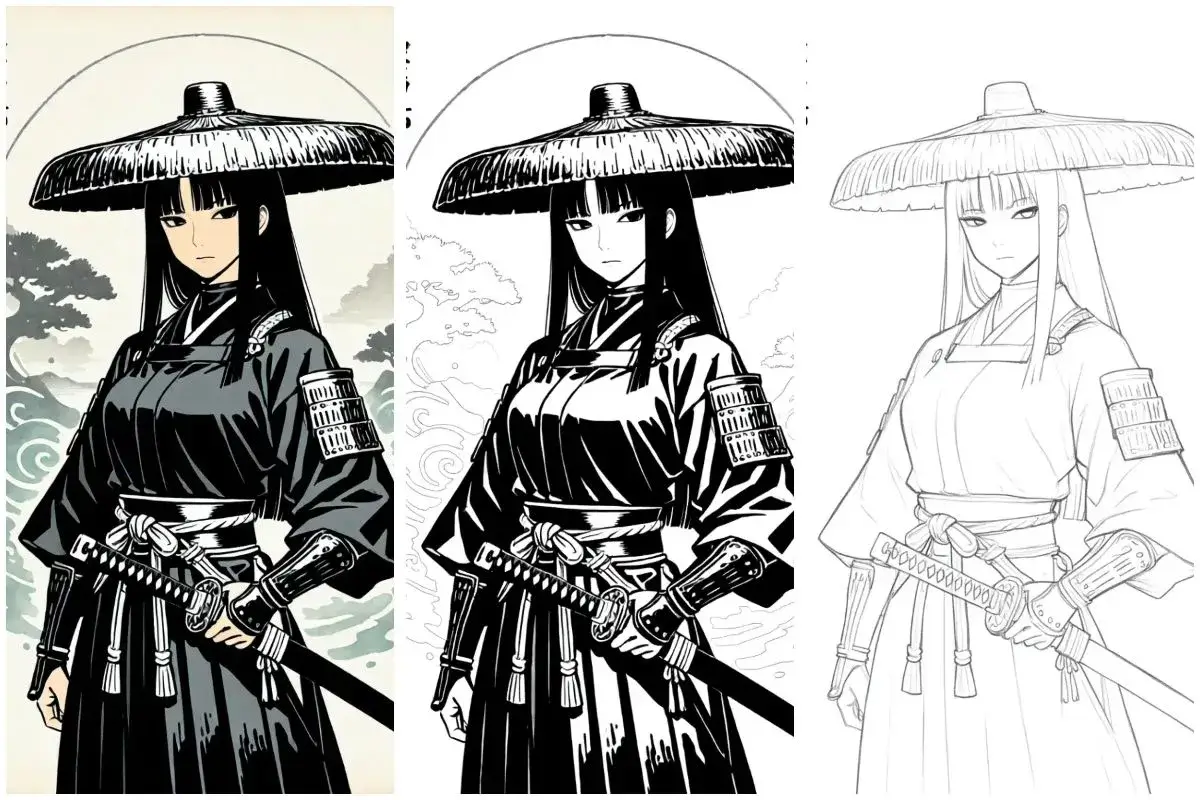
How to Edit Images From Prompt Using Our AI Editor?
Upload the image you want to edit
Go to our AI prompt image editor playground, upload the image that you want to modify.
Enter the prompt for image editing
Use natural language to describe the part of the image you want to modify. For example: "Change the person's clothing in the photo to a black suit".
Click 'generate' and wait the resulted image
Choose a desired image ratio, then click "Generate." Be patient and wait for the AI-edited image. Then you can download it.
FAQs of Prompt-Based AI Image Editor
1. Replace or modify text in images precisely
2. Change backgrounds seamlessly for a new look
3. Add, remove, or move objects in your image
4. Enhance colors, lighting, or style with simple prompts
5. Transform photo elements (e.g., turn day to night, summer to winter)
6. Fix inconsistencies in AI-generated images quickly
7. Apply creative effects like sketches, cartoon styles, or surreal edits
All with just a few words—no design skills needed.
The tool is designed to help users conveniently fix image imperfections, make creative adjustments, and enhance visual quality through simple text prompts. Its purpose is to streamline everyday editing tasks—not to produce or generate explicit content. This ensures a positive and responsible user experience for everyone.
1. Ambiguous or vague prompts – If the instruction isn’t clear or lacks context, the AI might not understand what to change.
2. Complex or conflicting edits – Requests that involve too many changes at once or contradict each other can confuse the model.
3. Limitations of the base image – If the original image lacks necessary details (e.g., unclear subjects, low resolution), certain edits may not be possible.
4. Model limitations – While powerful, the AI still has boundaries in understanding nuanced visual cues or producing highly specific results.
5. Content policy restrictions – Edits that involve NSFW, violent, or harmful content will be blocked to maintain safety and compliance.
1. Be specific – Clearly describe what you want to change (e.g., “replace the sky with a sunset”).
2. Focus on one task – Keep prompts simple and targeted to avoid confusion.
3. Use descriptive language – Mention colors, positions, or styles (e.g., “add a red umbrella to the left side”).
4. Avoid ambiguity – Steer clear of vague terms like “make it better” without context.
5. Respect content guidelines – Avoid prompts involving NSFW, violent, or prohibited content.