

 ART GENERATOR
 EXPLORE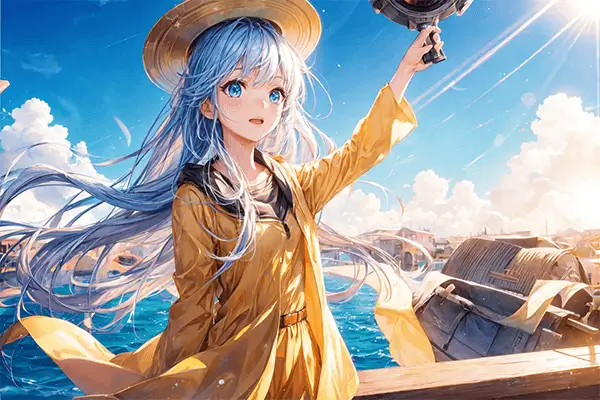
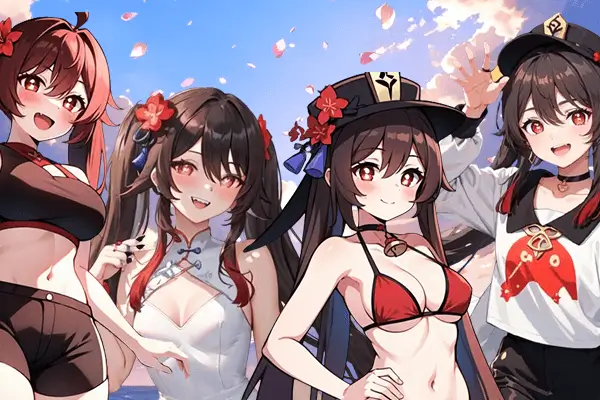


 TUTORIAL
How To
Learn how to use AnimeGenius AI tool with detail text & video tutorial.
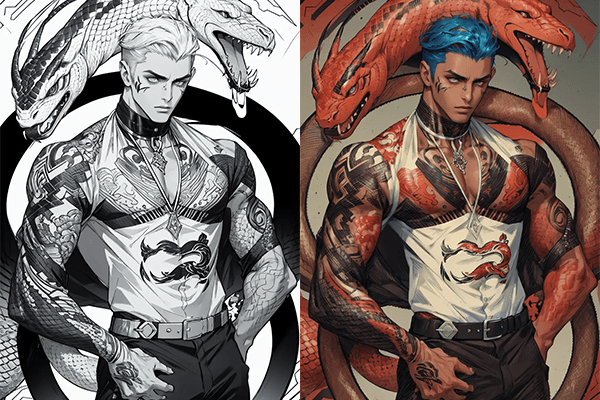
Use Case
Find the hidden features of AI text-to-image generators and learn how to master AI for creative uses.
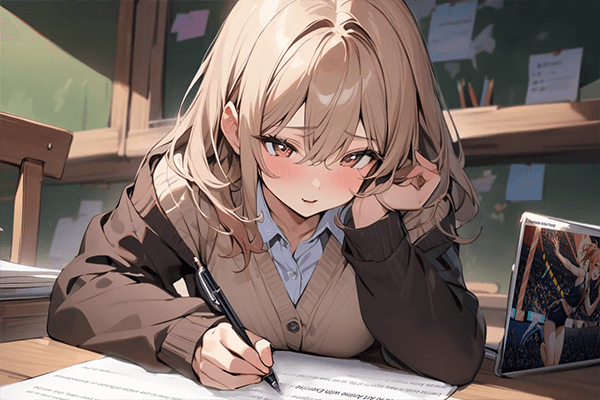
Prompt Guide
We provide detailed prompt tutorials to help you use AI like a pro

Parameter
Learn the usage of Stable Diffusion parameters and get more professional AI skills in generation.
Turn Text into Unique Bocchi the Rock Characters with AI Generator
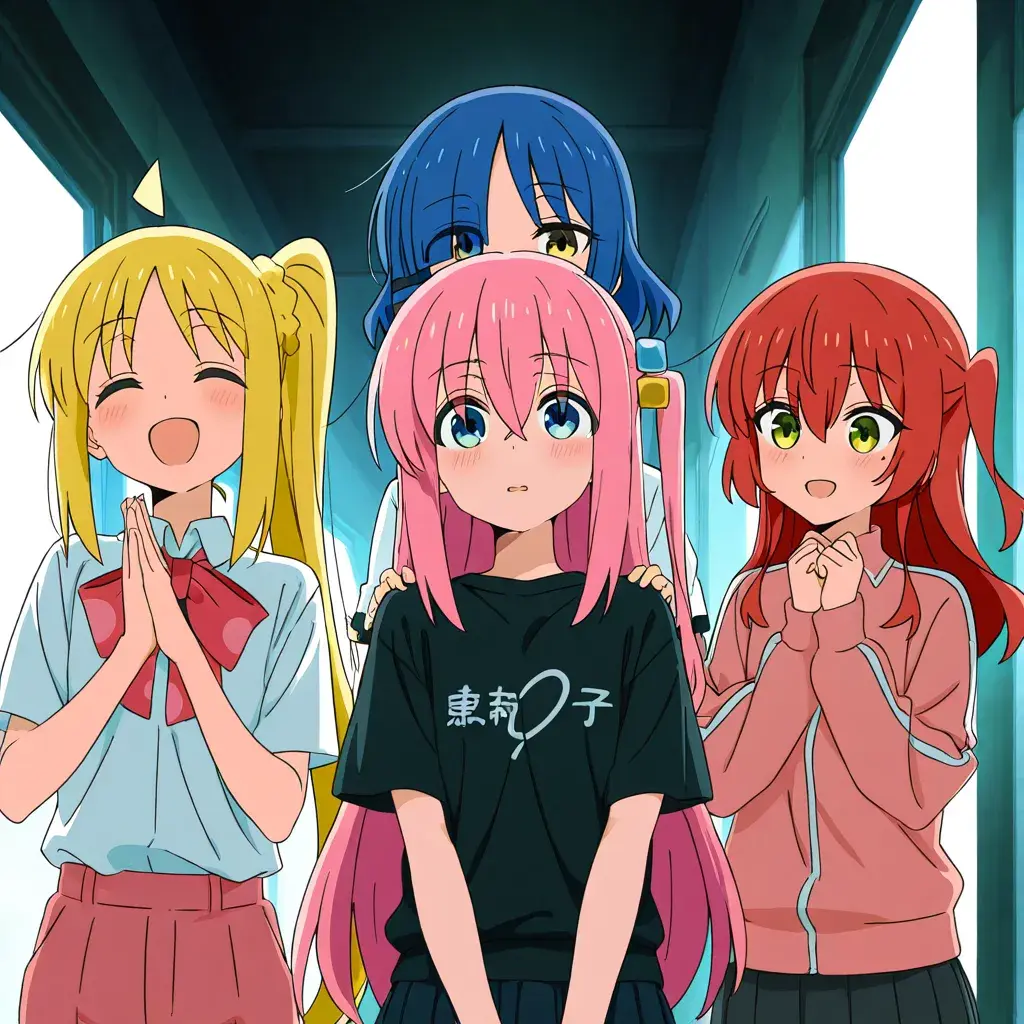
3 Easy Steps to Create Your Bocchi Characters
Bring the Kessoku Band to life with our powerful AI Generator — generate, customize, and share your own Bocchi the Rock characters effortlessly!
1. Enter Your Text Prompt
Type a description of the characters you want, e.g., "Bocchi in school uniform holding a guitar," or multi-character tags like "2girls, nijika_ijichi, hitori_gotoh."
2. Recommended Models
Use the WAI-NSFW-illustrious model combined with the SDXL-compatible character LoRA "Hitori Gotoh" for detailed and vivid Bocchi the Rock style results.
3. Generate and Share
Click generate to create your unique character images in seconds. Download high-res versions or share your rockin’ creations directly on social media!
Step Into the Kessoku Band’s Vibrant AI Art Gallery
Explore a vibrant collection of Bocchi the Rock characters generated by fans and AI — from shy guitar solos to full band performances, see creativity come alive!

Bocchi Maid AI Art
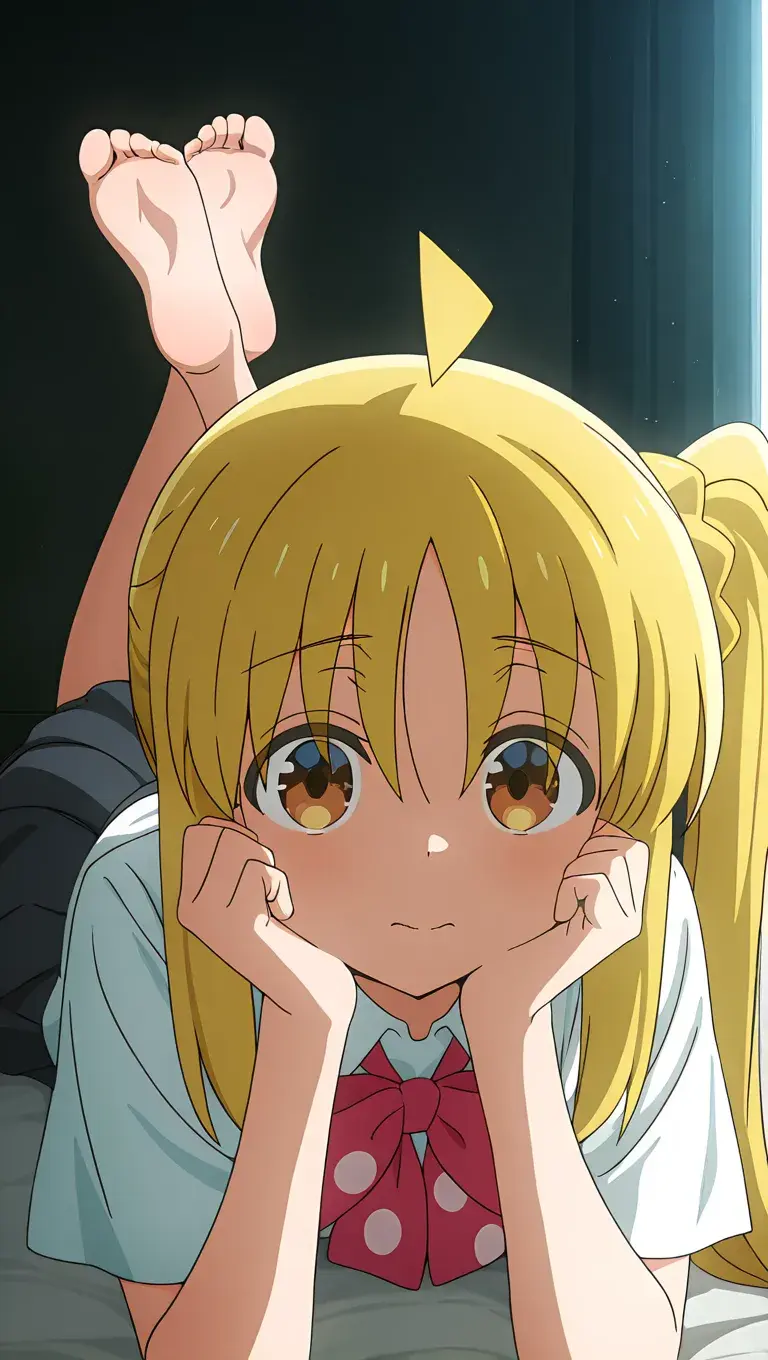
Ijichi Nijika AI Art

Yamada Ryo AI Art
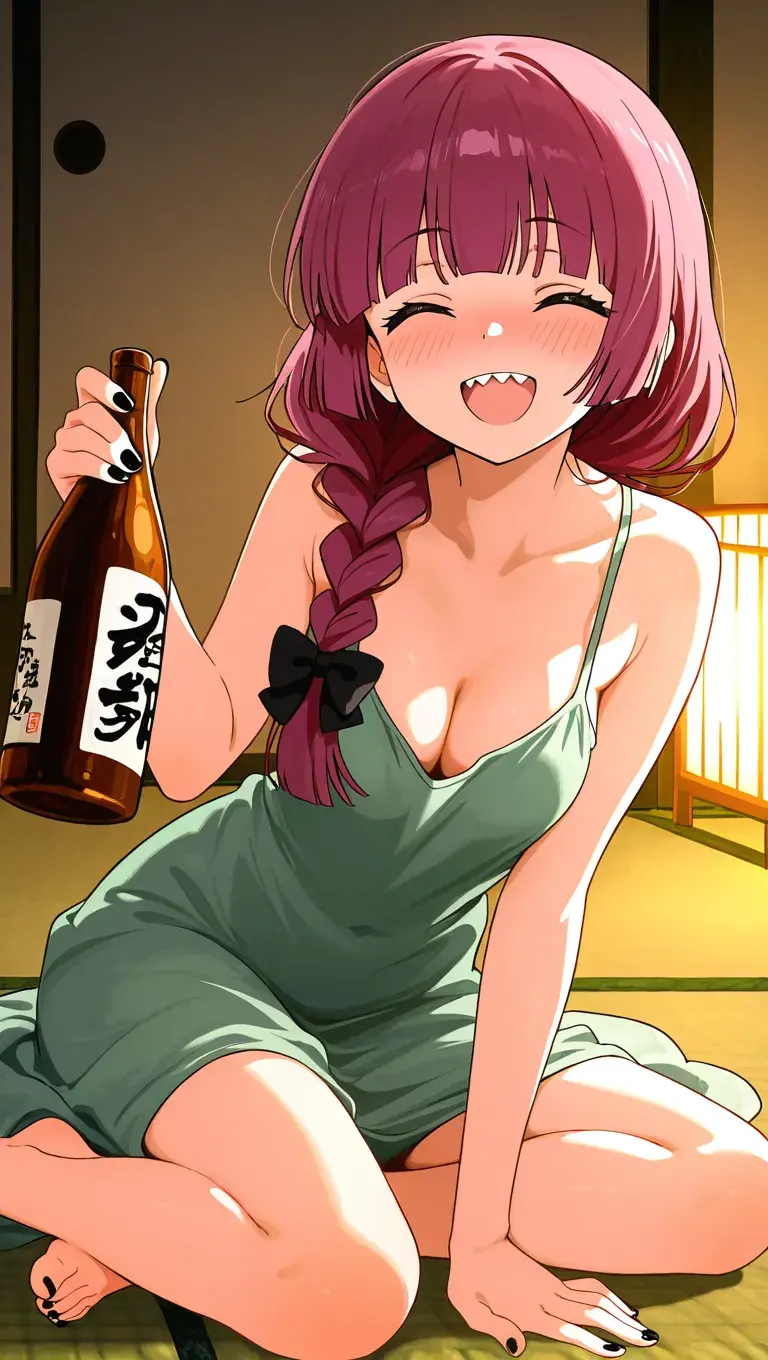
Kikuri Hiroi AI Art

Kita Ikuyo AI Art
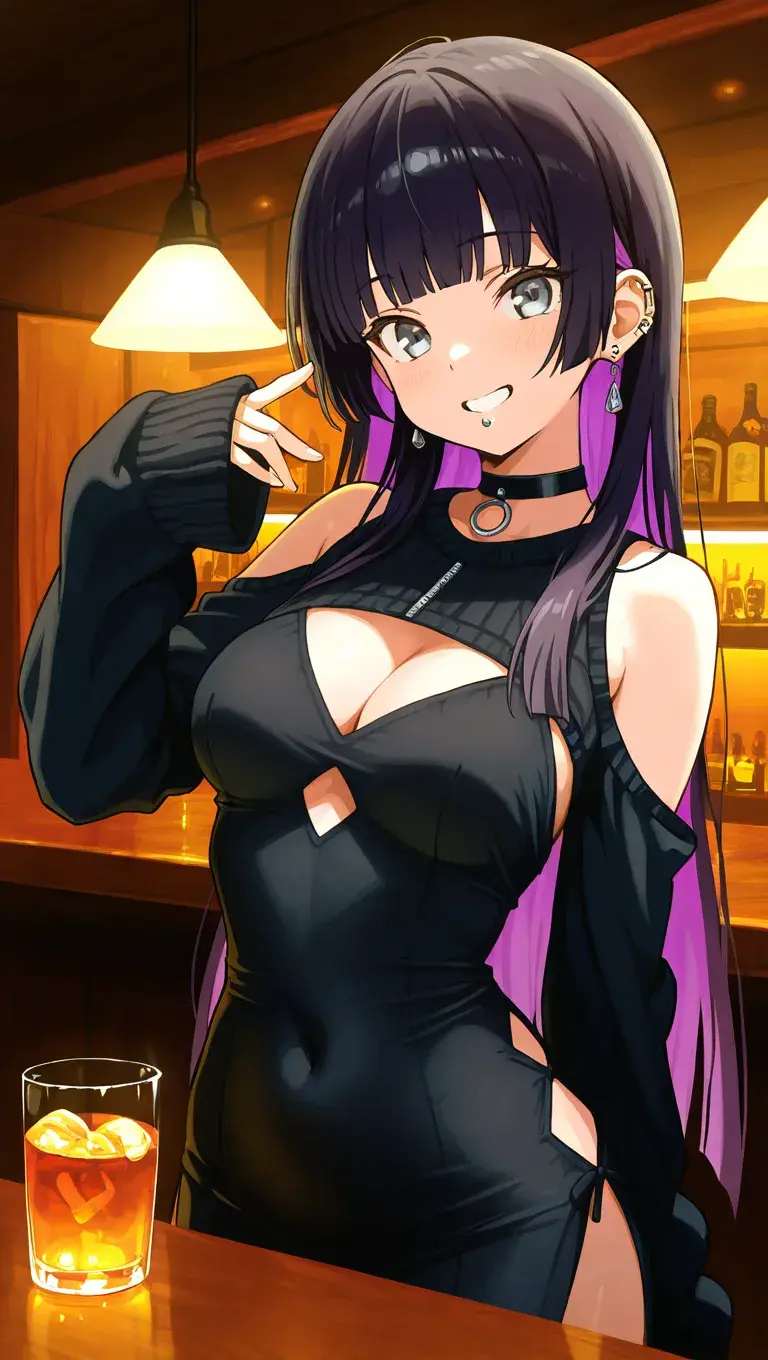
Pa San AI Art
Faithfully Recreate Bocchi the Rock Characters from Text
Bring Kessoku Band members like Hitori Gotoh and Nijika Ijichi to life with stunning accuracy. Our platform uses the WAI-NSFW-illustrious model and the SDXL-compatible “Hitori Gotoh” LoRA to preserve each character’s iconic hairstyle, outfit, and personality. Whether you imagine Bocchi awkwardly holding a guitar or confidently on stage, the AI stays true to the source. No randomness—just characters that look and feel like Bocchi the Rock.
Generate Bocchi Now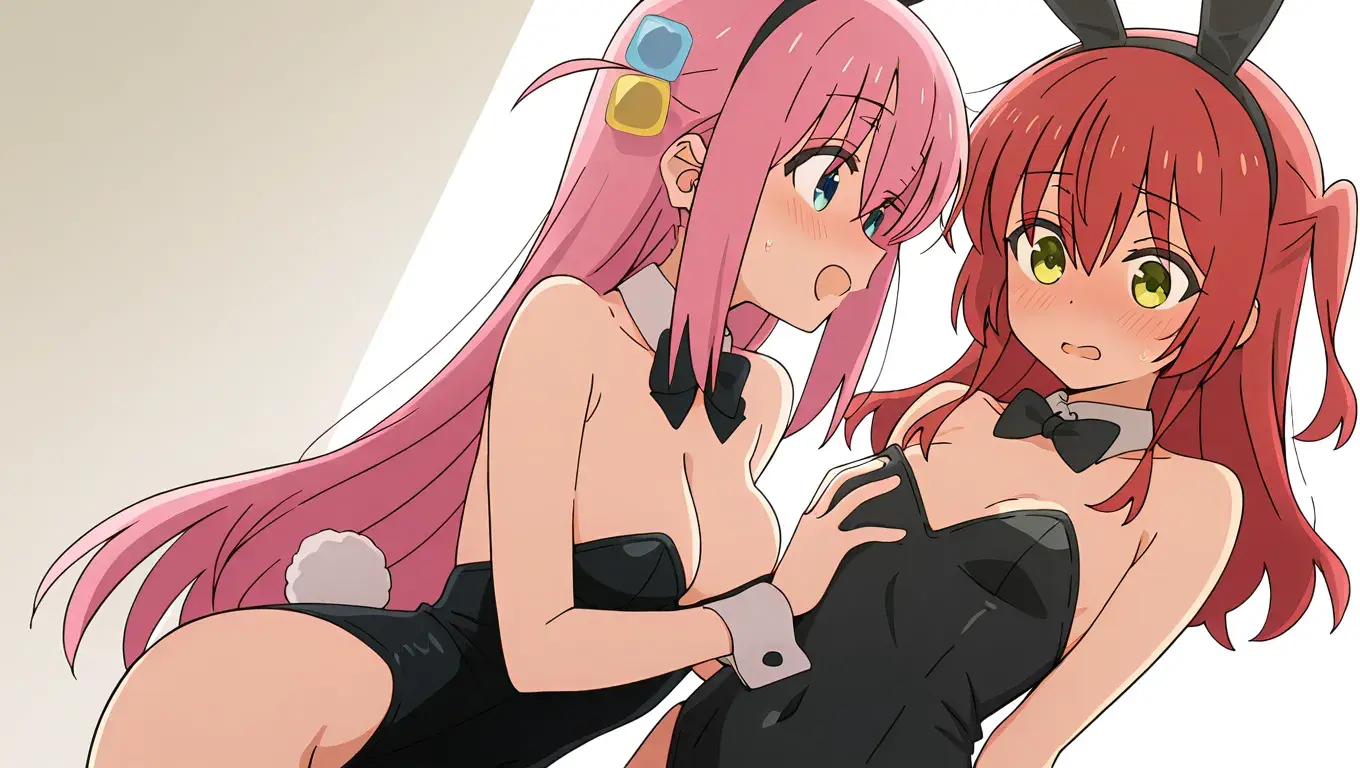
Create Custom Band Scenes Using Simple Prompts
Want a duo performance, classroom moment, or full band jam session? Just enter tags like 2girls, nijika_ijichi, on_stage, or casual_outfit. You decide the number of characters, expressions, and atmosphere—no technical setup required. From solo shots to Kessoku group visuals, the generator transforms text into high-quality anime-style compositions that match your imagination.
Build an Anime Scene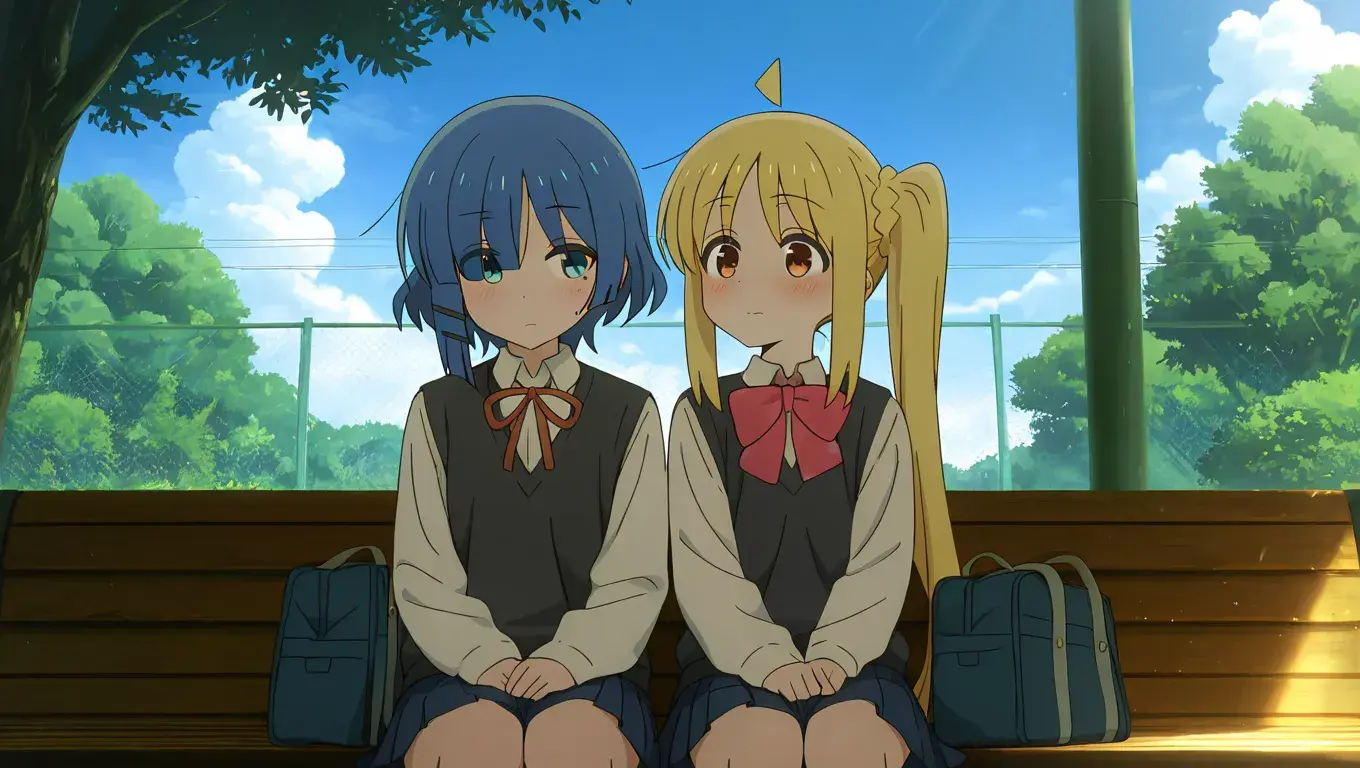
Generate High-Quality Anime Art — Fast and Free
No drawing skills? No problem. Type your idea, select a model, and get beautiful Bocchi the Rock art in seconds. Enjoy free daily credits, lightning-fast rendering, and a streamlined experience made for anime fans. Whether you’re here for fun, fanart, or inspiration, our tool gives you high-quality output without the learning curve.
Try It Free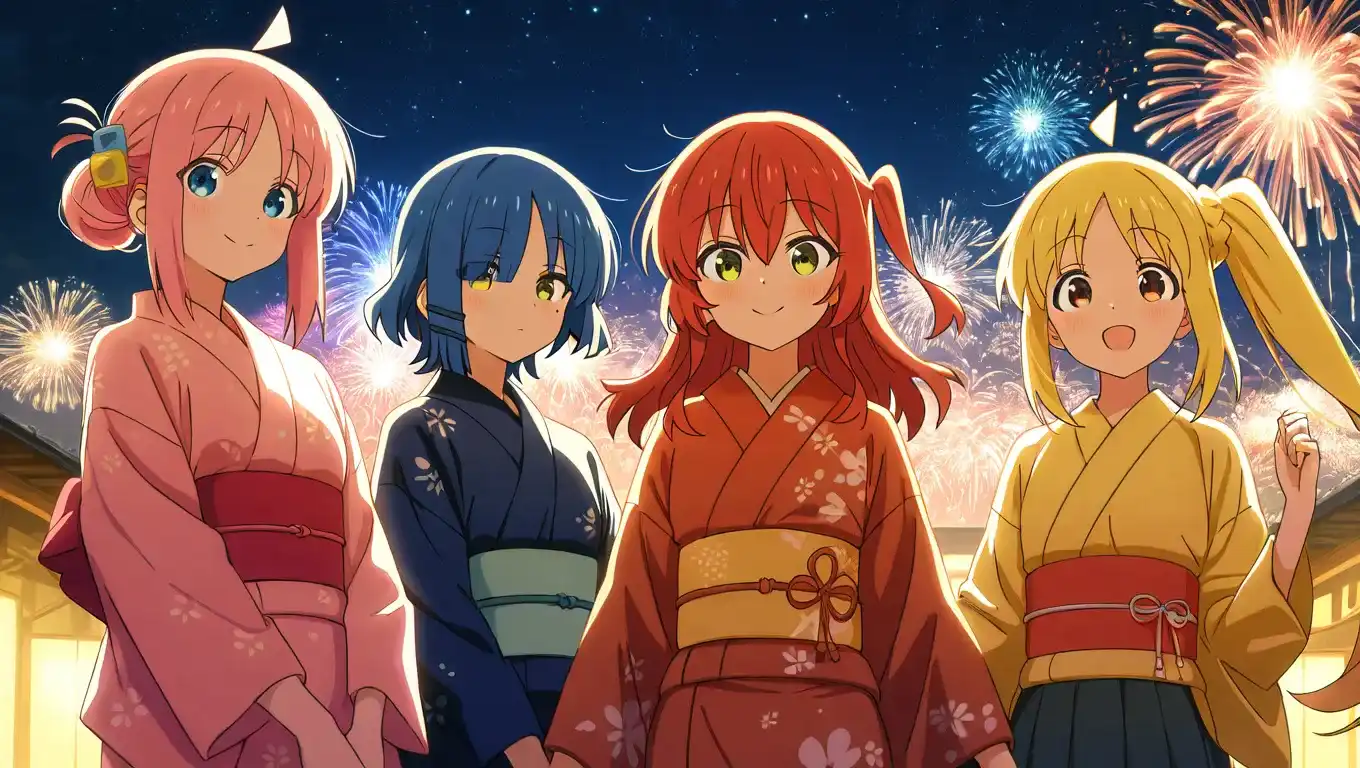
FAQ About Bocchi the Rock AI Generator
Everything you need to know about creating Bocchi the Rock characters with our AI generator — from prompt tips to model choices and output quality.