

 ART GENERATOR
 EXPLORE


 TUTORIAL
How To
Learn how to use AnimeGenius AI tool with detail text & video tutorial.
Use Case
Find the hidden features of AI text-to-image generators and learn how to master AI for creative uses.
Prompt Guide
We provide detailed prompt tutorials to help you use AI like a pro

Parameter
Learn the usage of Stable Diffusion parameters and get more professional AI skills in generation.
Advanced Face Swap styles of gameplay
Do you just upload photos for simply swapping face? Wanna know more styles of gameplay about Face Swap? You've come to the right place, please follow us to explore the world of face swap!
1. What else can you do with our 'Face Swap'
Case 1: Make funny meme
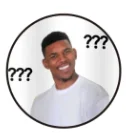
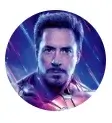
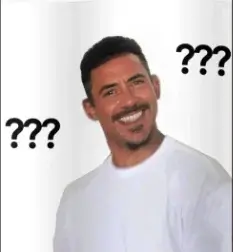
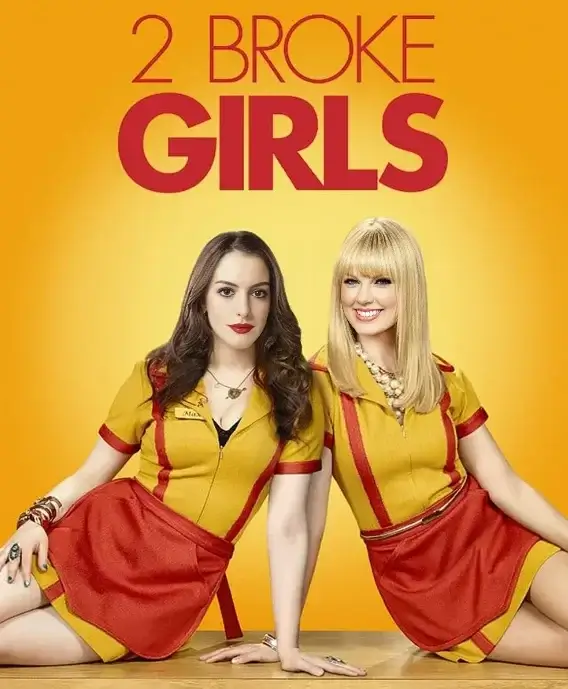
Case 2: Recreate poster
Only when you upload the source image will the selection box appear.
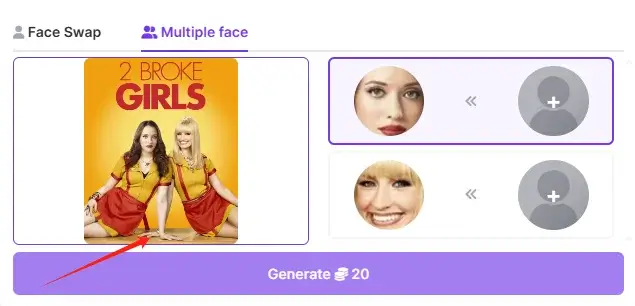
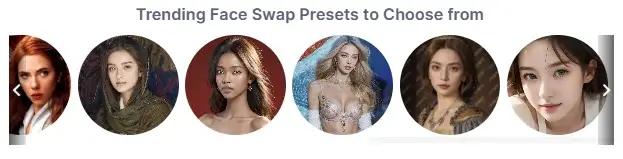
You can upload your own image or choose from our presets.
Now you can get a totally different poster.
2. Useful tips for 'Face Swap'
Pay attention to resolution
The resolutions of the two images that need to have their faces swapped should ideally be the same; this increases the likelihood of a successful outcome.
Choose highly clear source image and position the face in the center
Make sure that the face in the source image you upload is clear and position it in the center, so that the AI can recognize it better.
Keep the facial angles consistent
If the face in the source image is in a front view while the face being swapped in is in a side view, the AI might struggle with recognition accuracy, which could significantly impact the quality of the face swap.
The replacement face should ideally not differ too much from the original face. (Size)
When it comes to differences, it means significant ones. For example, if the source image is a child's face while the face being swapped is that of an elderly person, the child’s face is much smaller compared to the larger face of the elderly person. These differences can affect the quality of swapping face.
3. What can't you do with our 'Face Swap'
Realistic to Anime
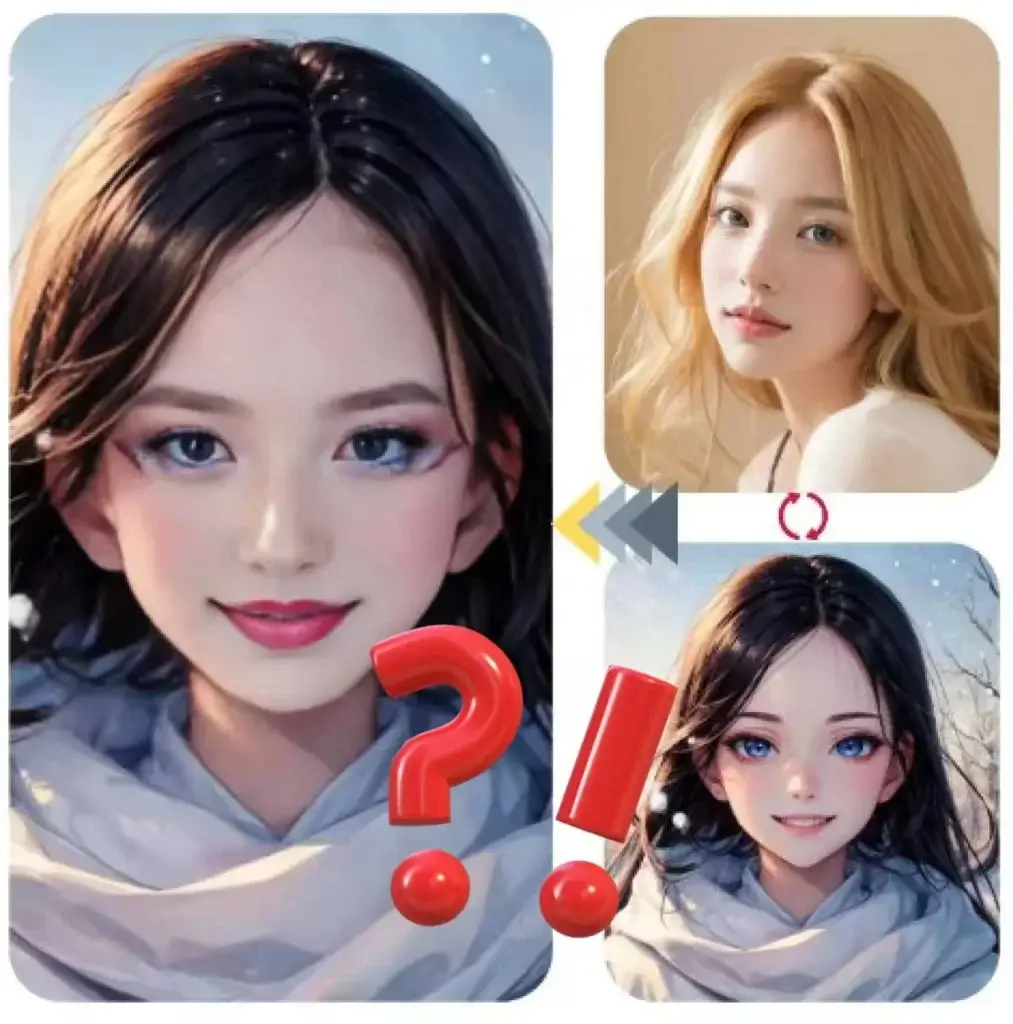
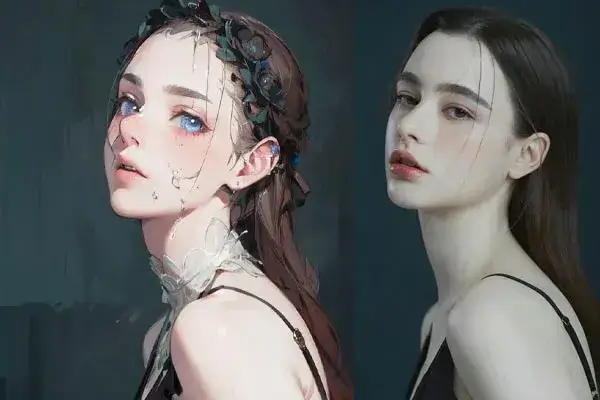
Sometimes, when the similarity between a realistic image and an anime image is very high, your face swap might succeed. However, in most cases, because the faces of anime images are flat, the AI has difficulty recognizing facial features, so the results are usually mediocre.
Therefore, it is generally not recommended you guys to try this.
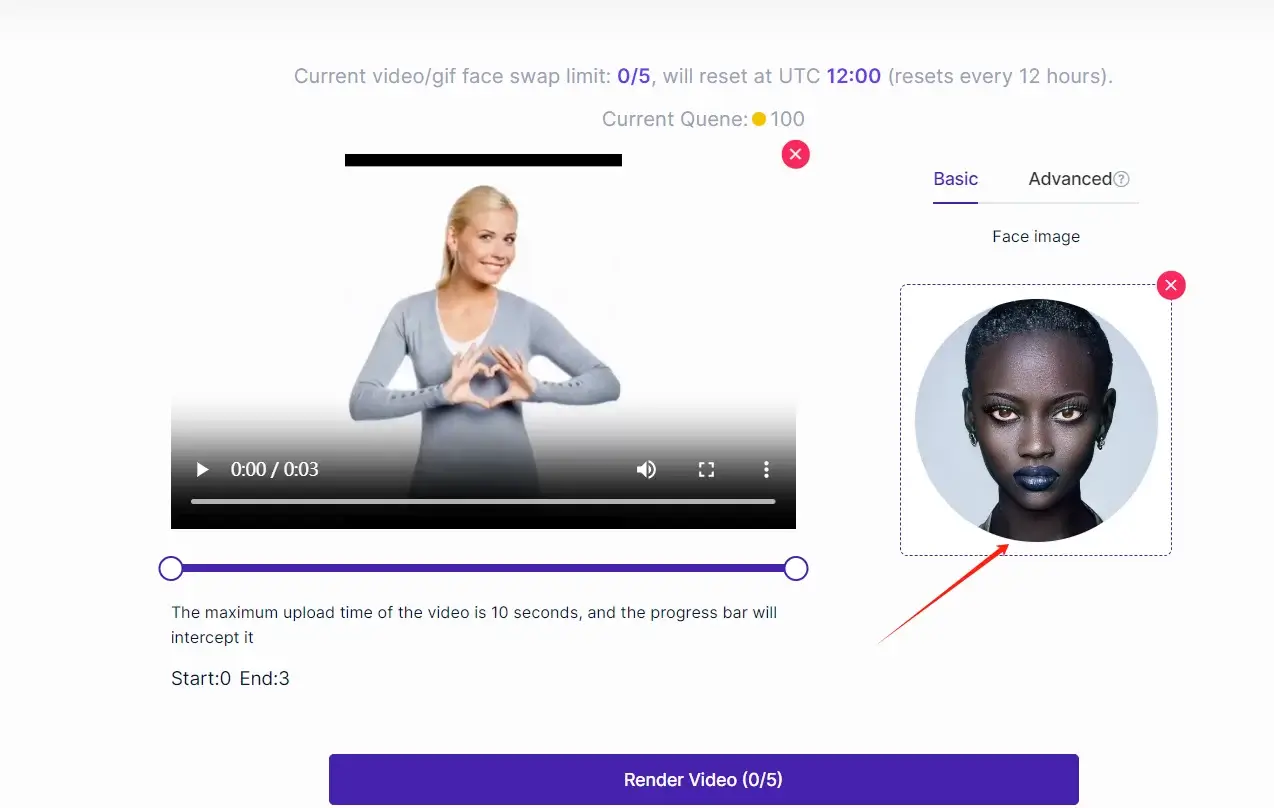
Video or GIF Face Swap
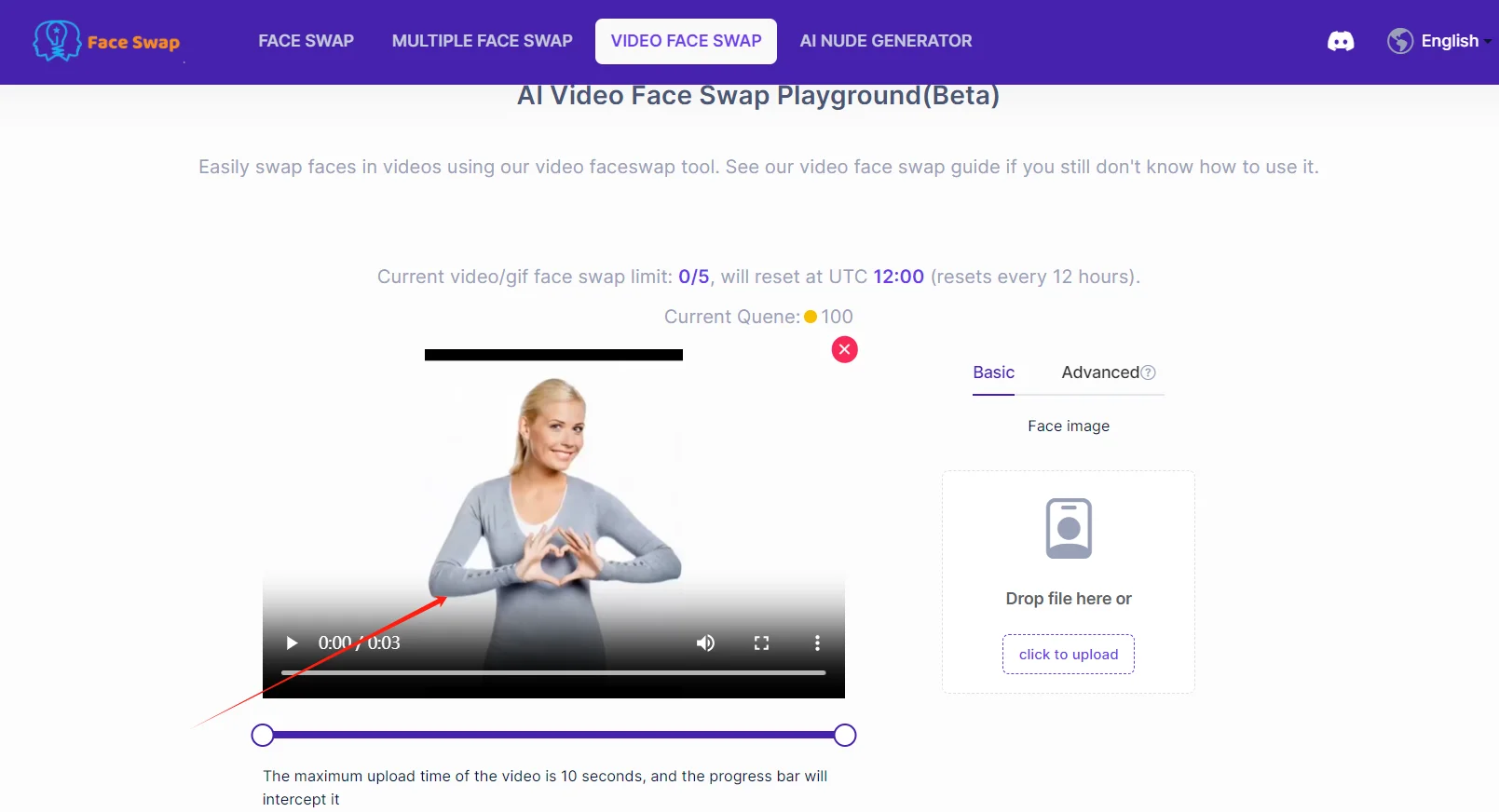
Although AnimeGenius doesn't offer video or GIF Face Swap, you can use AnimeGenius's sister product---aifaceswap.io, to achieve these features, and it is completely free, enjoy it!
4. Conclusion
Hopefully, you've mastered the Face Swap feature of AnimeGenius and know how to swap faces in videos using AIFaceswap. Just use them to have more fun!
Funny gameplay of swapping face in AnimeGenius
Enjoy it!