

 ART GENERATOR
 EXPLORE


 TUTORIAL
How To
Learn how to use AnimeGenius AI tool with detail text & video tutorial.
Use Case
Find the hidden features of AI text-to-image generators and learn how to master AI for creative uses.
Prompt Guide
We provide detailed prompt tutorials to help you use AI like a pro

Parameter
Learn the usage of Stable Diffusion parameters and get more professional AI skills in generation.
Introduction: AI Model & Lora
1. The feature of Model and Lora
AnimeGenius is known for its delicate and sufficient models and loras. You can choose wahtever you like.
Model
Models are mainly used to generate general or specific types of pictures, That is to say, the same model generates unified style.
Lora
Loras add more details to our generated image, which can further refine based on the previous one.
2. Classification of Model and Lora
There are a lot of AI tools out there that can support generating original characters, but the one I'm more familiar with is AnimeGenius, which is known for its wide variety of models and loras, giving you a wide range of options for generating characters. With different models, you can generate different original characters. Importantly, it's newbie friendly and easy to use. Here are details about how AnimeGenius generates original characters!
Model
Each Normal model has its own data analysis radar map, and the value range is mainly a score for the model's contrast, saturation, facial details, body details、light and shadow effect. The scores are different corresponding to different model effects.
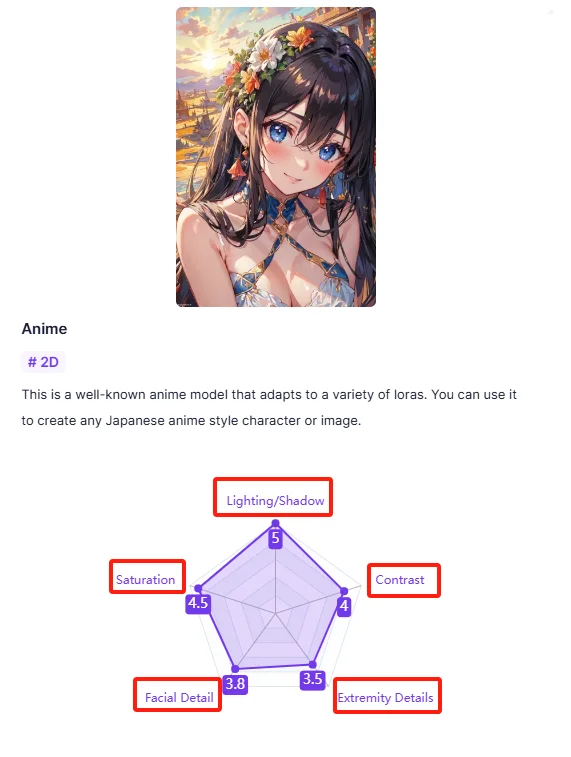
Normal
Each model of 'Normal' has their own style, including cute-style、realistic-style、Japanese-style. You could pick the one you like acccording to its description and data analysis radar map.
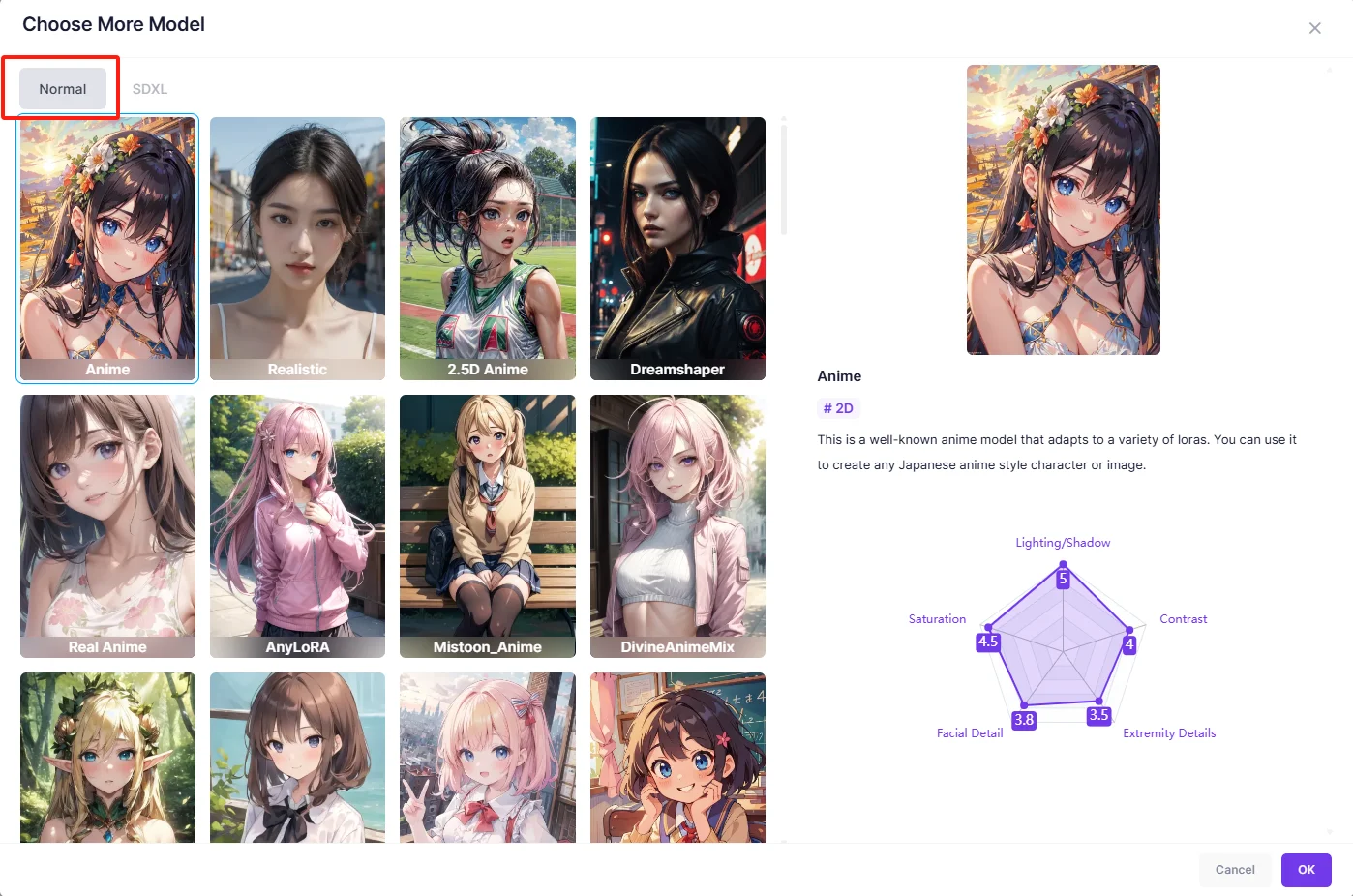
SDXL
The SDXL model, short for <b>Stable Diffusion XL</b>, is an advanced version of the Stable Diffusion model used for generating high-quality images from text descriptions. As for SDXL, it could allow generating stable high quality images. What's more, It also has better color vibrancy and accuracy for images.
Lora
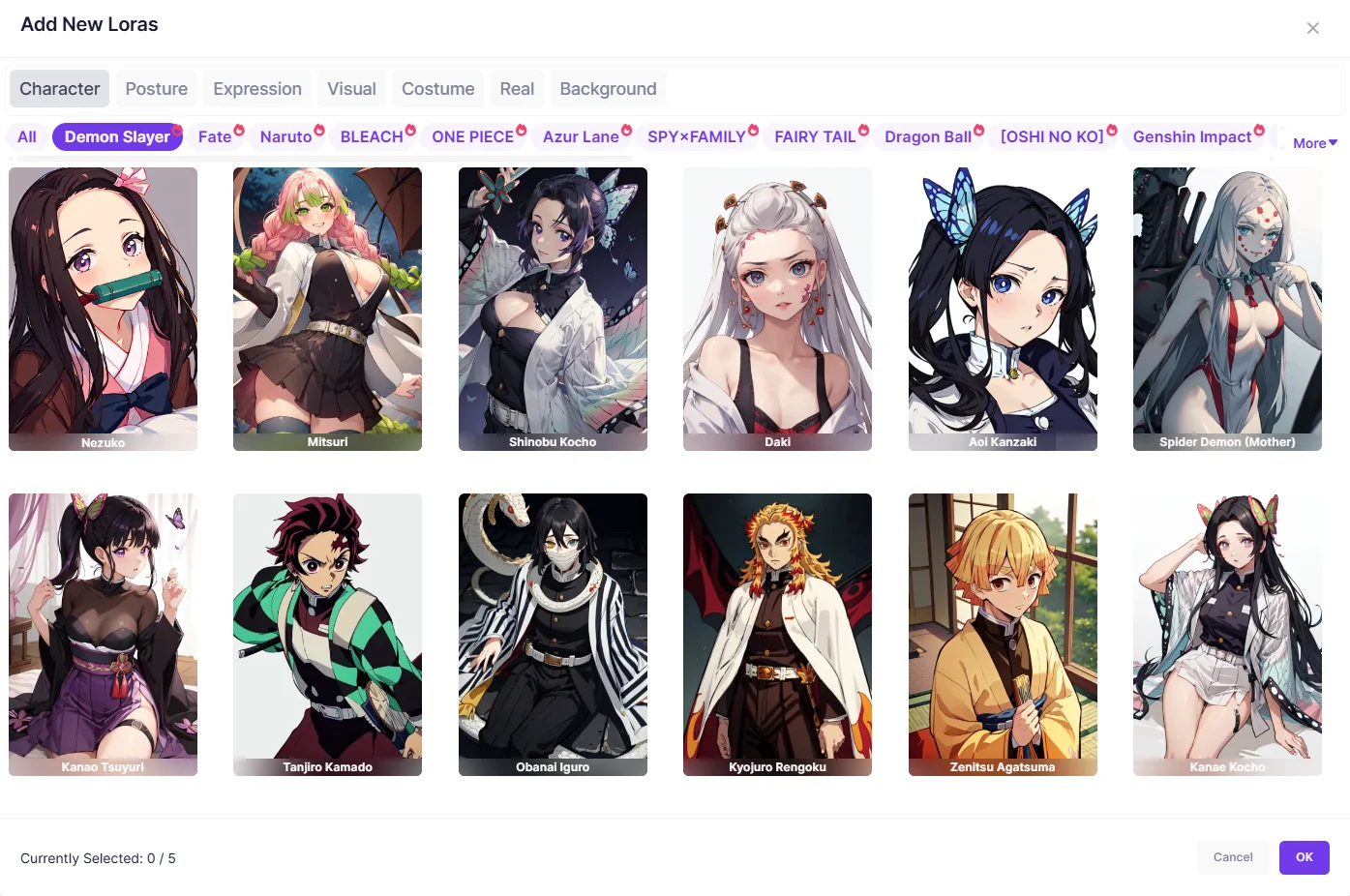
The category of Lora is divided into seven parts.
Character
As for characters, they are all popular characters form anime or game. For example, you could see 'Demon Slayer' and 'ONE PIECE' here.
Posture
This part includes some common-used postures in our daily life,like Headpat、Selfie and so on.
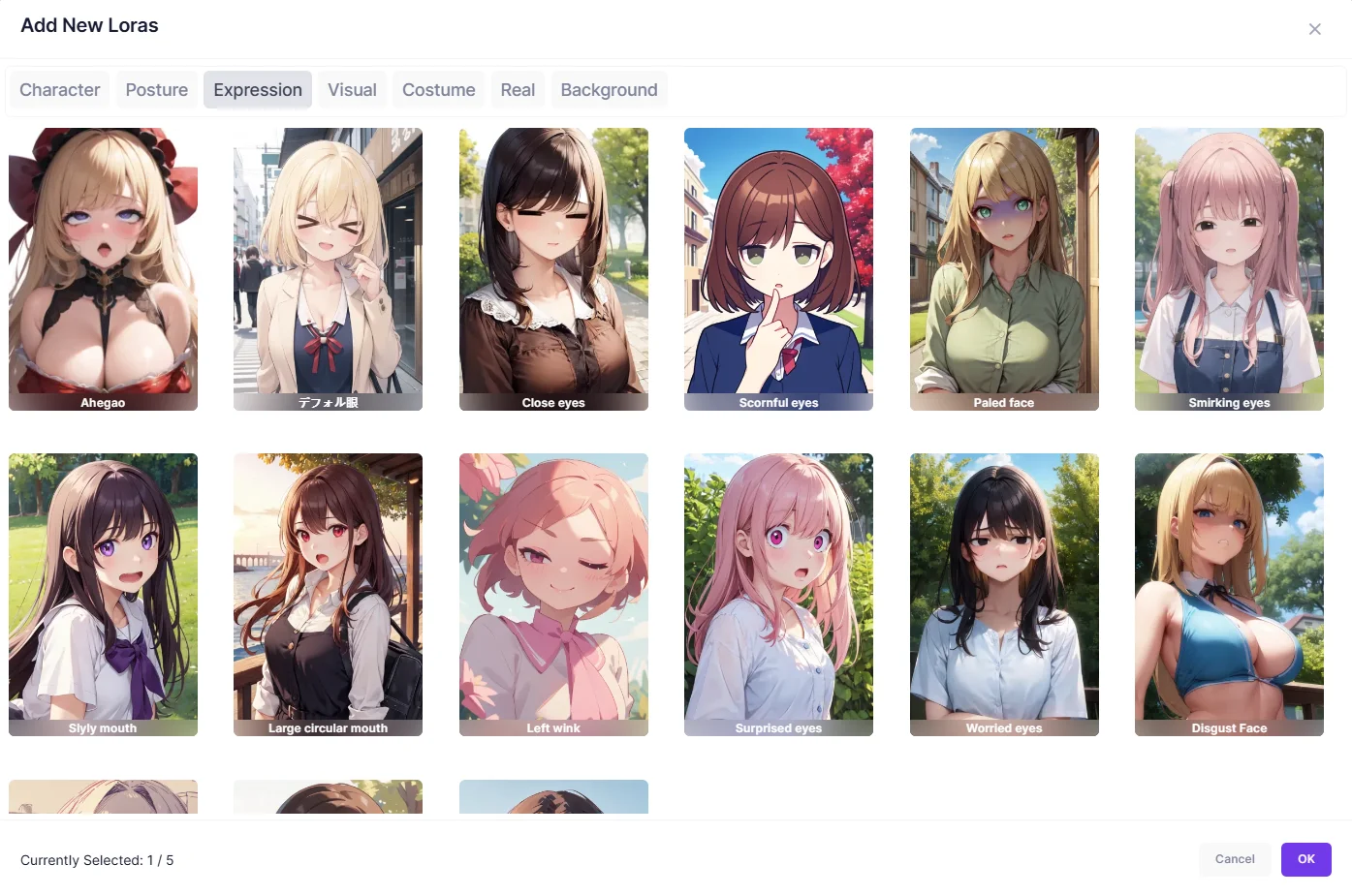
Expression
Here you could use these lora to add expression to your character and make him or her more vivid and natural.
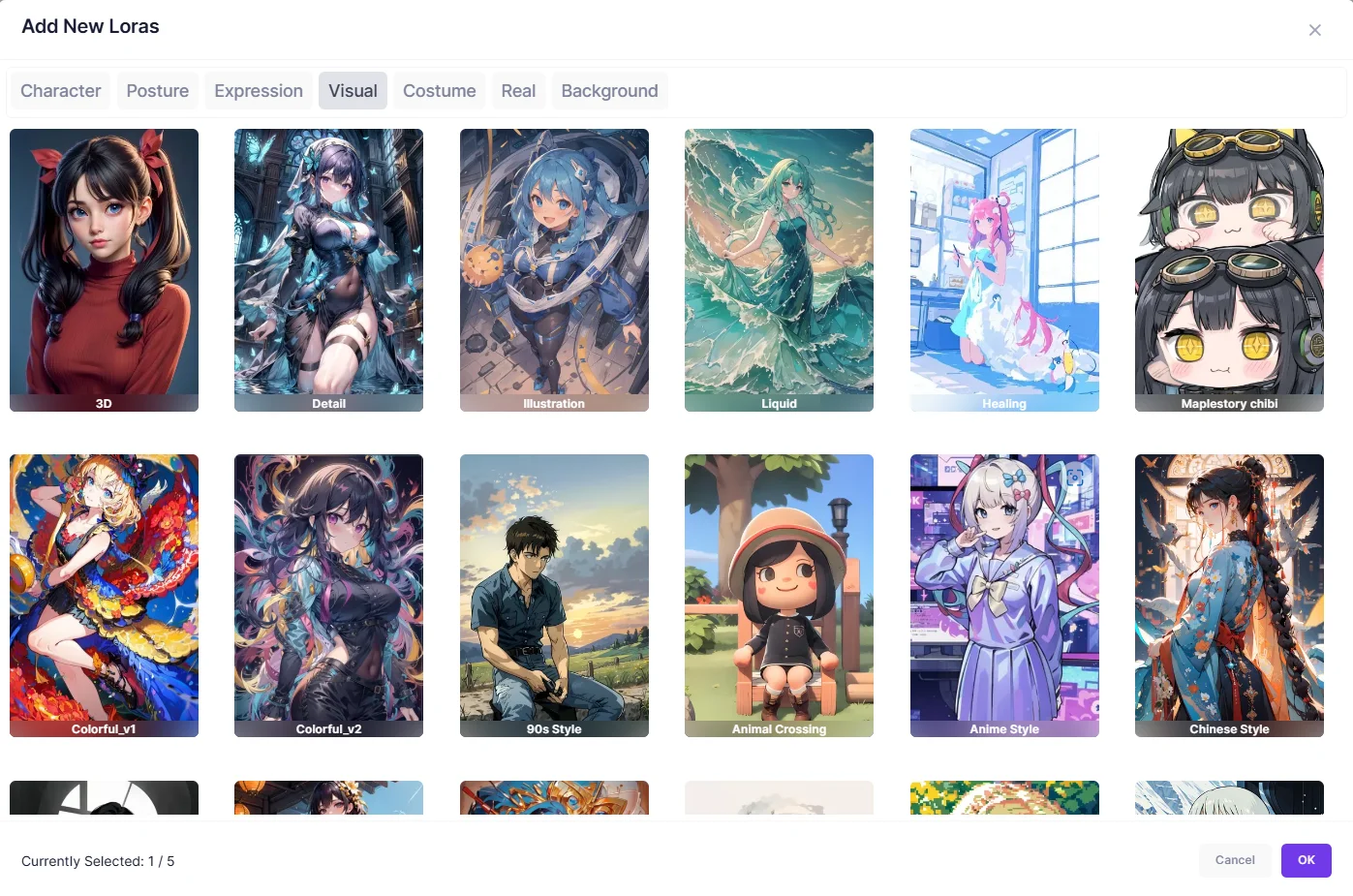
Visual
From 90s-style to Chibi Manga, these loras determine the overall effect of your images.
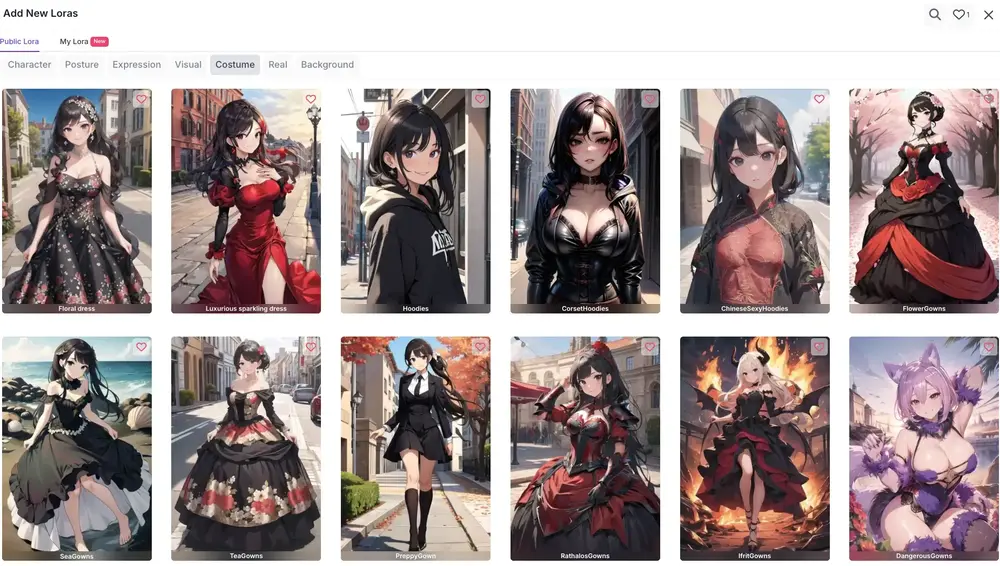
Costume
There are different kinds of clothes for you to choose from causal clothes to wedding dress, you could pick the one according to your reference.
Real
Other types of lora generate images in anime style, but if you want to generate images that are closer to real people, you can choose this category of lora.
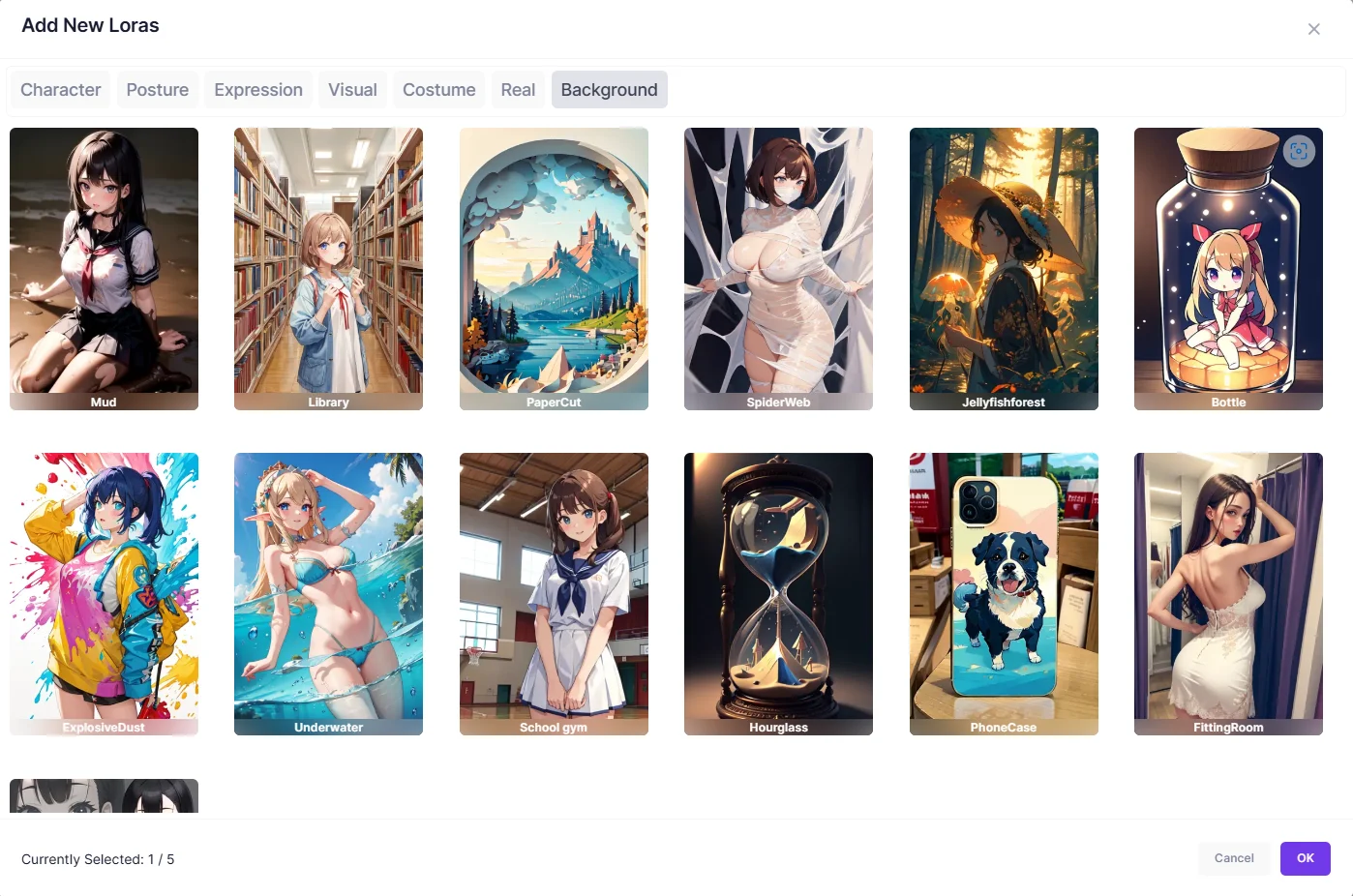
Backgound
This category of loras determines the setting around your character. You can choose whether your character's scene is in the inside or outside.
3. Widely use of Lora
As for model, you only can choose one model. But as for lora, you could choose more than one according to your preferences.
Examples:
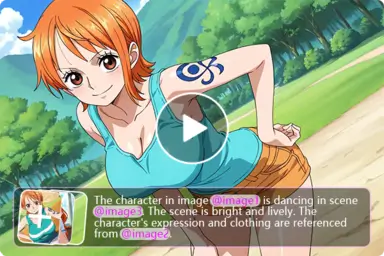
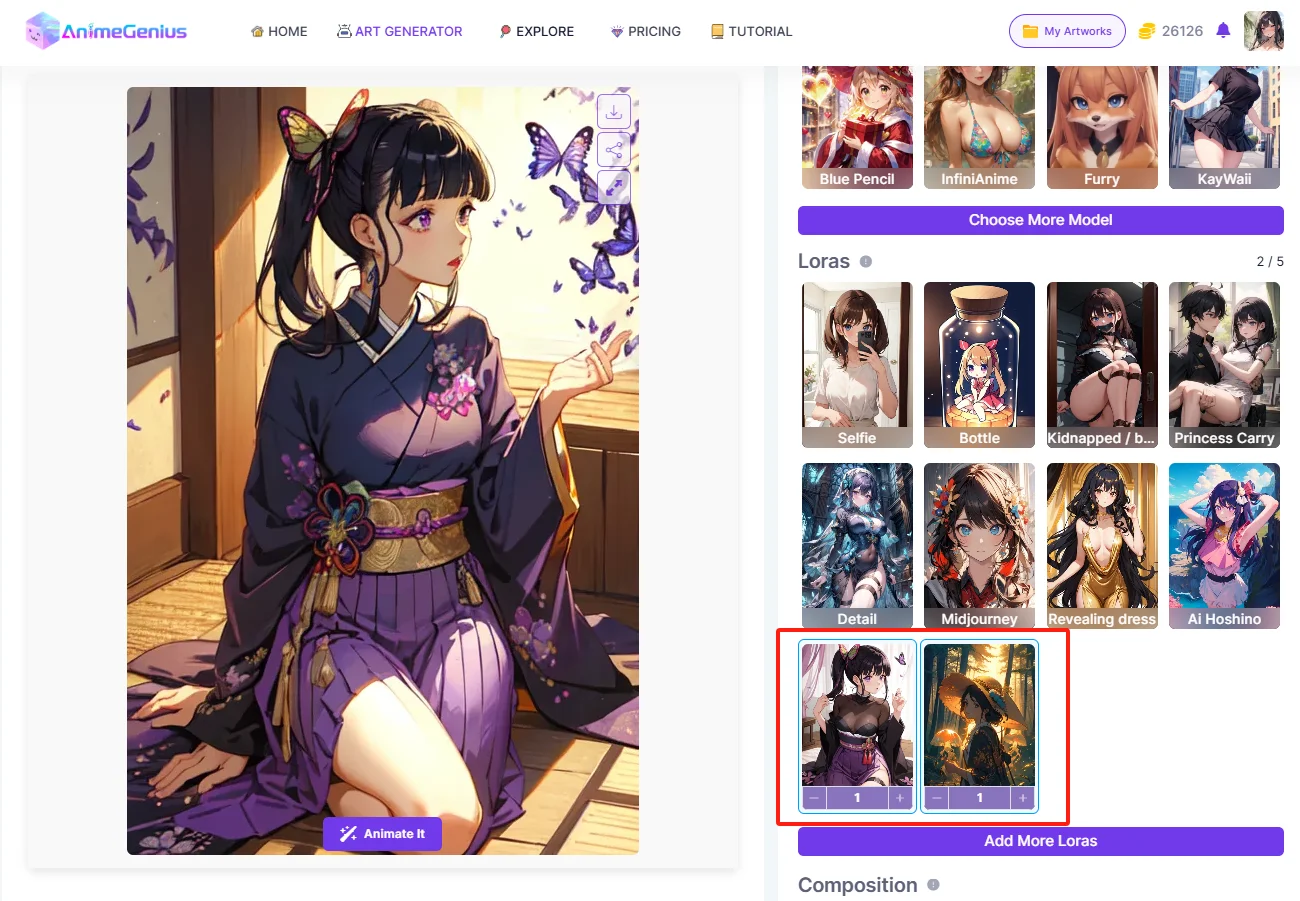
Character Lora+Background Lora
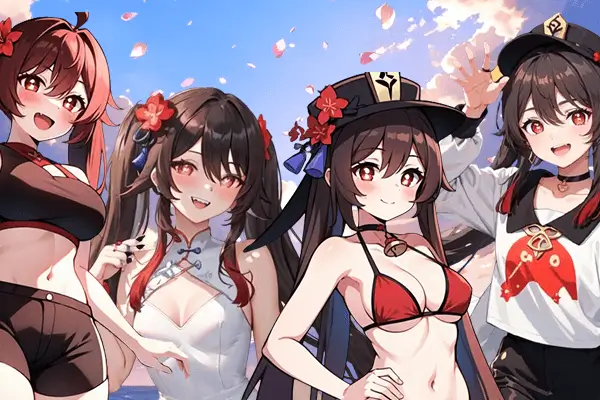
As you can see, we choose a character lora and a background lora together to generate image.
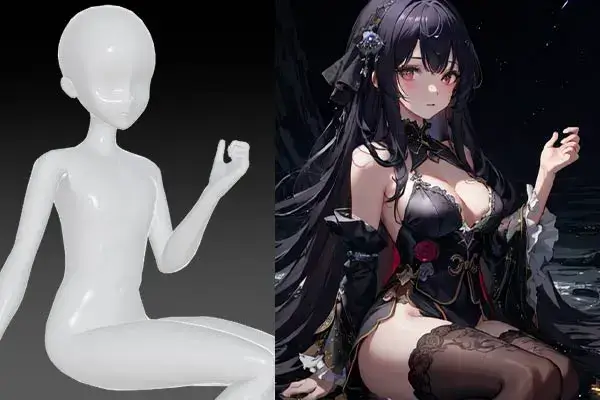
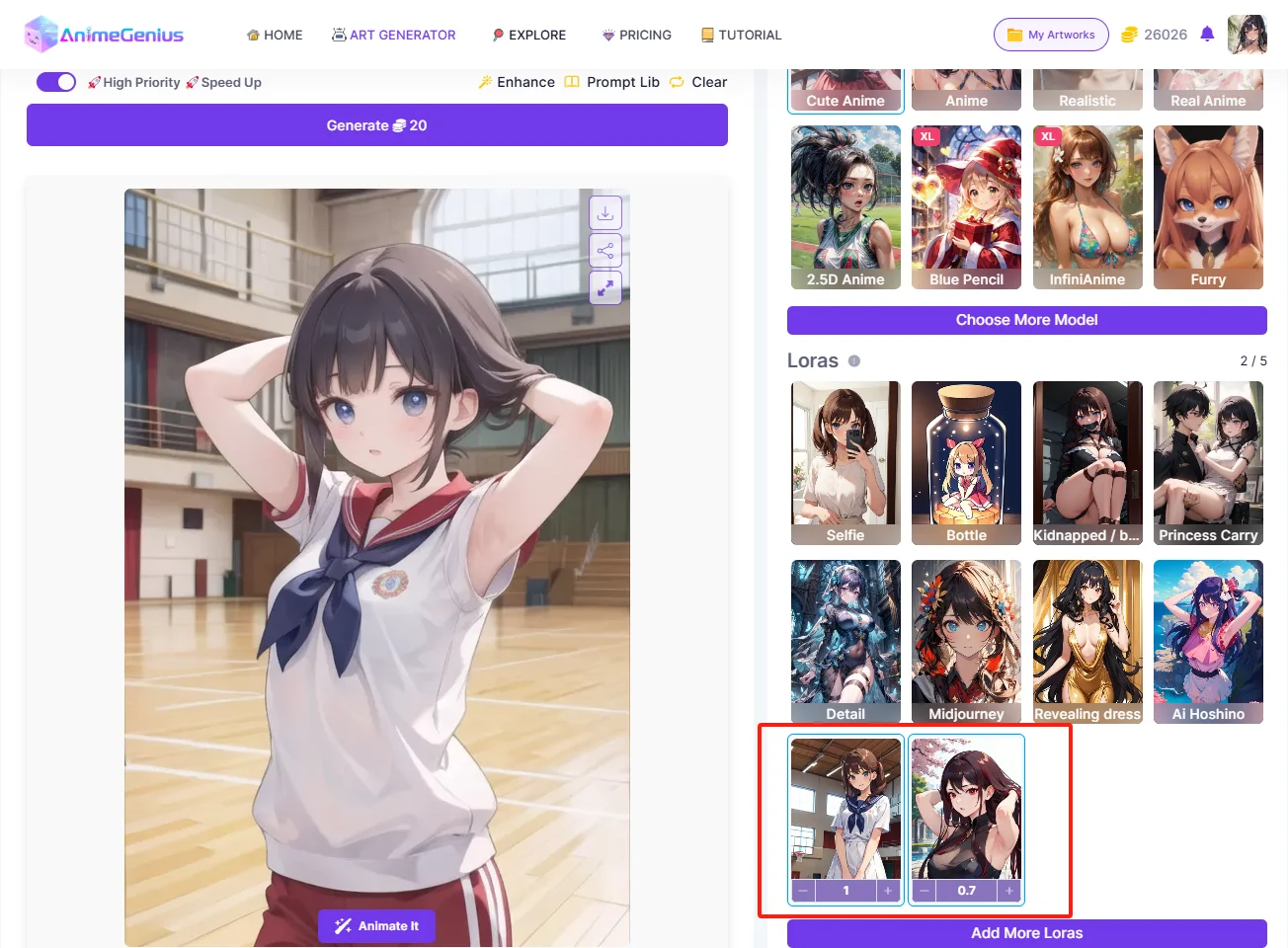
Posture Lora + Background Lora
This image below combines the characteristics of a posture lora and a background lora.
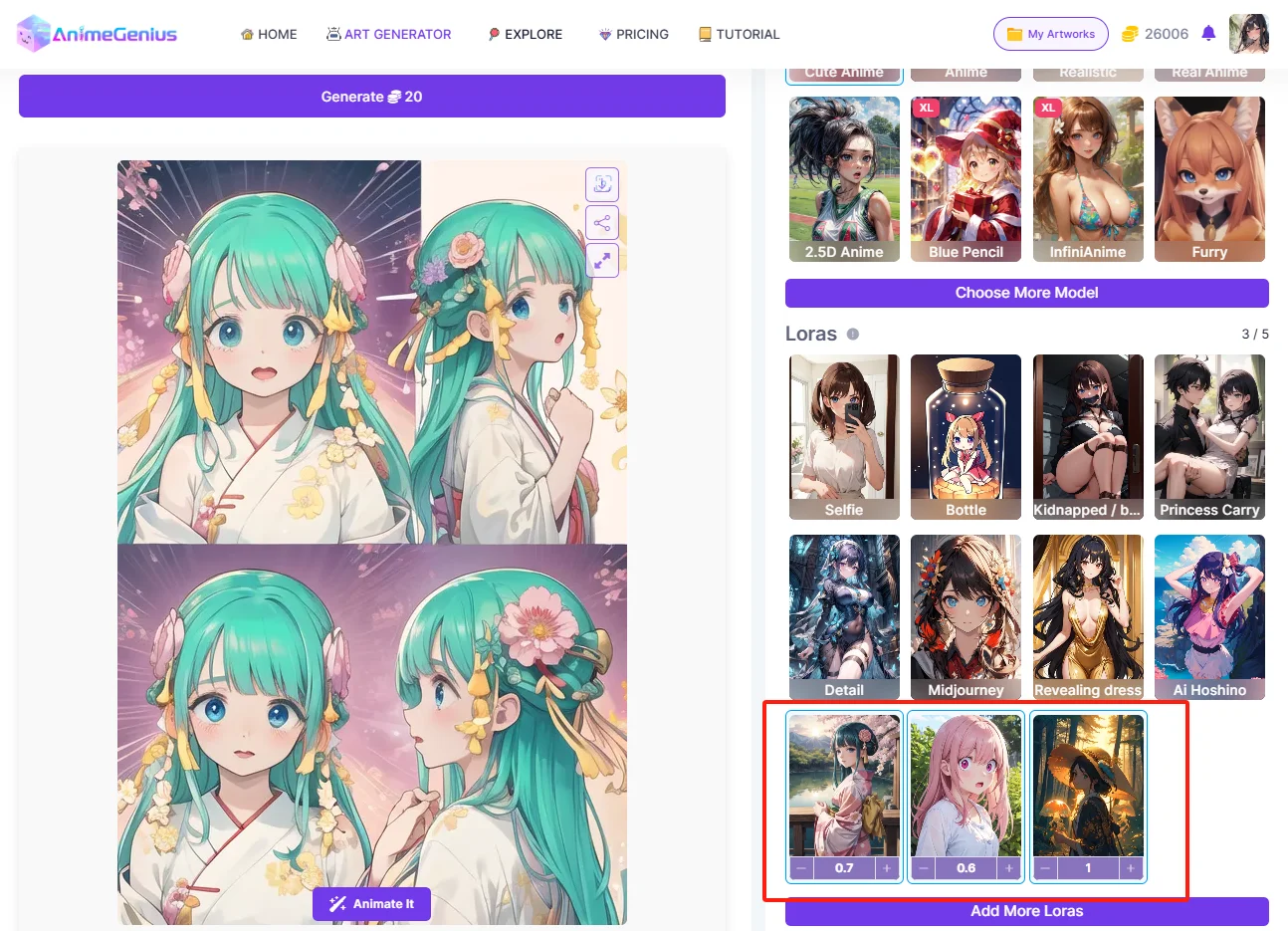
Character Lora +Expression Lora +Background Lora
In this image, we choose three loras at once, which are character lora、expression lora and background Lora.
4. Tips:
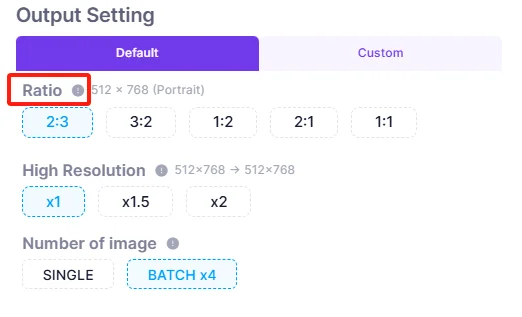
Batch Generation
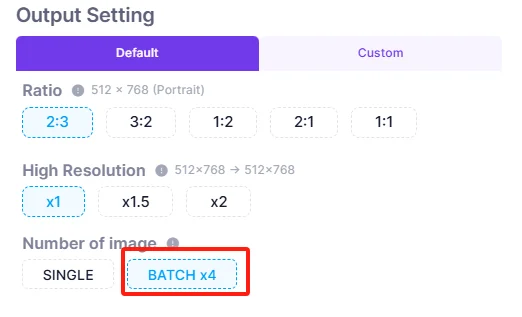
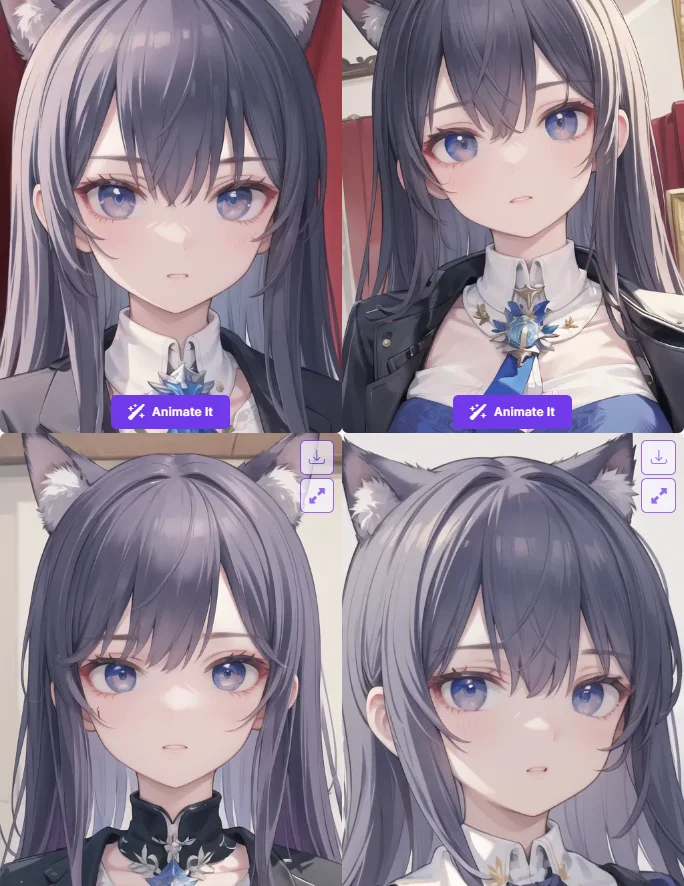
If you want to generate more images at once, you can choose batch generation function to get multiple beautiful images
Ratio
You can also choose different composition sizes.
5. Conclusion
Hopefully you've have a clear understanding of Models and Loras of AnimeGenius. Just use them to create your unique artwork!