

 ART GENERATOR
 EXPLORE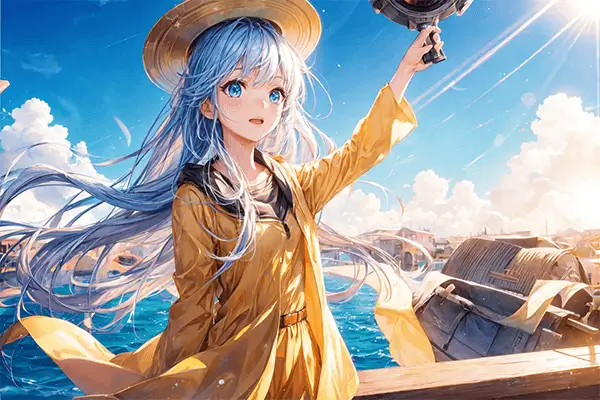


 TUTORIAL
How To
Learn how to use AnimeGenius AI tool with detail text & video tutorial.
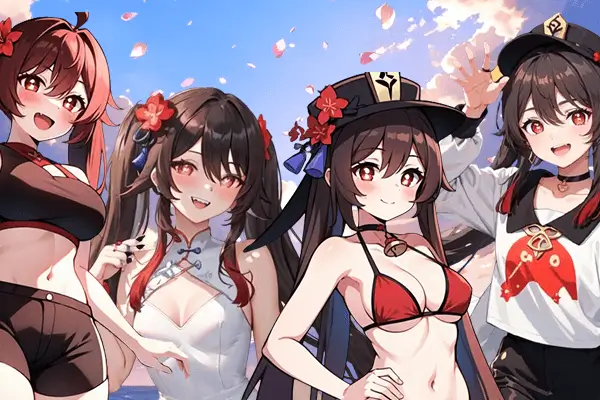
Use Case
Find the hidden features of AI text-to-image generators and learn how to master AI for creative uses.
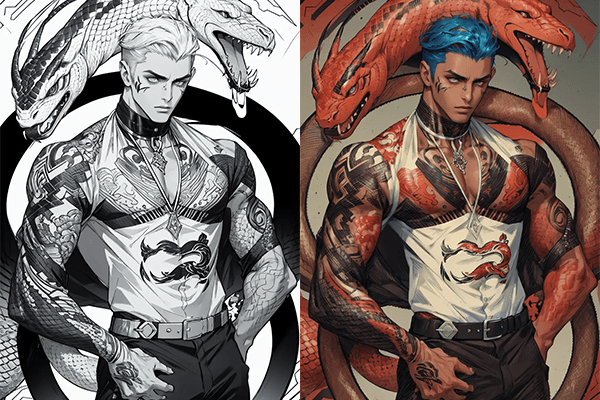
Prompt Guide
We provide detailed prompt tutorials to help you use AI like a pro

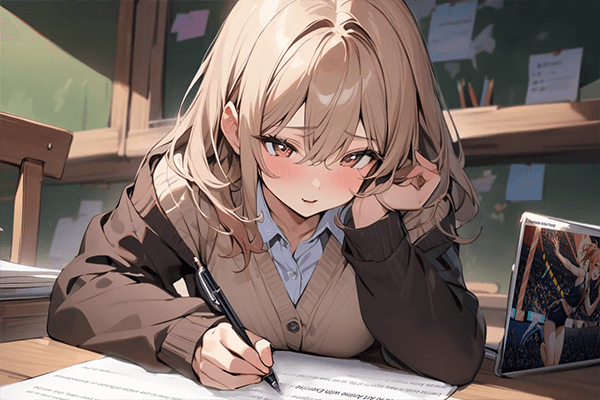
Parameter
Learn the usage of Stable Diffusion parameters and get more professional AI skills in generation.
Guide to Create High-Quality Stable Diffusion Images(44+ Best Prompts)
In this guide we will teach you 44 useful image quality prompts and use 12 example to show you how to create high-quality images in Stable Diffusion.
High-definition can provide higher resolution and clearer details, as well as a wider color range and more accurate color reproduction, making the colors of the artwork appear more vivid and realistic, which helps enhance the visual impact of the image.
In our article, we introduce 44 useful stable diffusion prompts to improve the quality of the image and provide 12 example cases to show you how to use different prompts in AI to make the art more detailed, realistic, and enhance the visual impact of the image.
44 Different Stable Diffusion Image Quality Prompts
Can be used alone or in combination.
- Best quality
- 4k high detail
- 8k resolution
- Textured skin
- Ultra detailed
- Clear face
- High contrast
- Exquisite facial features
- Ultra-fine painting
- Detailed depiction of the face
- Super overall texture enhancement
- Masterpiece
- Textured skin
- Fine details
- Super detail
- Top quality
- Solid color1.2
- Extreme lines
- Anatomically correct
- 4khighly detailed
- Extreme light and shadow
- Picture stroke detail enhancement
- Sharp focus
- UHD
- Photorealistic
- Retina
- High brightness
- High saturation
- Low saturation
- Highlight particle
- Highly detailed
- Detailed depiction of the eyes
- Character HD skin qualities
- Super detail
- Absurdres
- Accurate
- Prefect face
- Fine CG
- Heavy color 1.2
- Award winning
- Realistic Vision
- Very high resolution
- Detailed depiction of the human body
- Hair texture realistic effect1.2
12 Practical Results For Best Picture Quality
Here are 12 different Steady diffusion hi-quality cue words that I use in AnimeGenius, you can also practice by following our steps, or click the button below to access the practice.
Fixed appearance description prompt words:
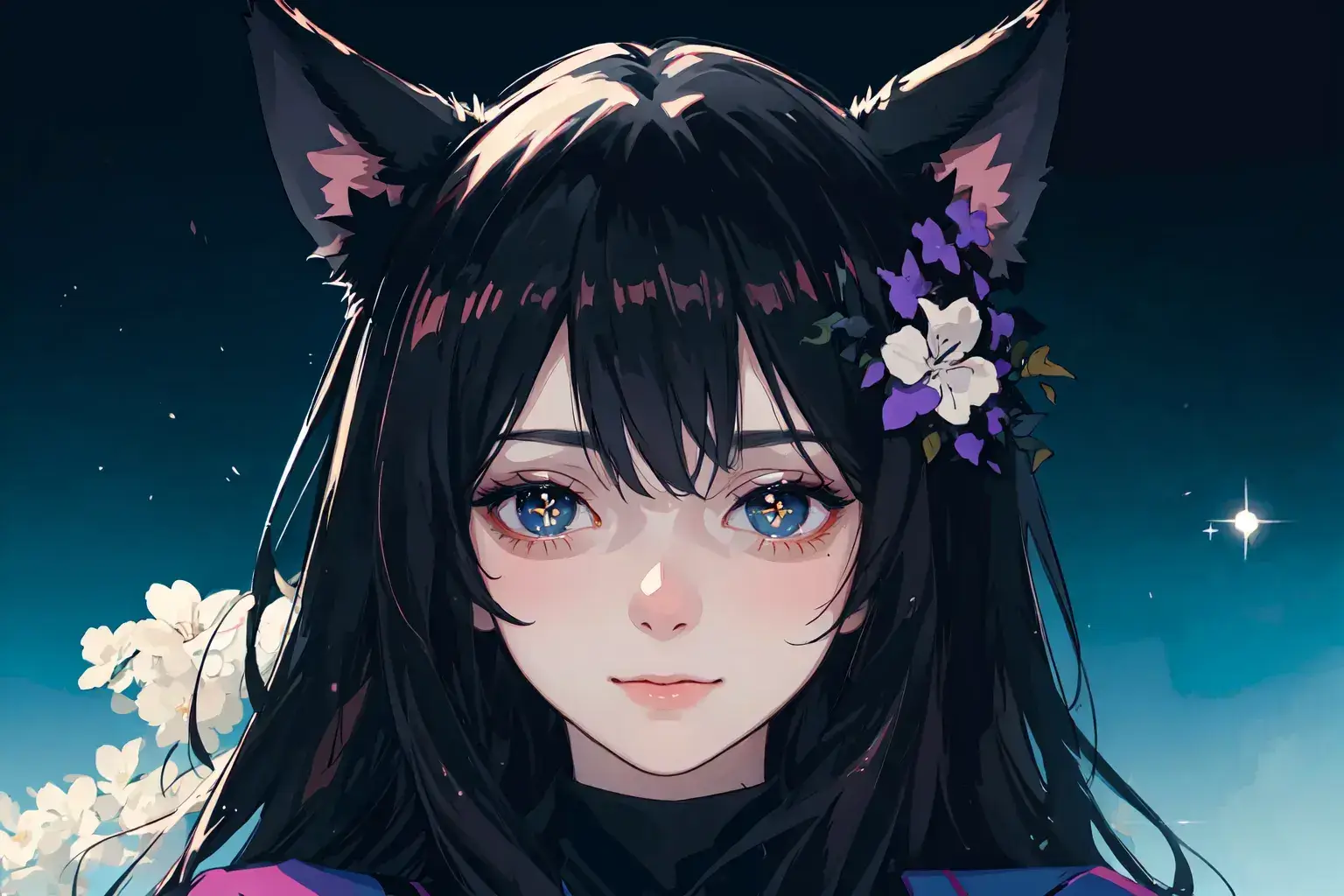
Prompts: female, solo, medium shot, flower-shaped pupils, pupils sparkling, empty eyes, :3, cat ears, laughing, long hair, black hair, hair flower, school uniform, Visor cap, hills, sky, in spring
Model: Anime
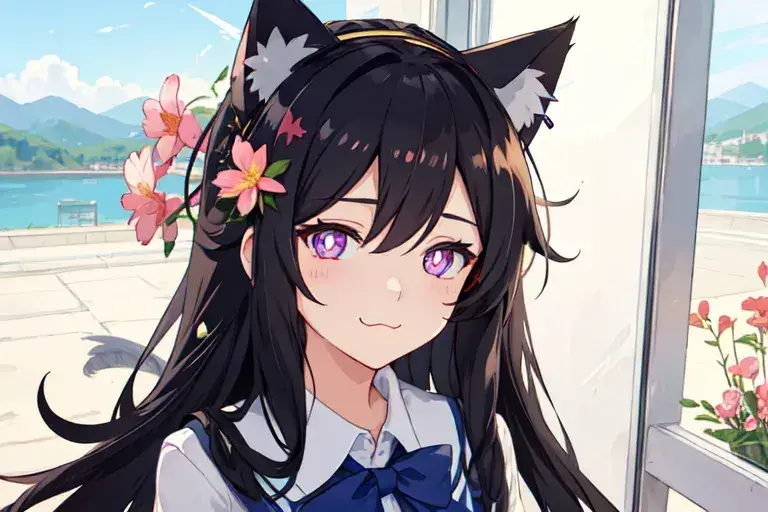
1. Use (masterpiece) picture quality effect
Prompt: ((masterpiece)), ((Realistic Vision)),((fine details)),((Detailed depiction of the face)),((Detailed depiction of the eyes)),((Solid color1.2)),((High saturation))
Model: Anime
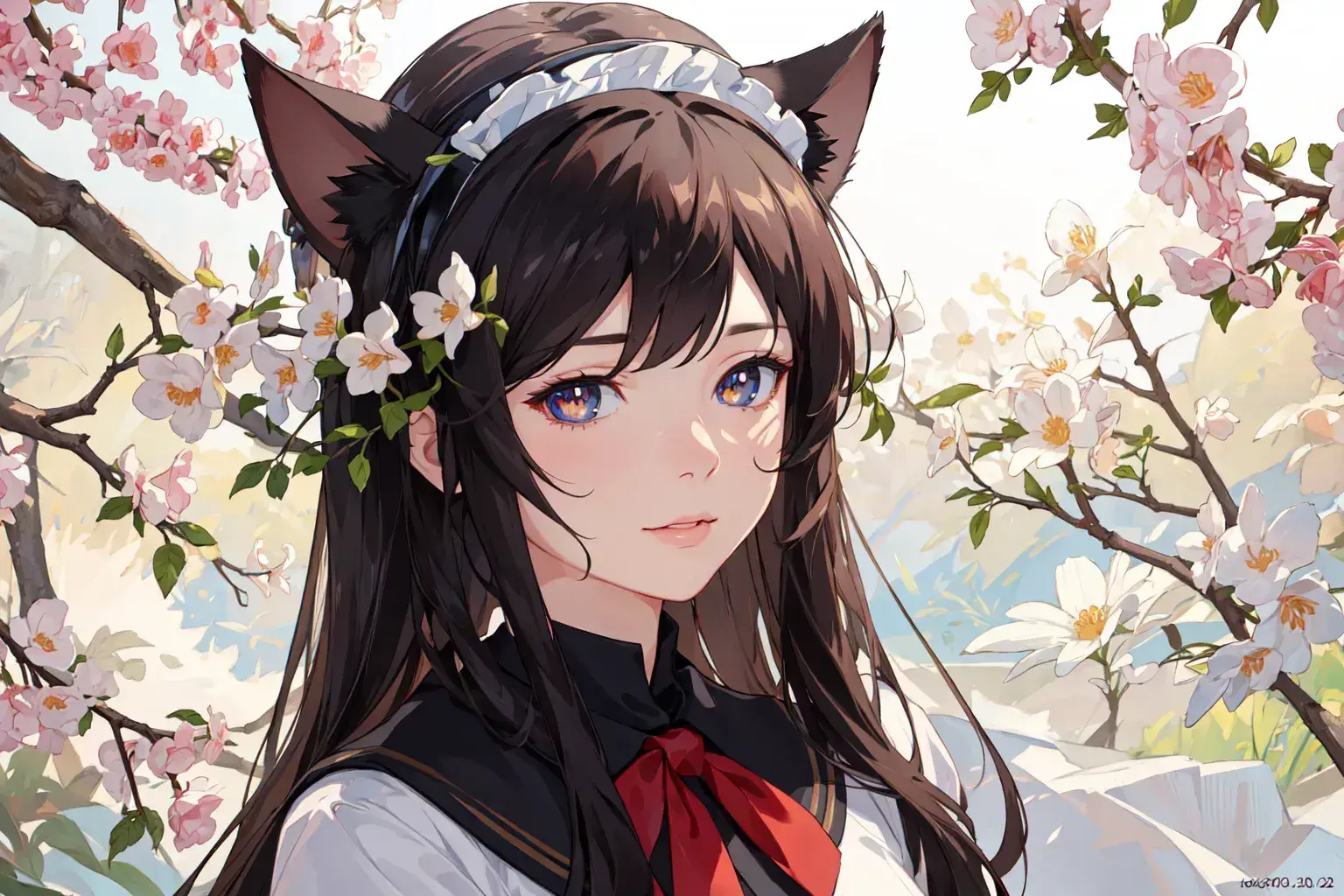
2. Use (textured skin) image quality effect
Prompt: ((textured skin)),((super detail)),((ultra-fine painting)),((Detailed depiction of the face)),((Detailed depiction of the eyes)),((Clear face)),((Heavy color1.2)),((Detailed background))
Model: Anime
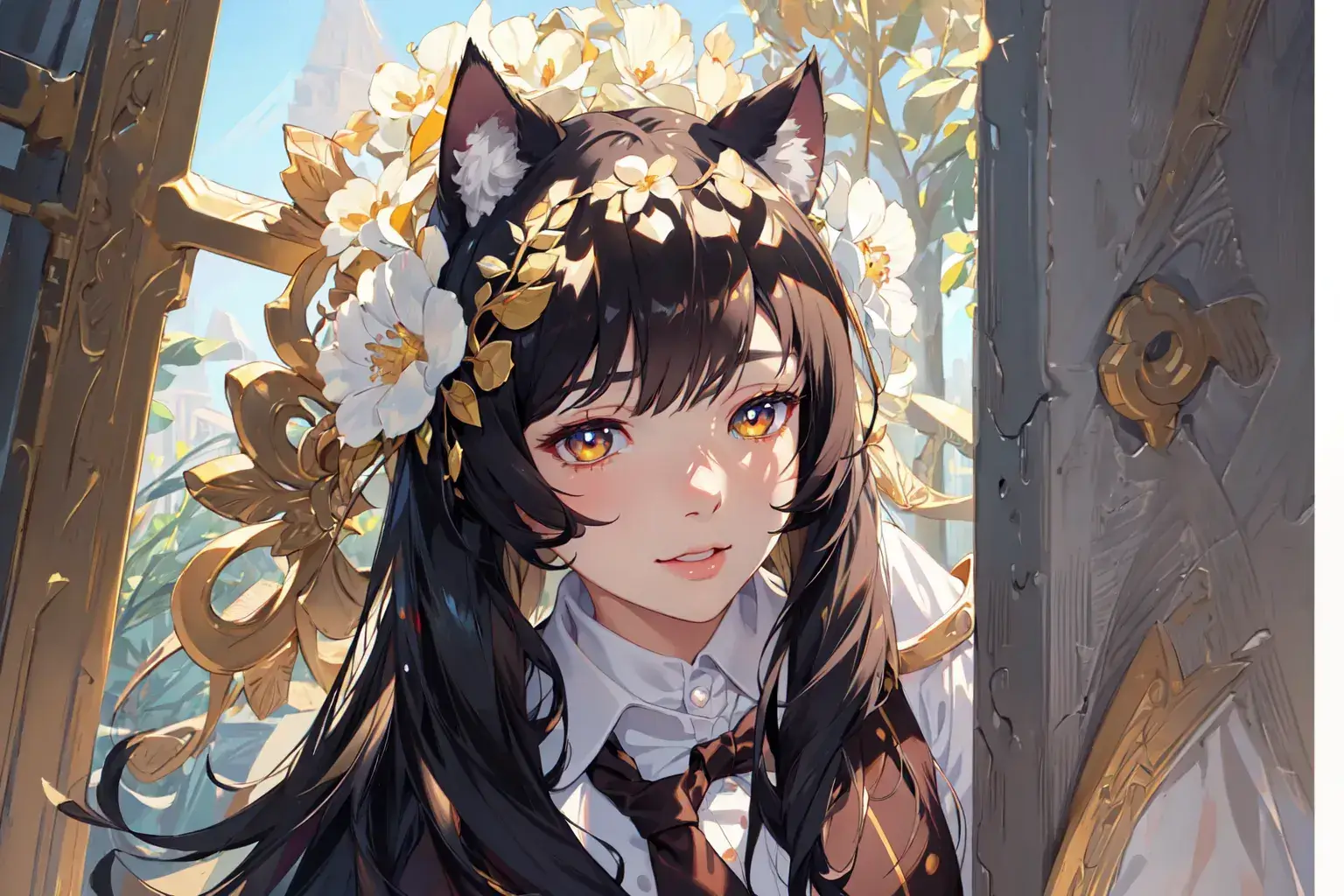
3. Use (Accurate) image quality effect
Prompt: ((Accurate)), ((retina)),((UHD)),Solid color1.2,Heavy color1.2,High saturation
Model: Anime
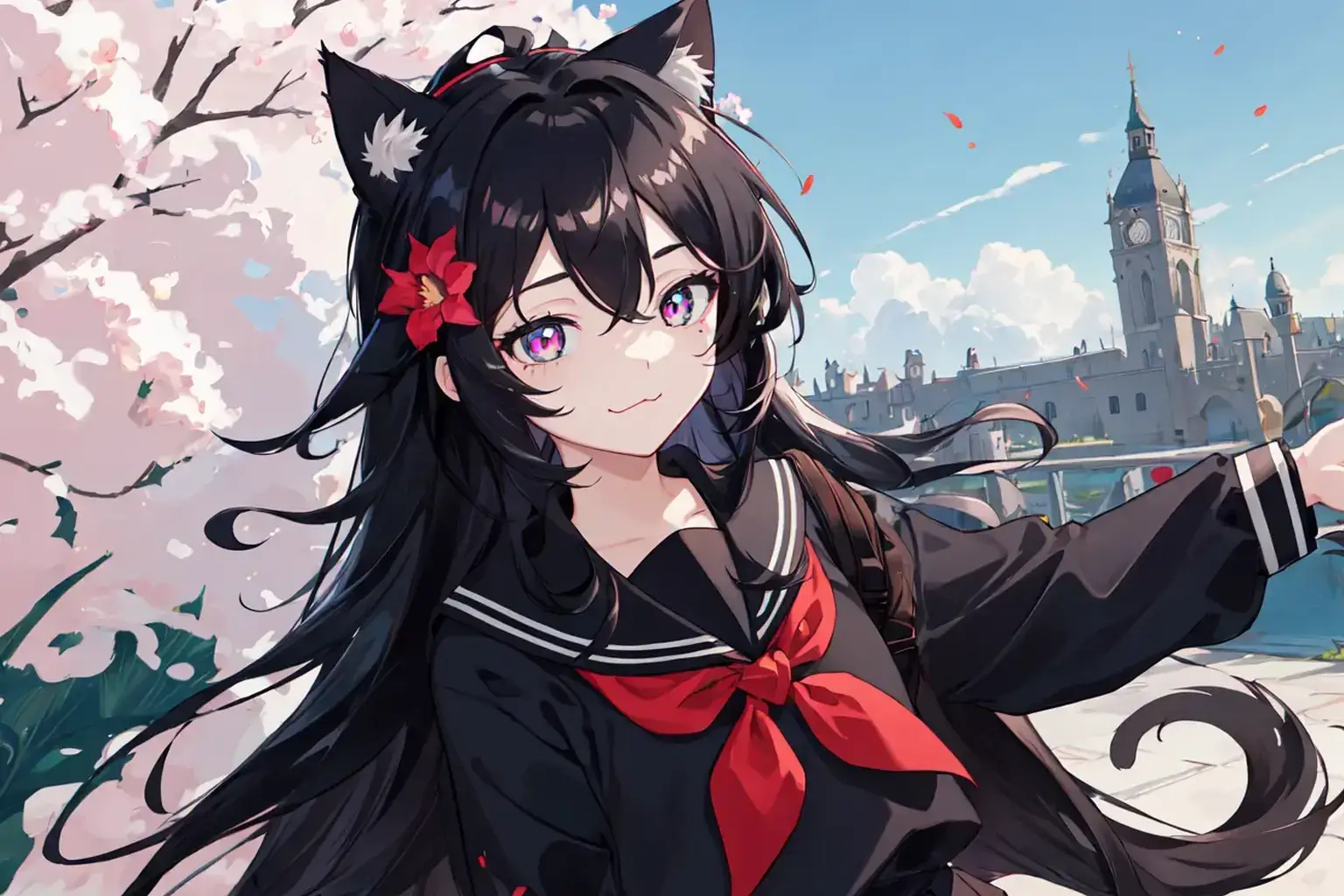
4.Use (top quality) image quality effect
Prompt: ((top quality)), ((Highly detailed)),((ultra-fine painting))
Model: Anime
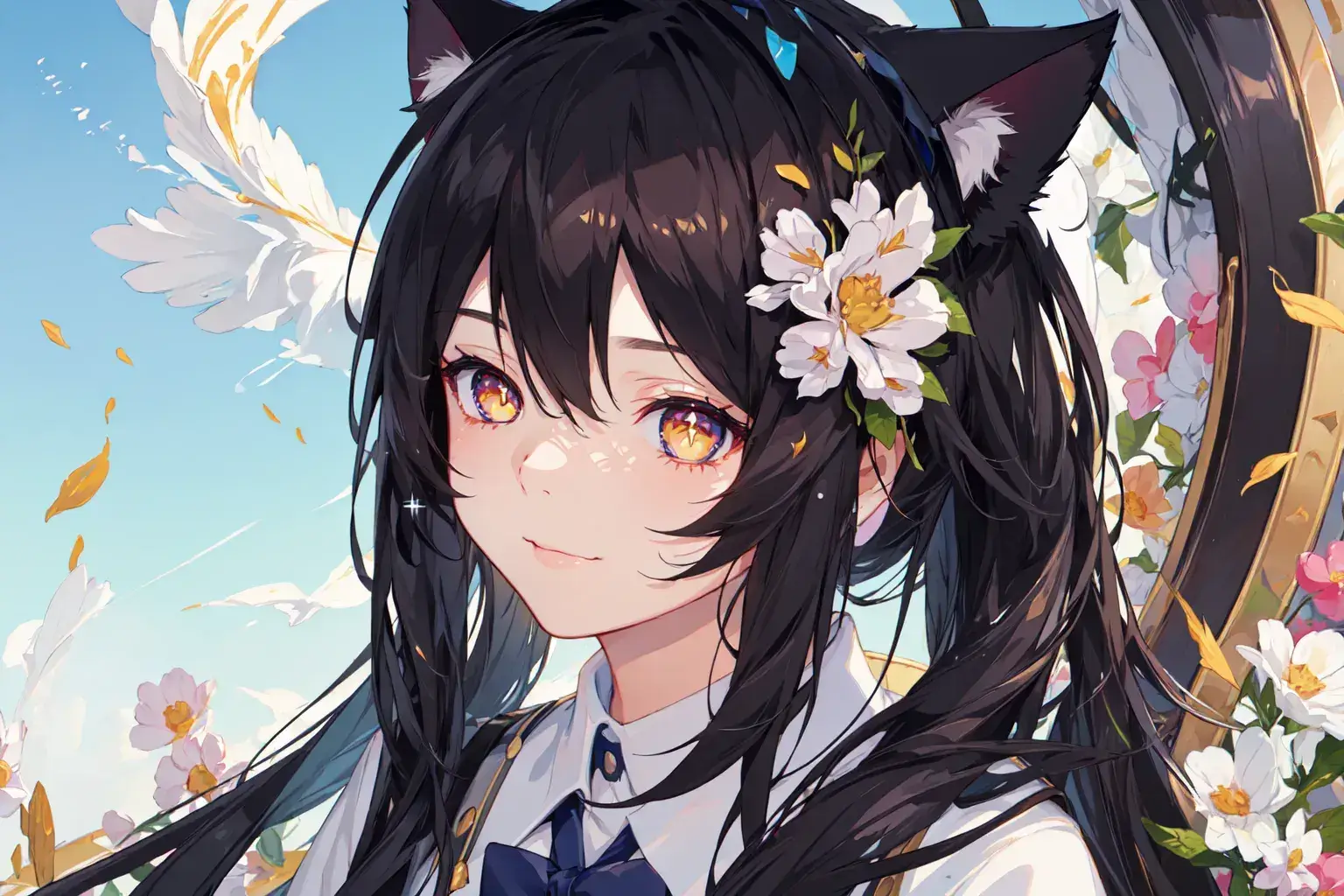
5.Use (sharp focus) image quality effect
Prompt: ((sharp focus)), ((UHD)),((Clear face)),textured skin,(((Low saturation))),High contrast,((extreme lines)),Highlight particle
Model: Anime
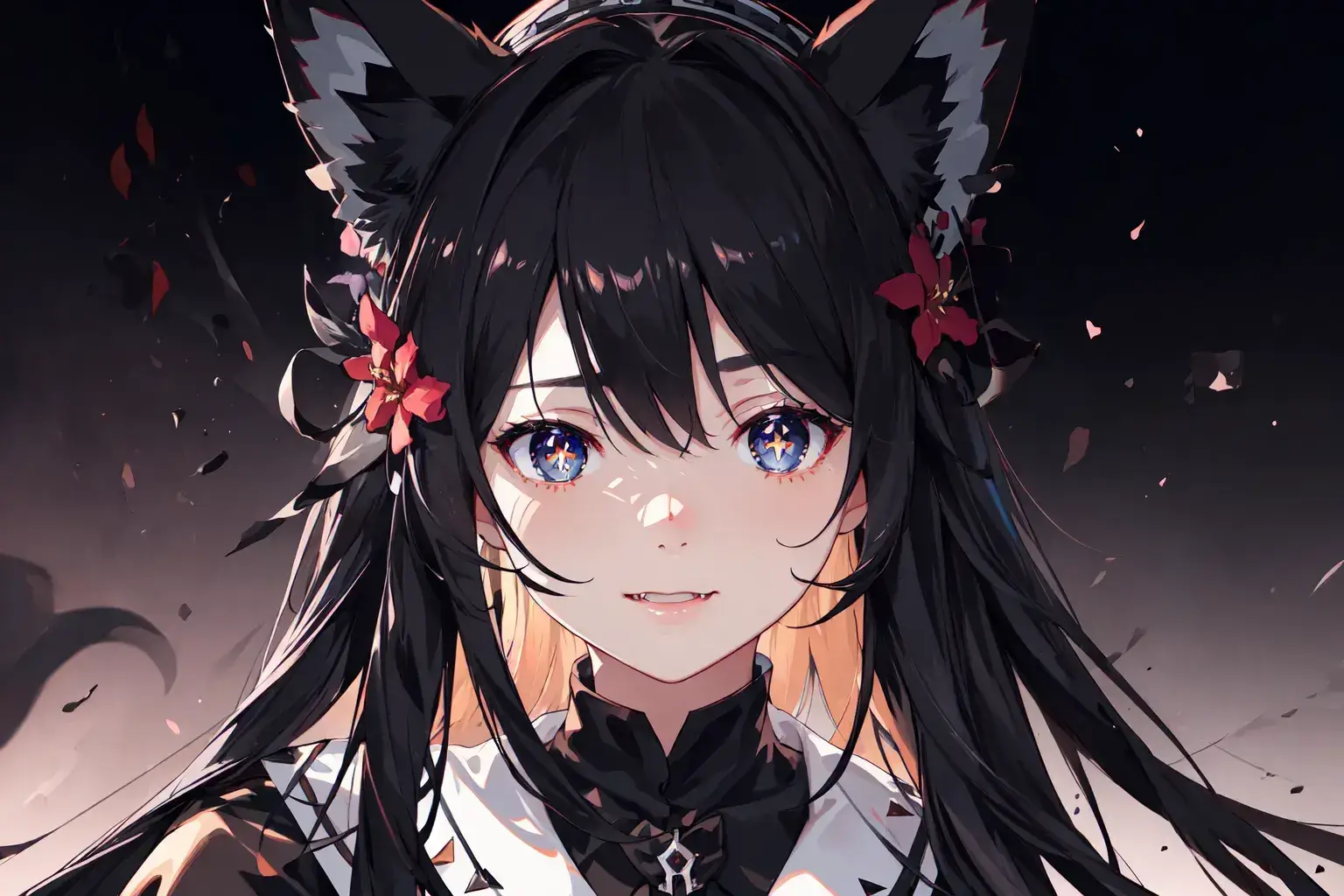
6.Use (Picture stroke detail enhancement) image quality effect
Prompt: ((Picture stroke detail enhancement:1)),((Super overall texture enhancement1.5)),(((Hair texture realistic effect:1))),((Character HD skin qualities))
Model: Anime
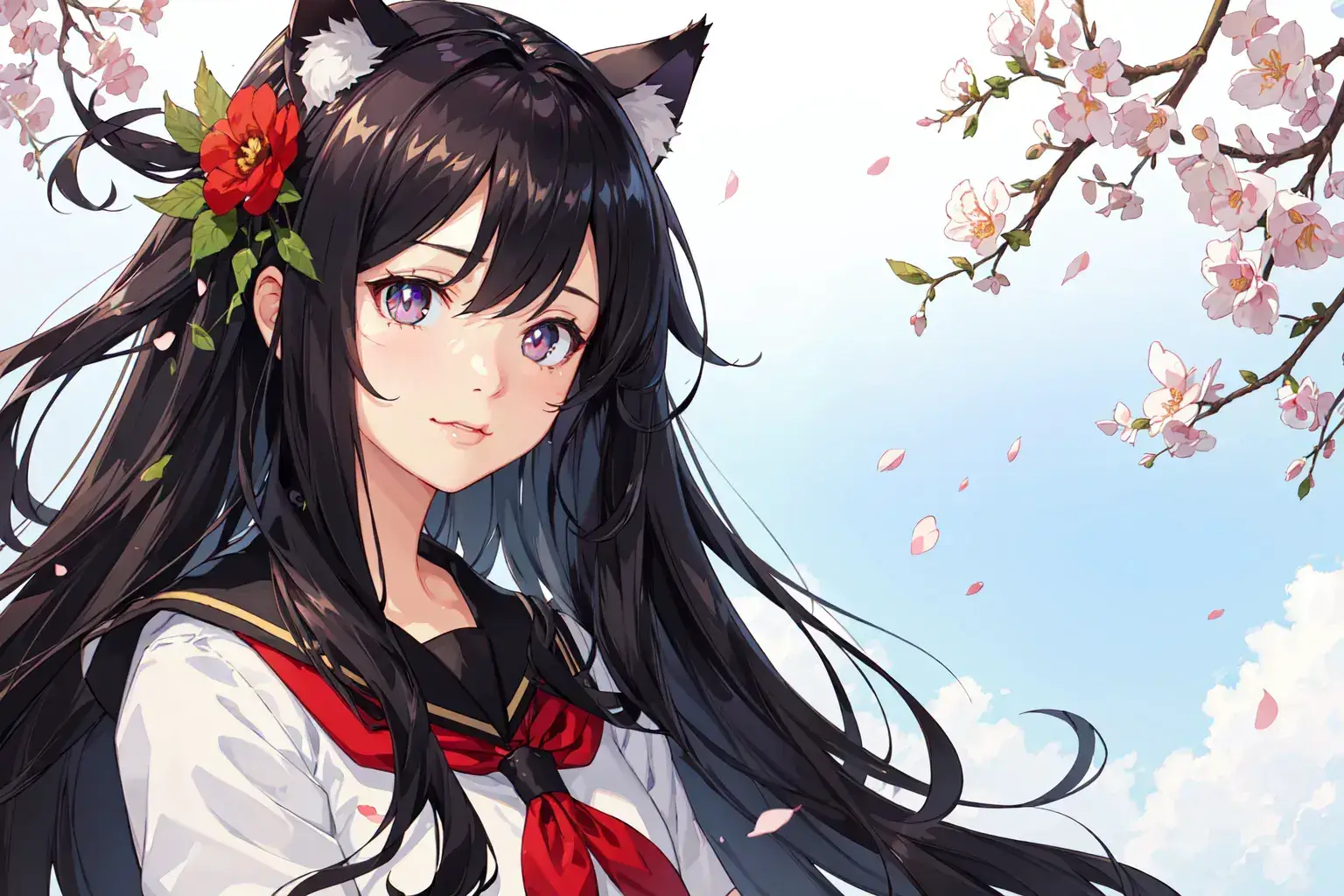
7.Use (Super overall texture enhancement) image quality effect
Prompt: Super overall texture enhancement,8k resolution,High saturation,Highlight particle,Extreme light and shadow
Model: Anime
Lora: Detail 0.5
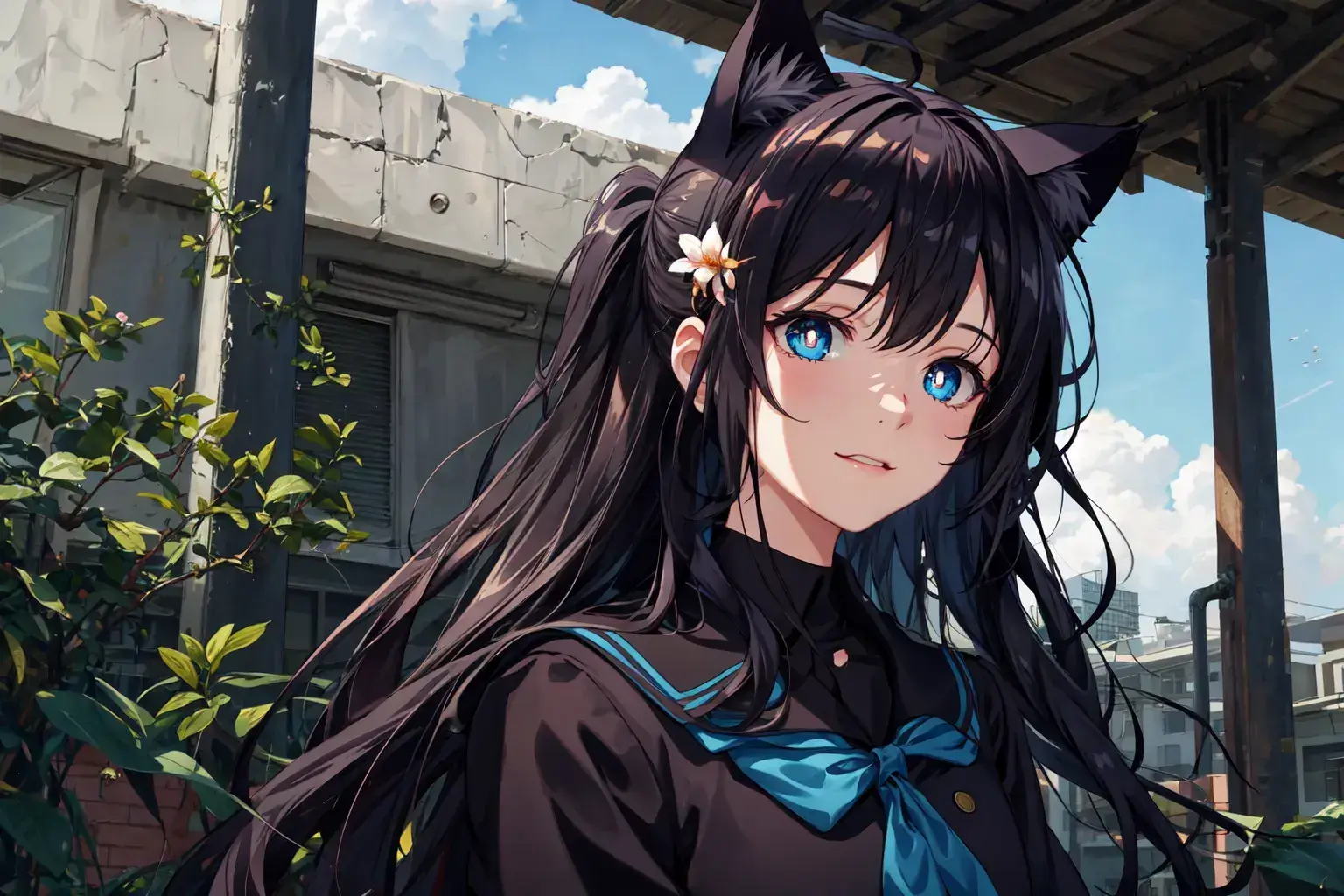
8.Use (ultra-fine painting) image quality effect
Prompt: ((ultra-fine painting)),((4khighly detailed)),(((very high resolution)))
Model: Anime
Lora: Add More-Detail Enhancer 0.7
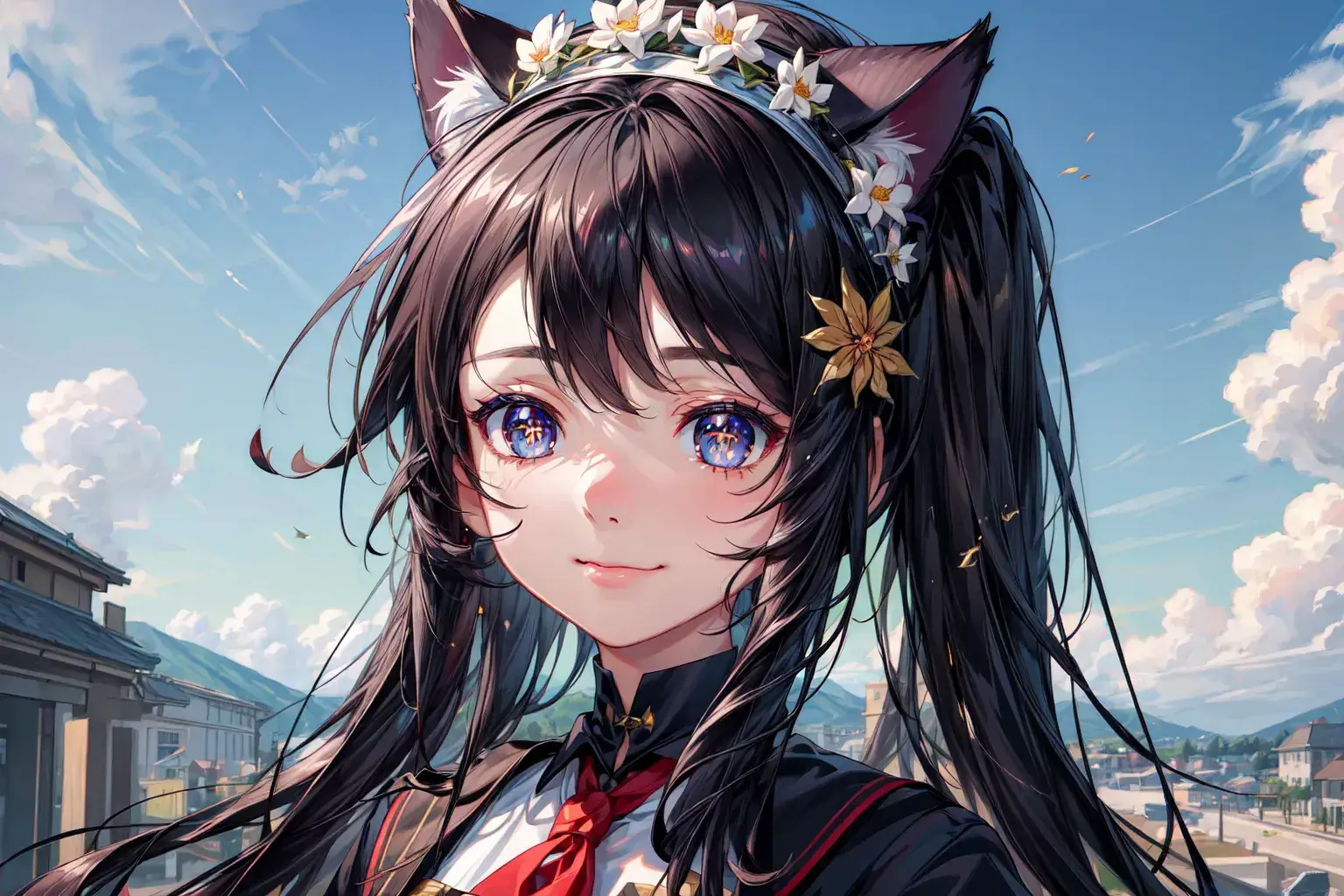
9.Use (Hair texture realistic effect) image quality effect
Prompt: (((Hair texture realistic effect1.7))),((Character HD skin qualities)),graininess,1080p,top quality,
Model: Anime
Lora: Detail 0.7
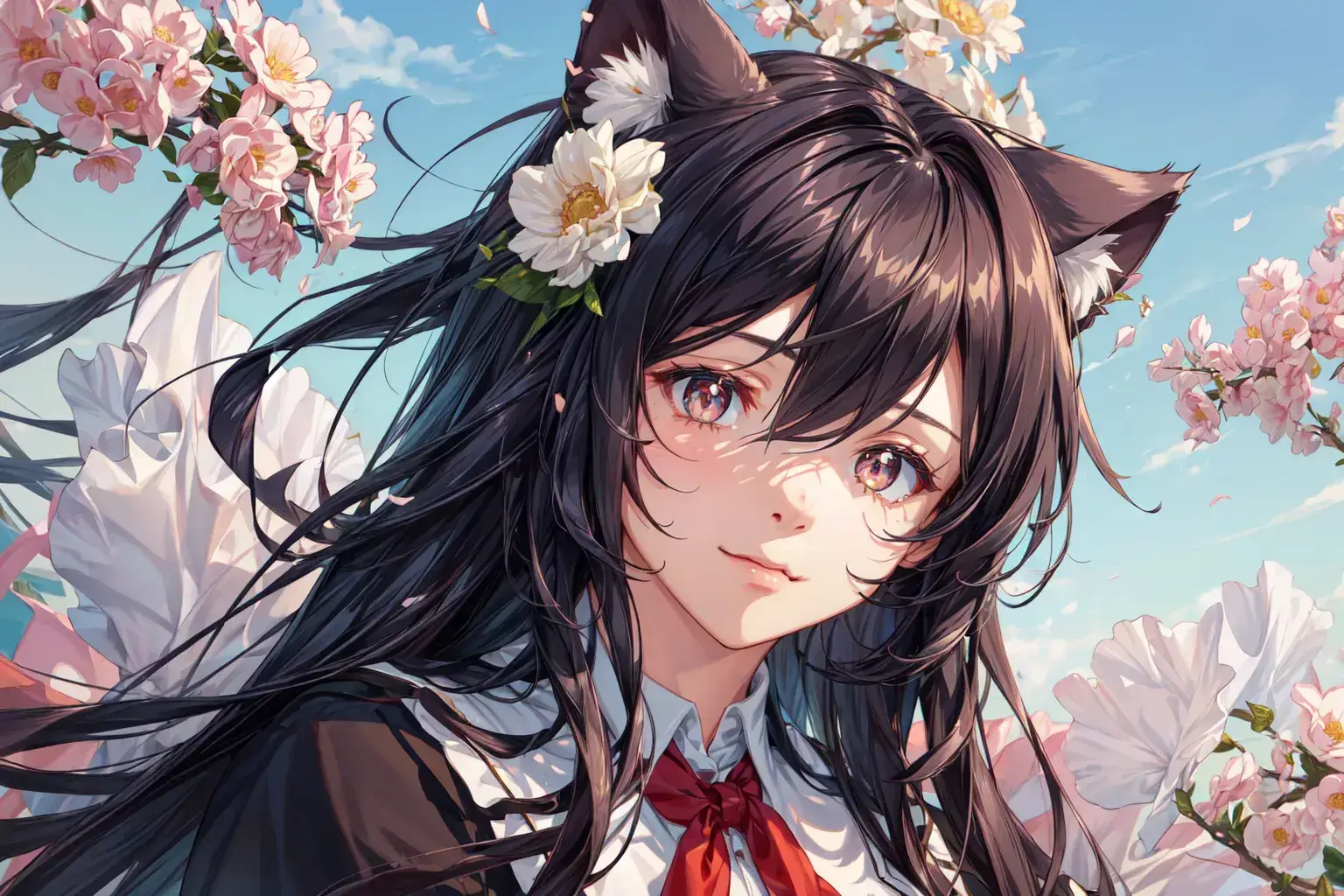
10.Use (photorealistic) image quality effect
Prompt: (((photorealistic1.5)),retina,(((Fine CG:1))),((Realistic Vision))
Model: Anime
Lora: Add More-Detail Enhancer 0.7
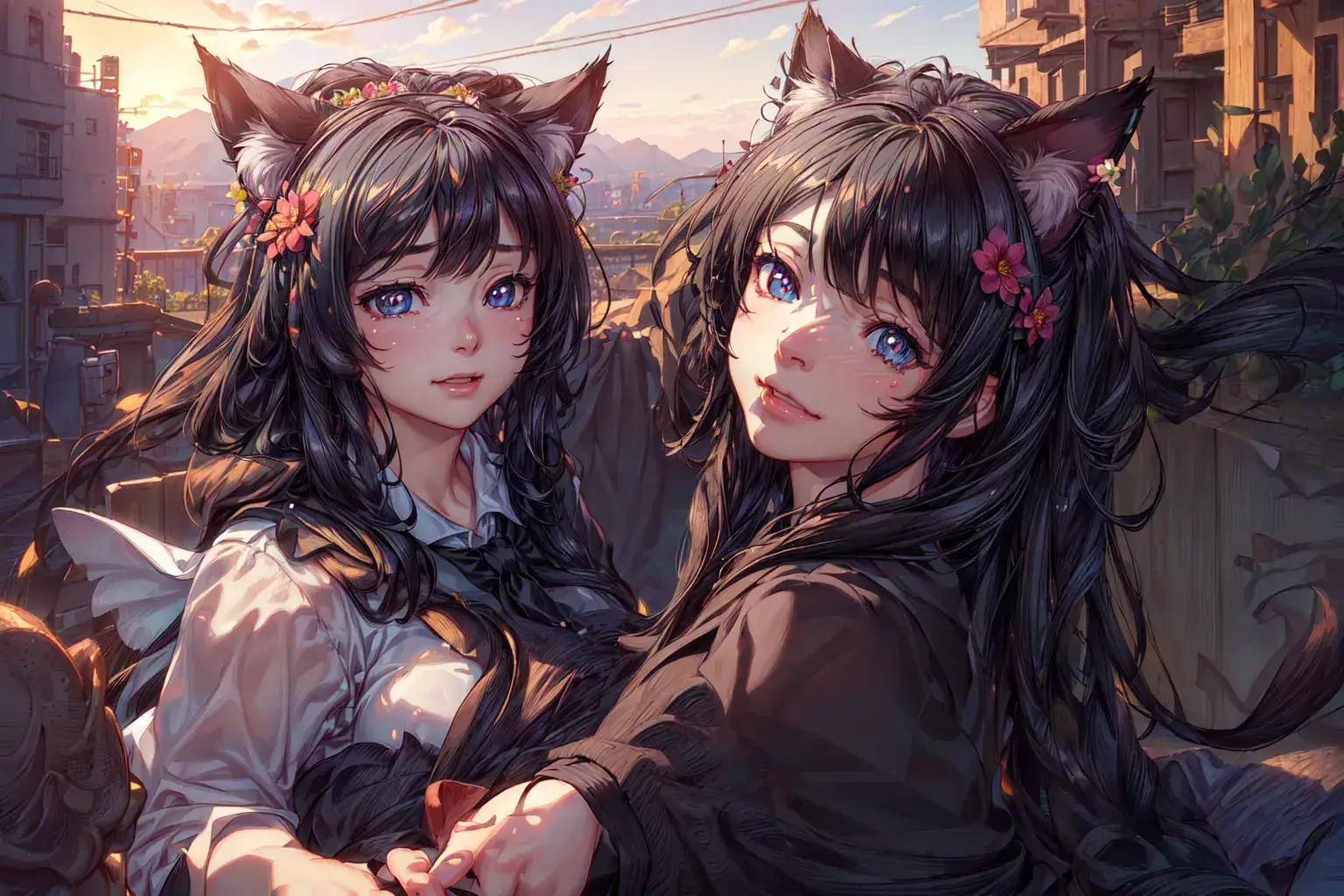
11.Use (Film texture) image quality effect
Prompt: ((Film texture)),((photorealistic)),((hyper-reality)),((1080p)),HD,award winning
Model: Anime
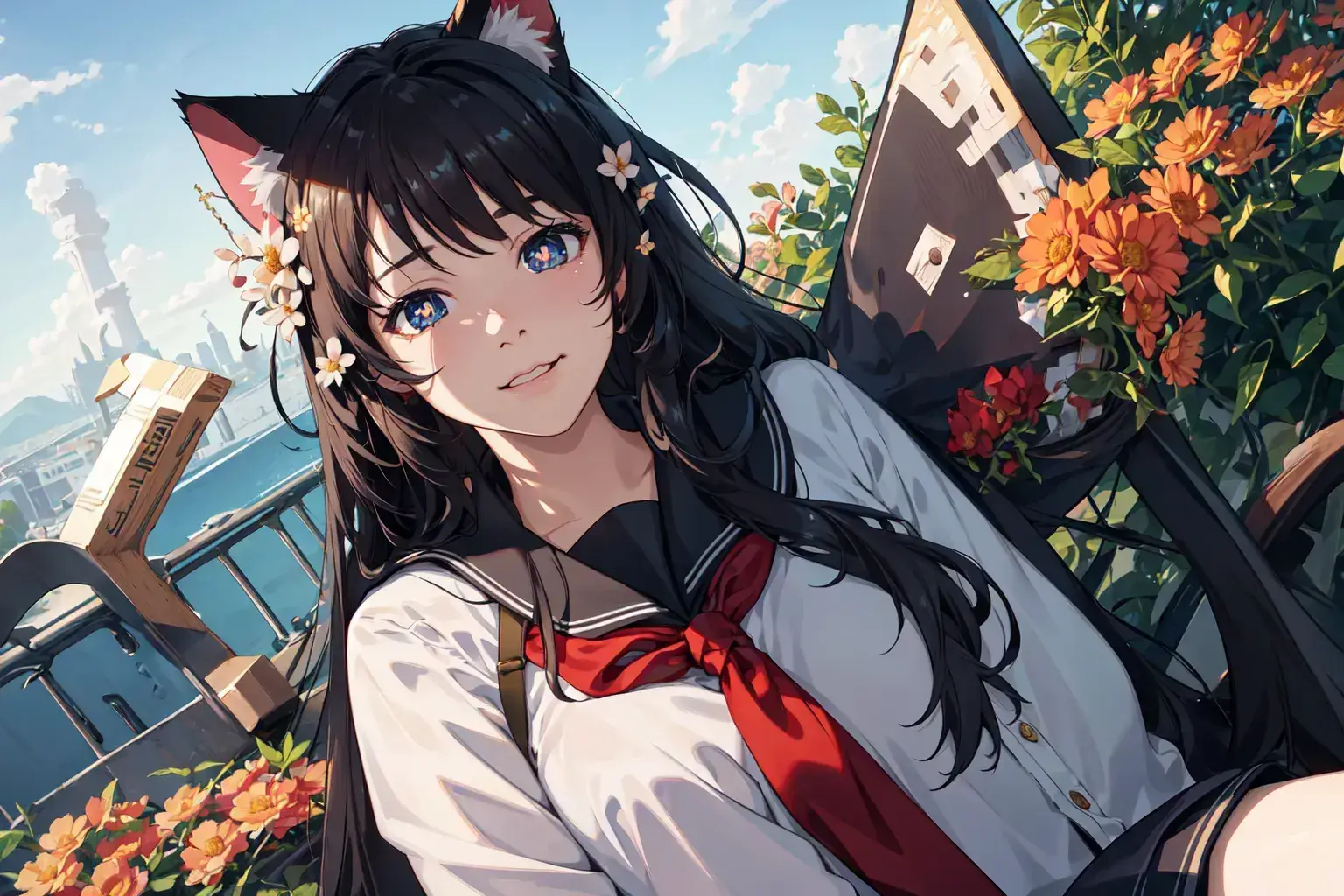
12.Use (High contrast) image quality effect
Prompt: (((High contrast))),((High saturation)),UHD,best quality,8k resolution,textured skin,Extreme light and shadow,Detailed depiction of the face
Model: Anime
Lora: Fashion 0.5
Summary
This is the way to improve the picture quality. Did you learn? Stay tuned for future updates as we continue to teach you how to better use AnimeGenius.
Best Free Anime AI Image Generator Online
Start high quality image generation