
 ART GENERATOR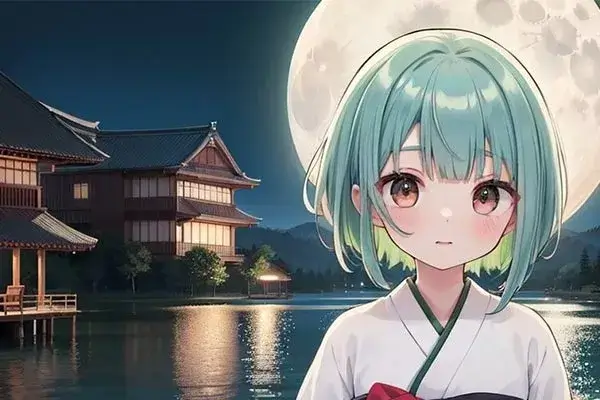
 EXPLORE


 TUTORIAL
How To
Learn how to use AnimeGenius AI tool with detail text & video tutorial.
Use Case
Find the hidden features of AI text-to-image generators and learn how to master AI for creative uses.
Prompt Guide
We provide detailed prompt tutorials to help you use AI like a pro

Parameter
Learn the usage of Stable Diffusion parameters and get more professional AI skills in generation.
How to Make Studio Ghibli-Style Images with AI for Free?
Are you a fan of Hayao Miyazaki's films? Now, Let's create your own Ghibli style AI art for free! With the right AI image generator, you can turn your ideas into striking illustrations that capture the magic of Ghibli's unique aesthetic.
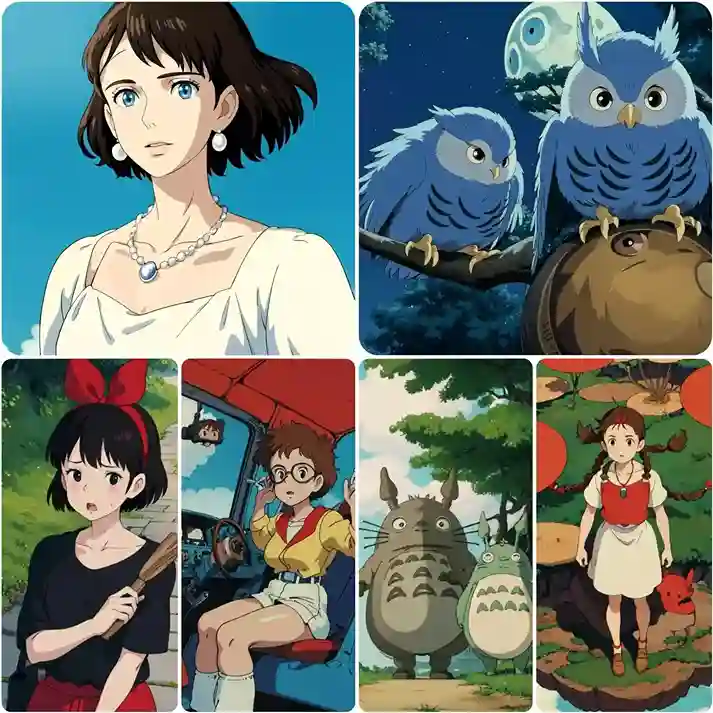
1. What Makes Ghibli Style Art So Special?
With the release of OpenAI's GPT-4o update, a viral trend of Studio Ghibli-style portraits has taken over social media, flooding feeds with enchanting, anime-inspired images.
If you're eager to join the trend and create your own stunning Ghibli-style artwork, here are some exciting ways you can apply this unique art style:
Create Your Unique Ghibli Avatars
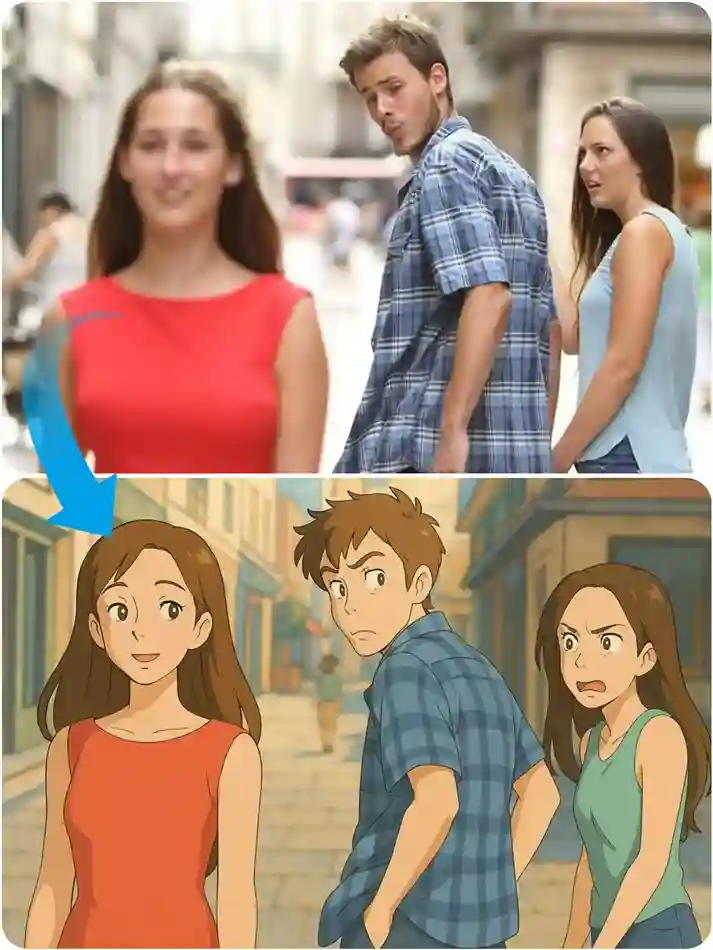
Turn Memes into Ghibli Art
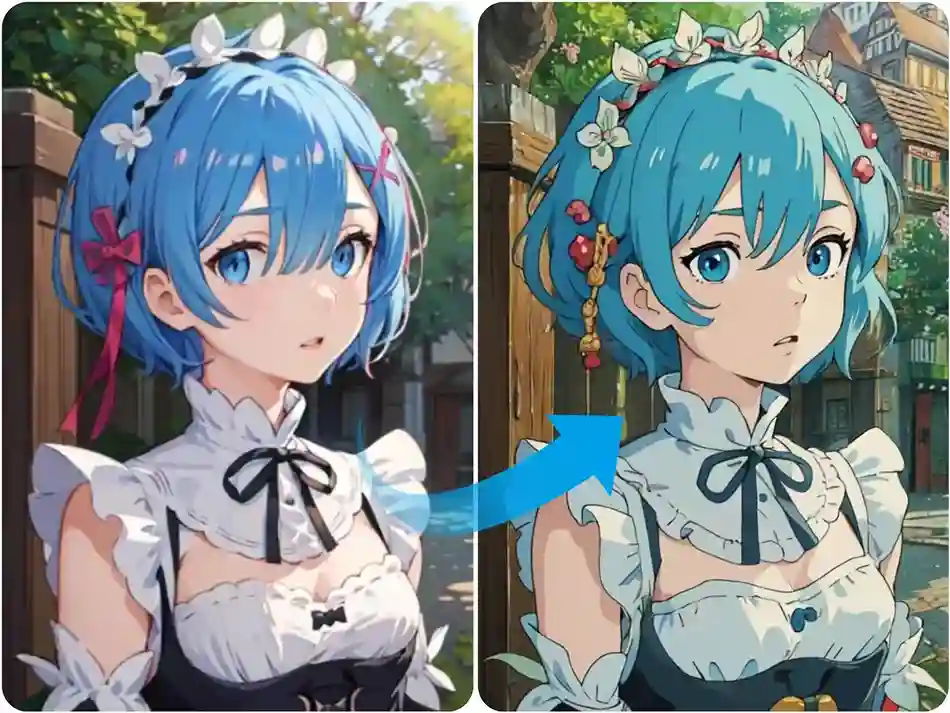
Revamp Character Designs
2. How to Make Ghibli Style AI Art From Text
You can choose any AI image generator to create your preferred Ghibli-style AI art. Below, Considering that ChatGPT is a paid service, we've chosen a free AI image generator—AnimeGenius, as an example to provide detailed step-by-step guidance.
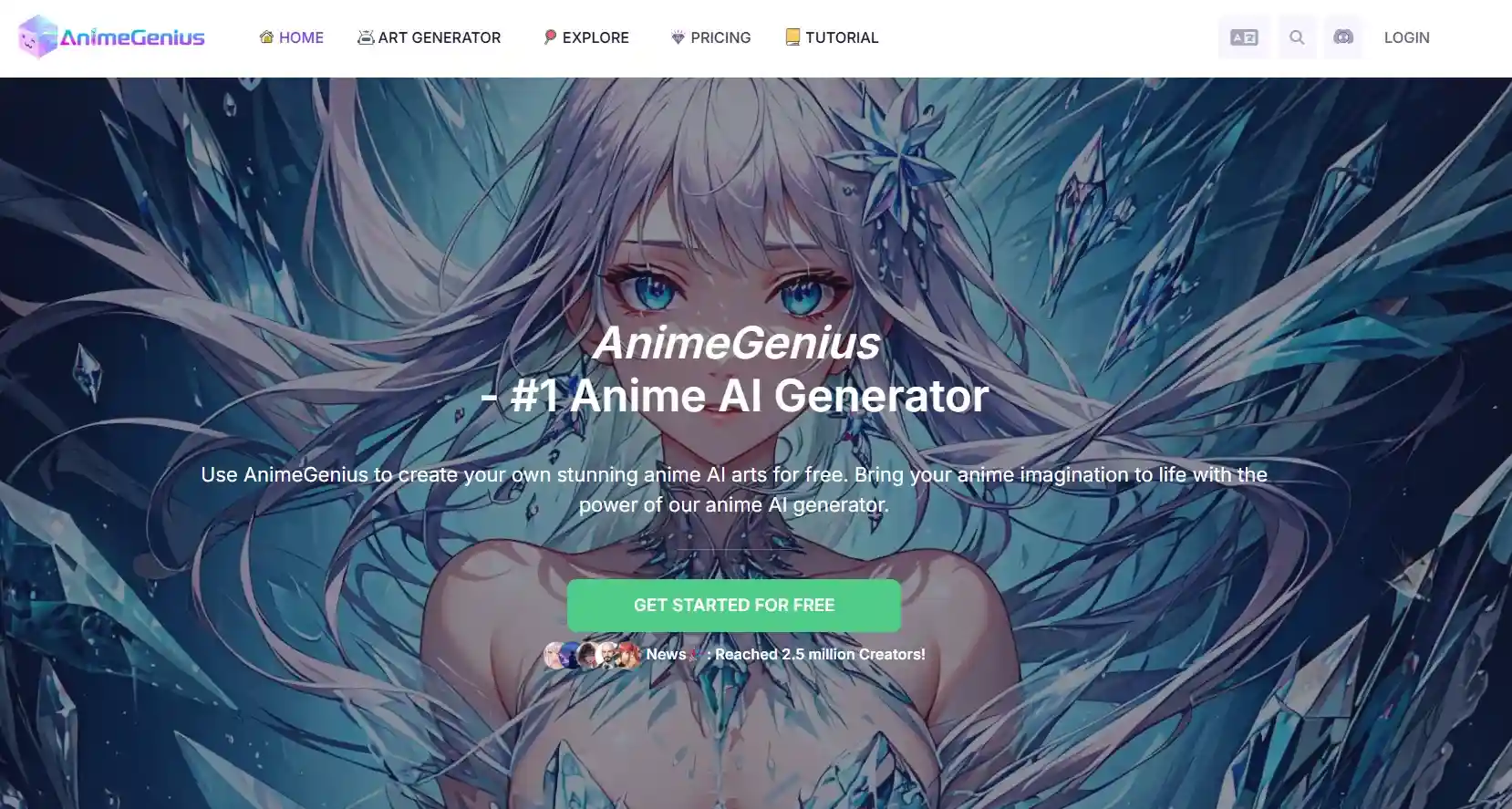
Step1: Open AnimeGenius and Sign In
Open AnimeGenius. If you're a free user, you can receive free credits after registering. Then, simply open Text to Image to start your Ghibli creation!
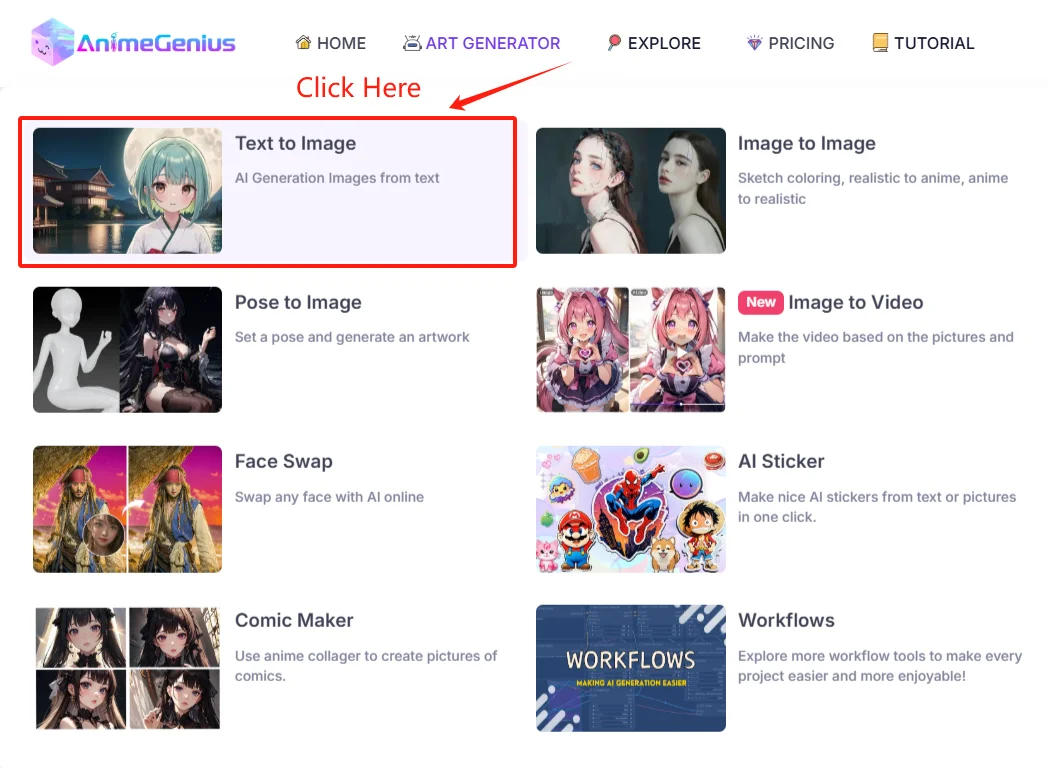
Step2: Choose Model & Lora
AnimeGenius offers over 100+ models for you to choose from, including SD1.5, SDXL, and even Flux models. You can select based on your preferences. But for Lora selection, you must use the Studio Ghibli Style Lora to achieve the desired results. You can find it by searching directly in our Lora options—without it, the effect won't be possible.
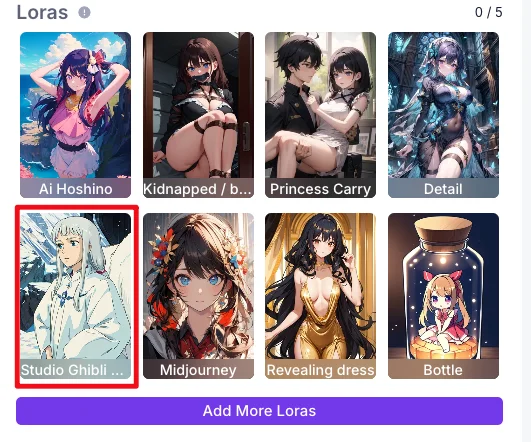
Step3: Write Prompts to Describe Your Ghibli Style Art
Write some descriptive prompts to customize your Ghibli-style art. You can include words like "Ghibli style" in your prompt to emphasize the style you want.
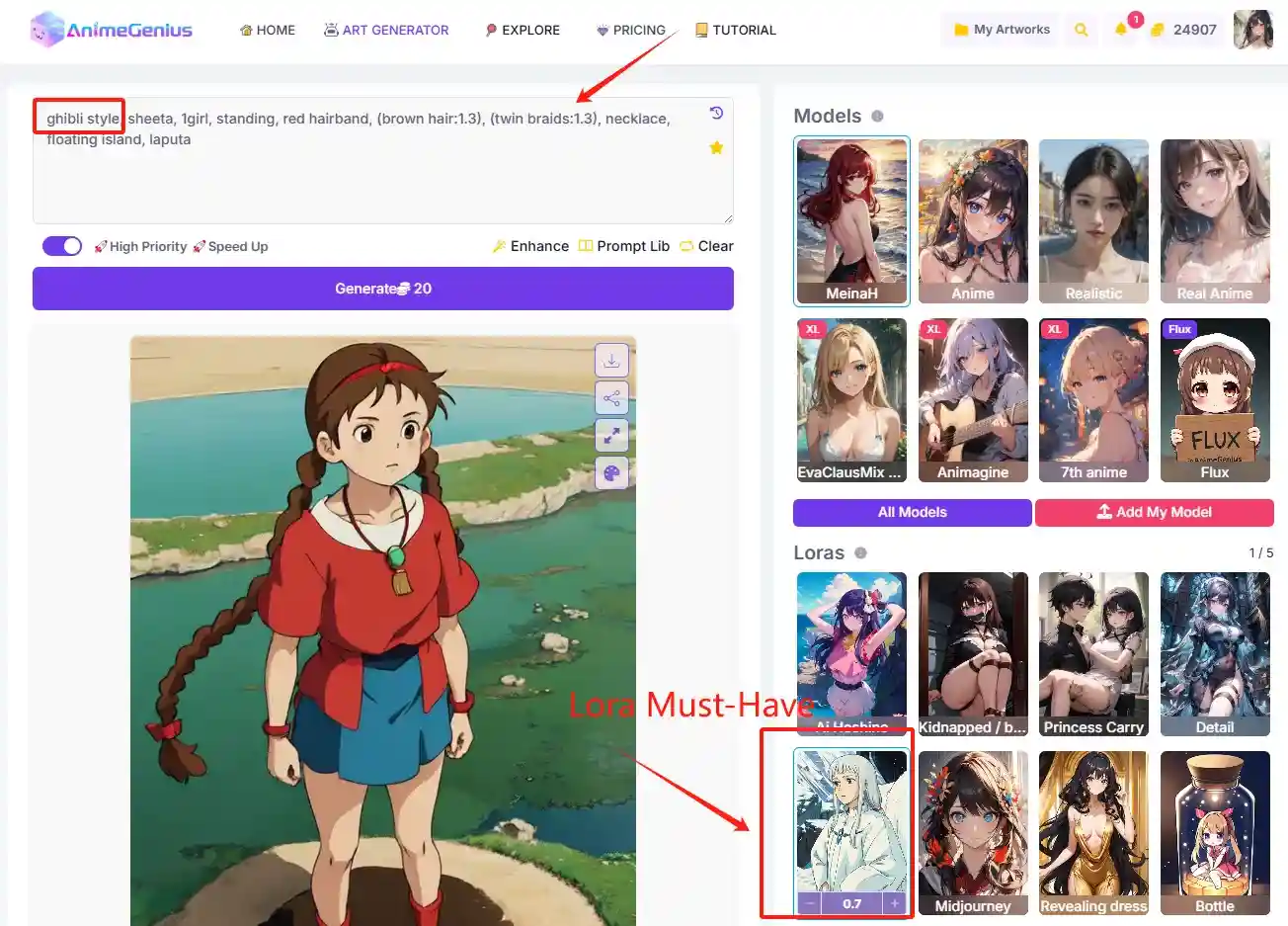
After completing the basic steps above, you can freely adjust parameters such as Ratio, Resolution, and the number of generated images. Finally, click 'Generate' and wait a few seconds - your Ghibli-style art will be ready.
Ghibli Style Art Examples
Here are some application examples of Ghibli style art that you can use to generate related Ghibli-style images directly. You can also adjust them according to your preferences.
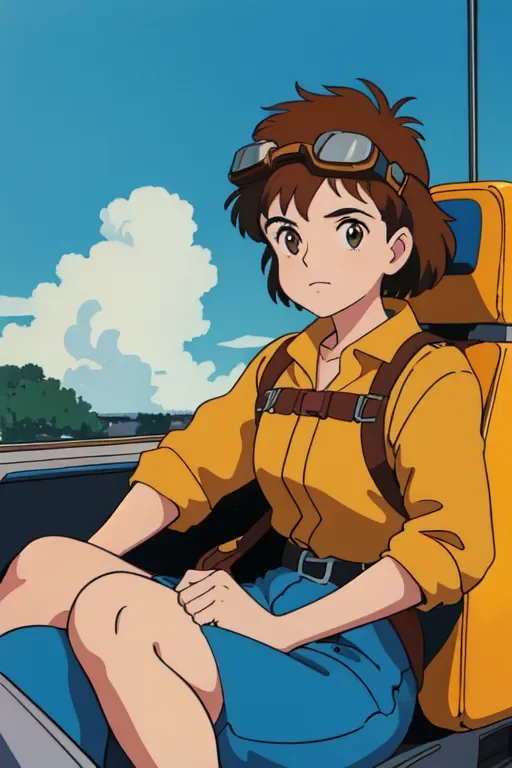
Example1
Prompts: 1girl, cockpit,solo, brown_hair, goggles, cloud, goggles_on_head.1980s_(style),sitting, sky, brown_eyes, drivingModel: Meinal
Lora: Studio Ghibli Style
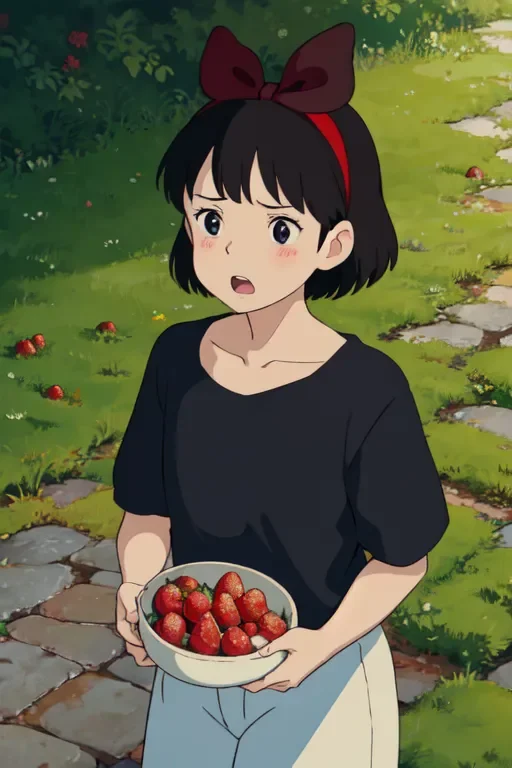
Example2
Prompts: Ghibli style, kiki \(majo no takkyuubin\), 1girl, :o, bangs, black eyes, black hair, black shirt, blush, bow, bow hairband, collarbone, day, fingernails, food, fruit, hair bow, hairband, holding, holding food, holding fruit, looking at viewer, open mouth, outdoors, red bow, red hairband, shirt, short hair, solo, strawberry, sunlight, upper body, water dropModel: Meinal
Lora: Studio Ghibli Style
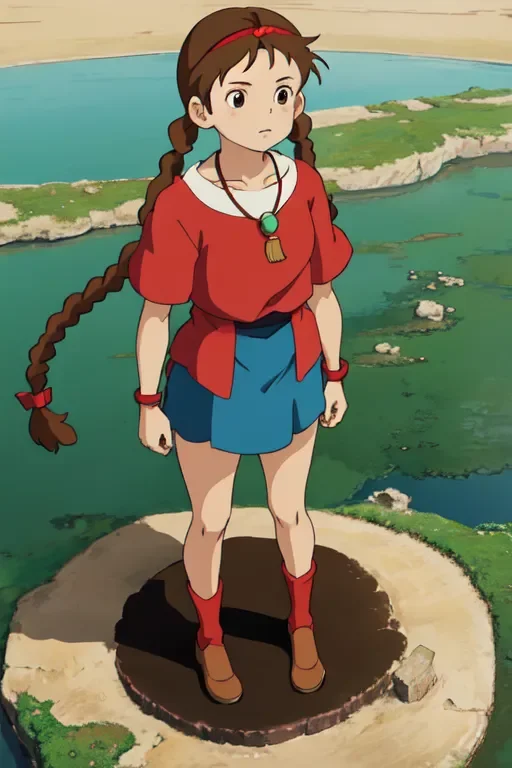
Example3
Prompts: ghibli style, sheeta, 1girl, standing, red hairband, (brown hair:1.3), (twin braids:1.3), necklace, floating island, laputaModel: Meinal
Lora: Studio Ghibli Style
3. Method 2: Convert Image to Ghibli Style AI Art Easily
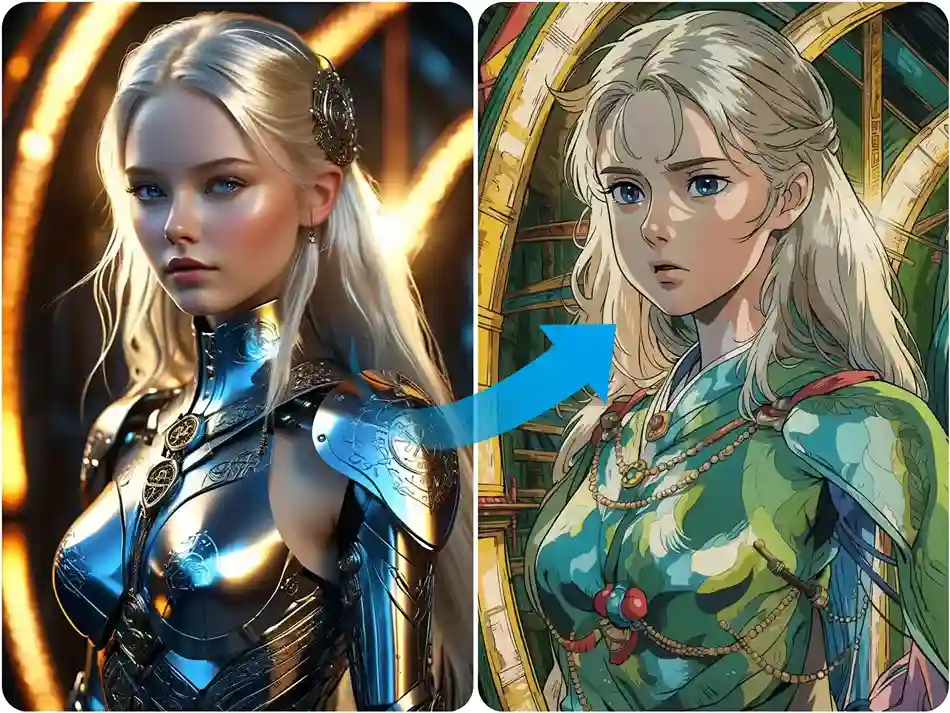
If you have a favorite image and want to transform it into a Ghibli style art image, AnimeGenius makes it incredibly simple. The basic steps are similar to Text-to-Image—just upload your image and let the magic happen. Now, let’s give it a try!
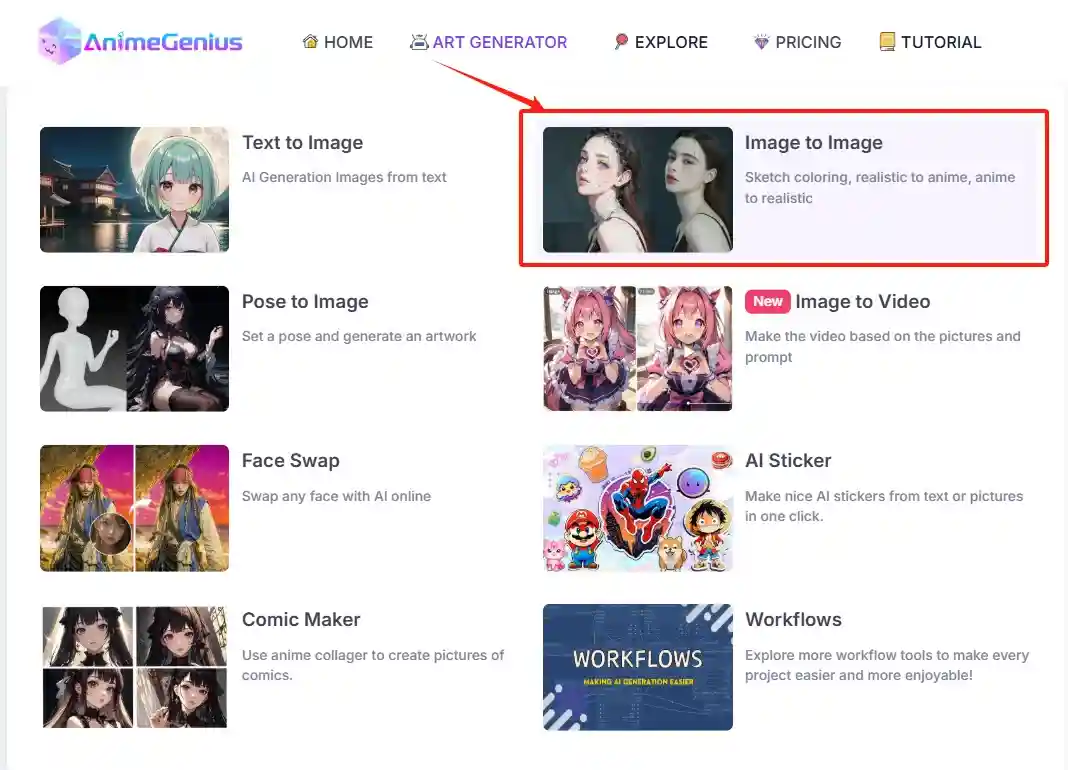
Step1: Open Image to Image AI generator
Click on the Image to Image AI generator on AnimeGenius, which is free to use.
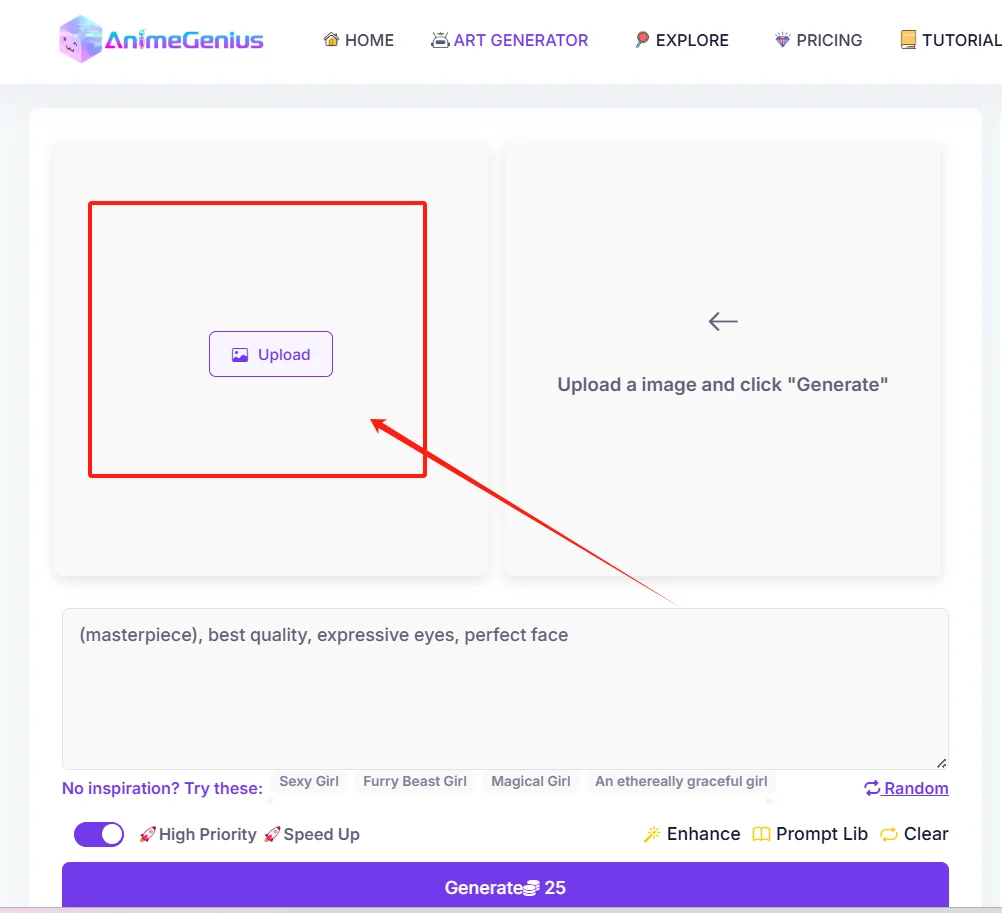
Step 2: Upload your own image
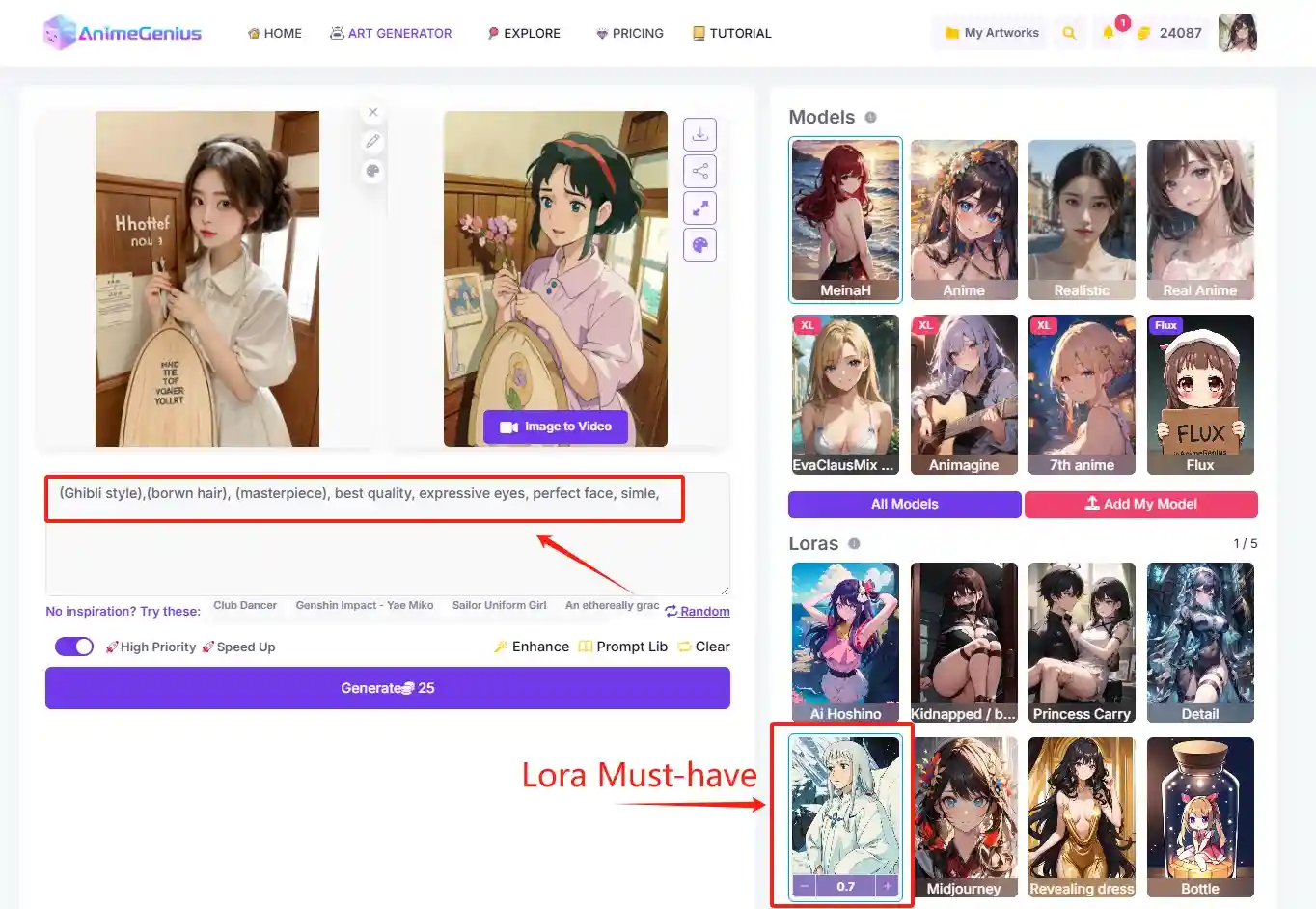
Upload your image according to the arrow position in the image below. Any style is fine, and you can also freely adjust the image's proportions.
Step 3: Choose model & Studio Ghibli Style Lora
This step is the same as using the Text to Image AI Generator. Be sure to select our Studio Ghibli Style Lora, and you can choose the model based on your personal preference.
Step 4: Write some simple prompts
For the Image to Image AI Generator, you don't need to write detailed prompts; you can simply use our default, straightforward prompts.
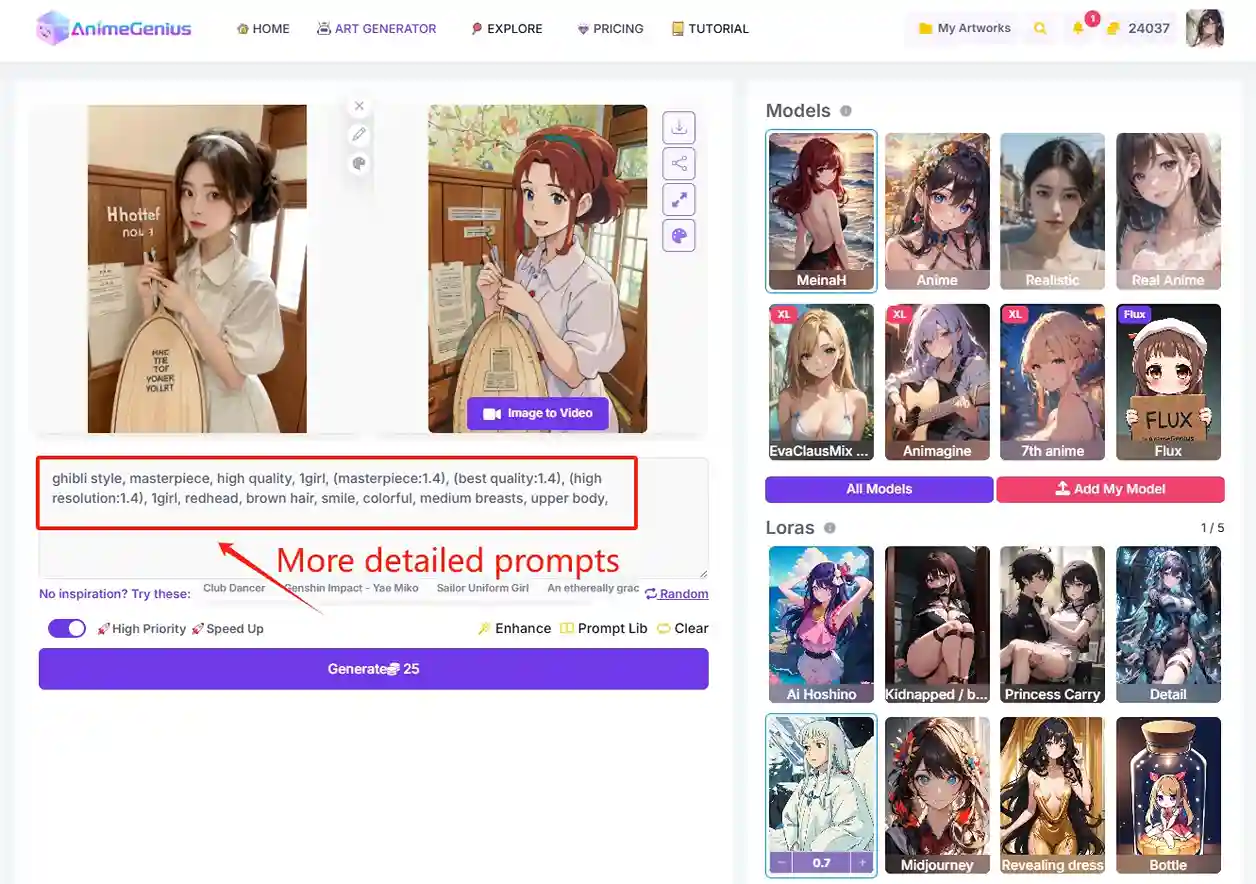
If you want to add more details to your image, then a detailed prompt is essential.
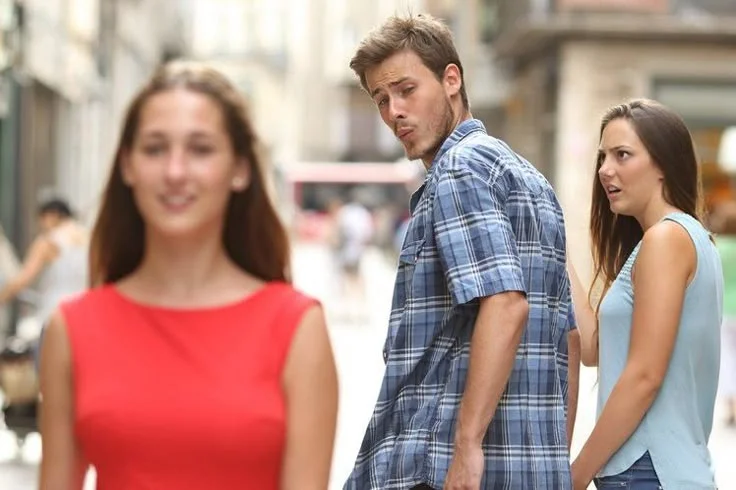
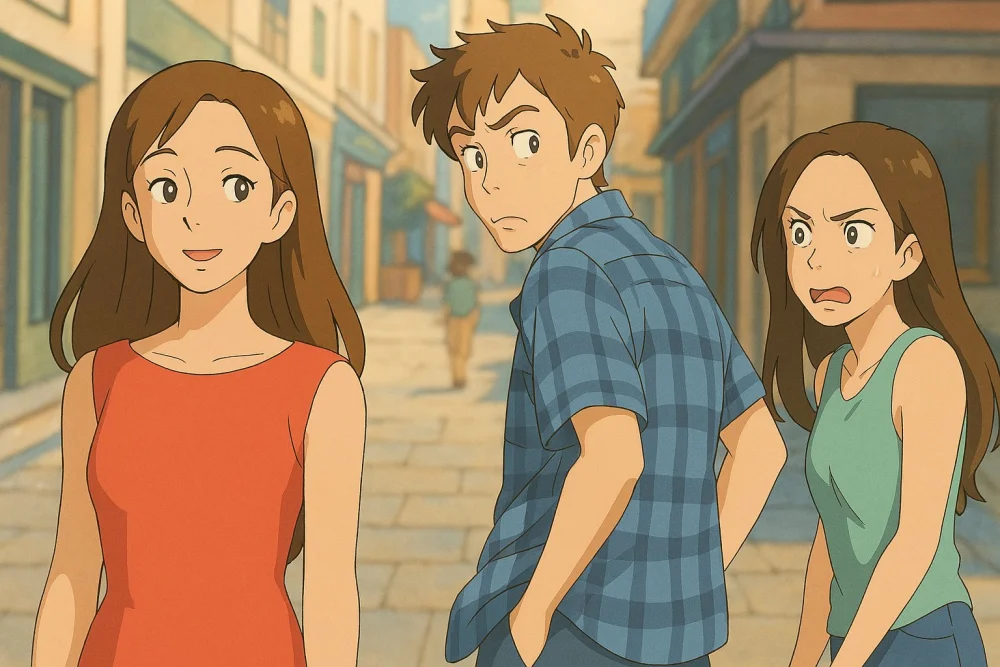
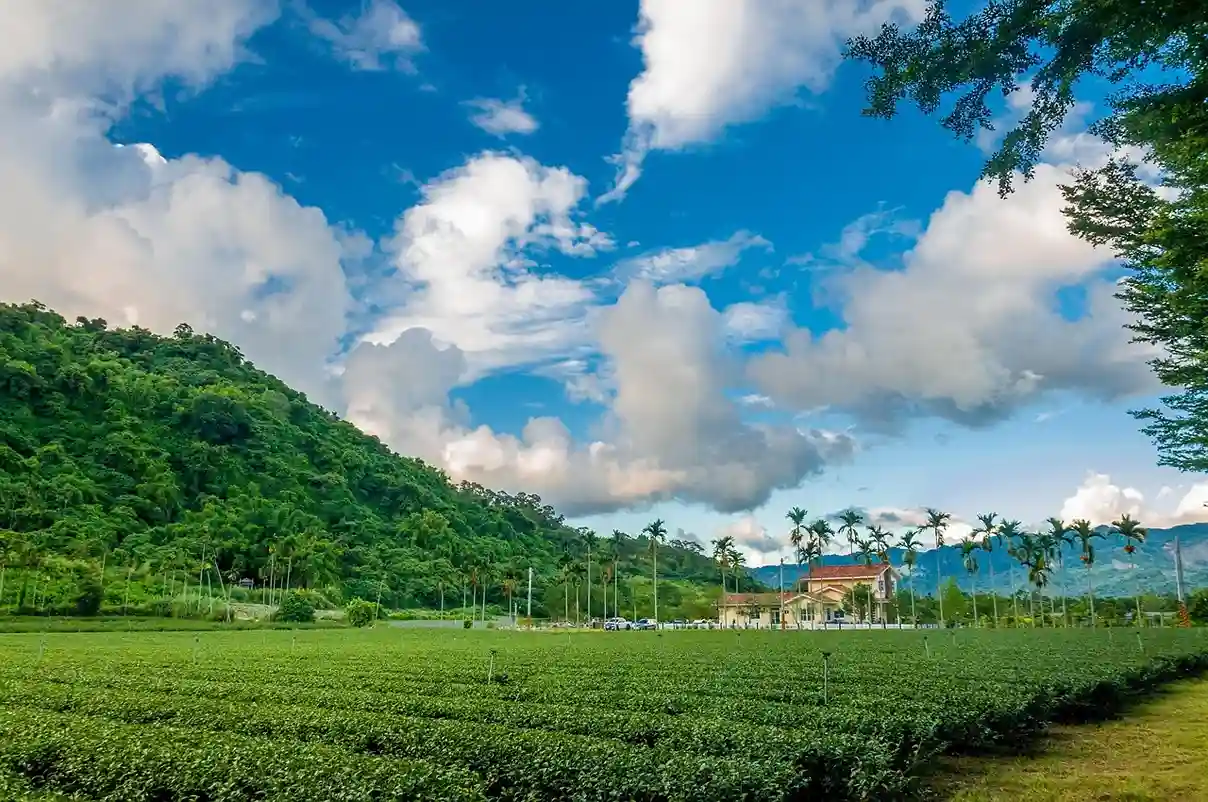
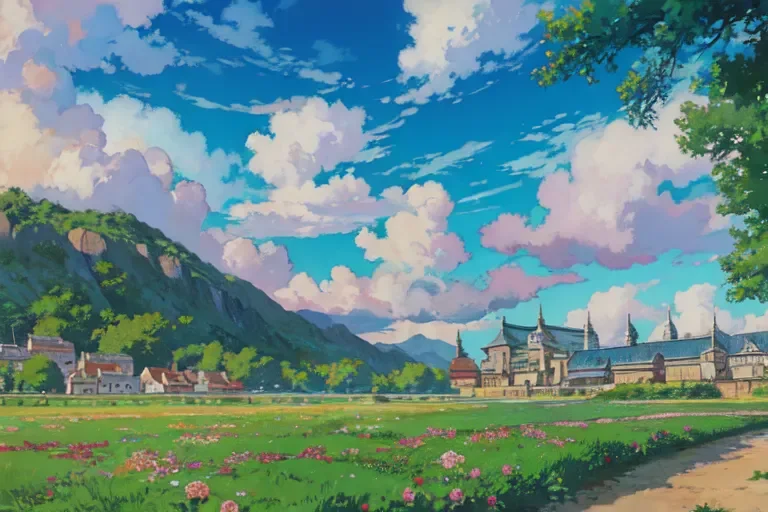
With AnimeGenius's Image to Image AI generator, you can effortlessly transform any image into a stunning Ghibli-style artwork, no matter the original style.
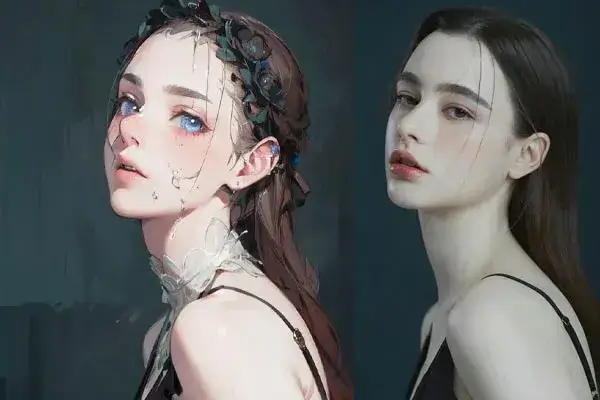
Portrait Image to Ghibli Style Art
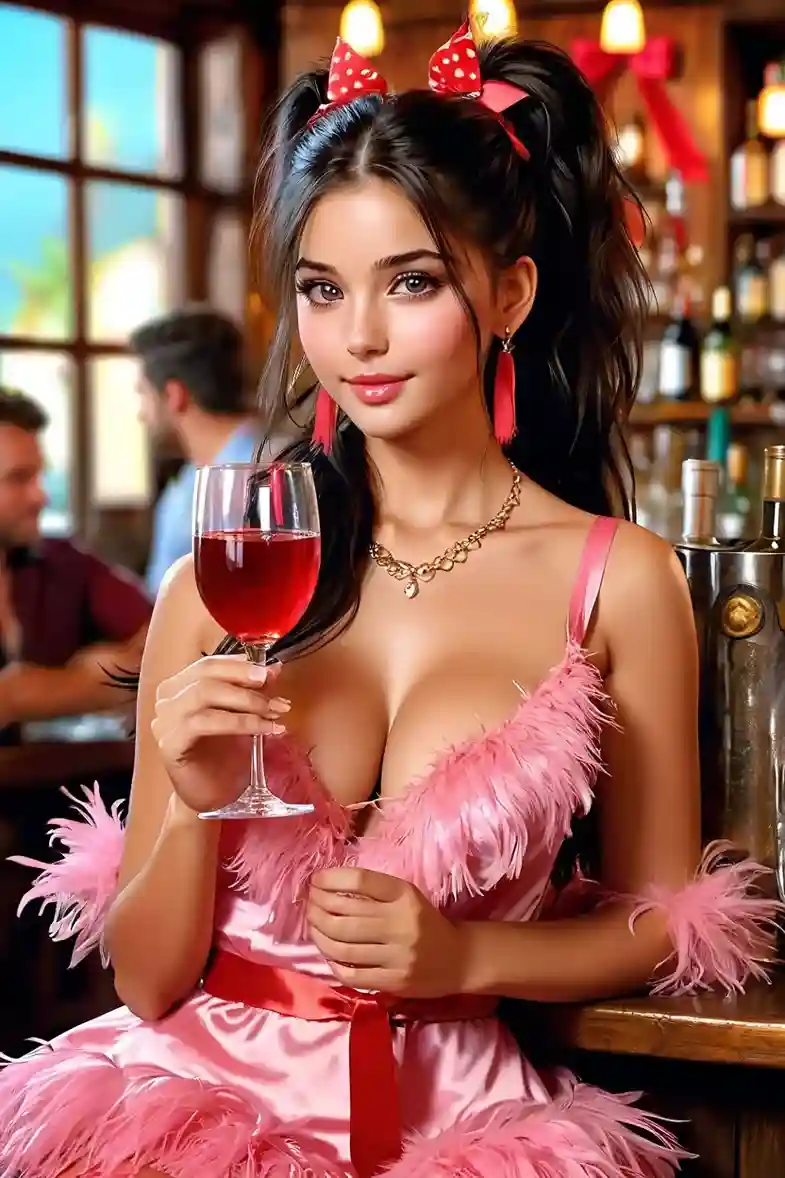
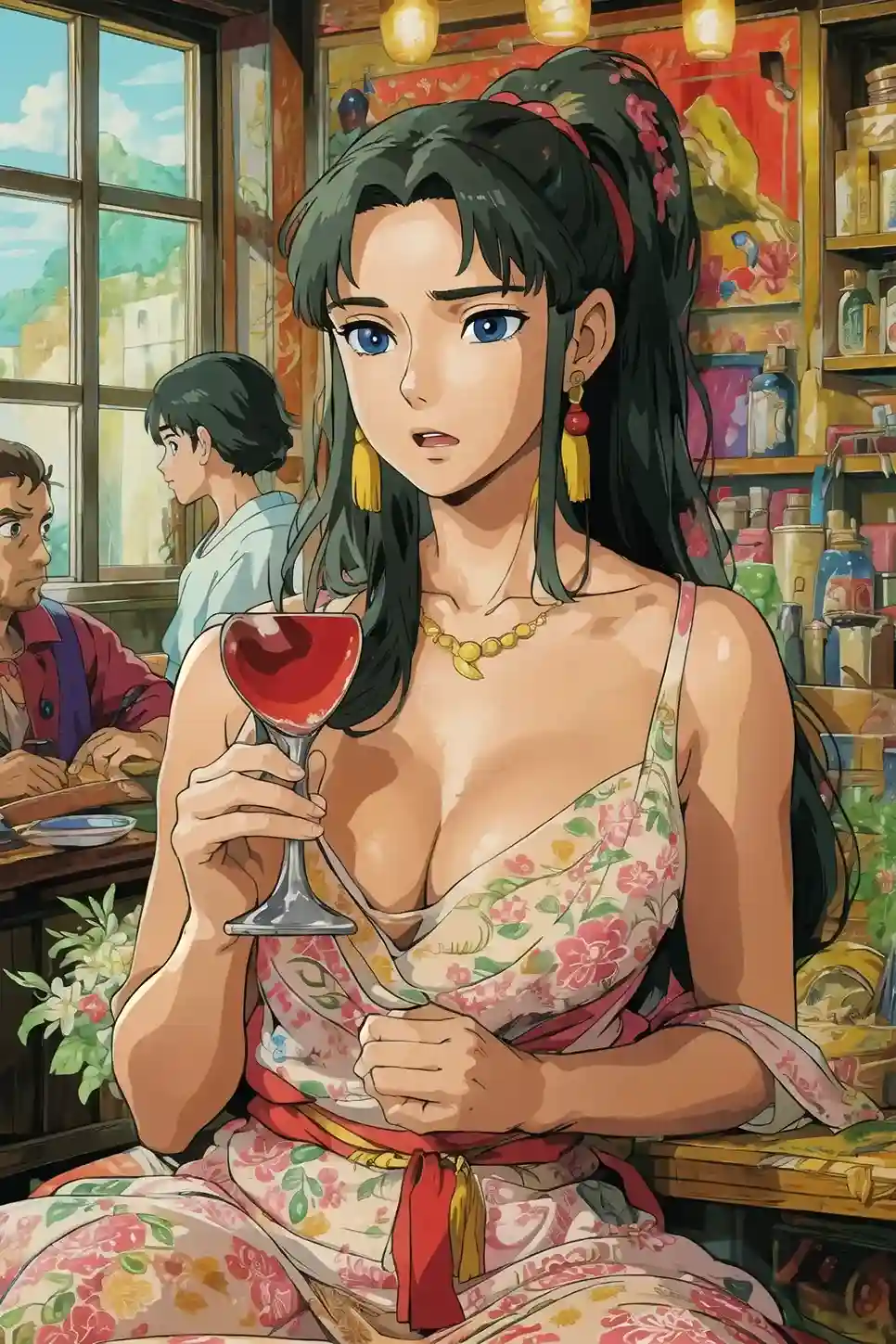
Funny Meme to Ghibli Style Art
Landscape scene to Ghibli Style Art
4. 💡Tips for Your Ghibli Style Art
Use parentheses flexibly
Add parentheses in your prompts to emphasize the parts you want to highlight. For example, if you want to emphasize "Ghibli style," you can write it as ((Ghibli style)).
Pay attention to prompt word placement
Place the words you want to emphasize at the beginning of the prompt—the earlier the position, the higher the AI's adherence to it.
Describe detailed prompts
Please ensure that your prompts are descriptive rather than directive so that our AI image generator can better understand them. Additionally, avoid prompts related to poetry or prose, as they are harder for the AI to interpret. In short, the more detailed and precise the prompt, the better the chances of generating Ghibli-style art.
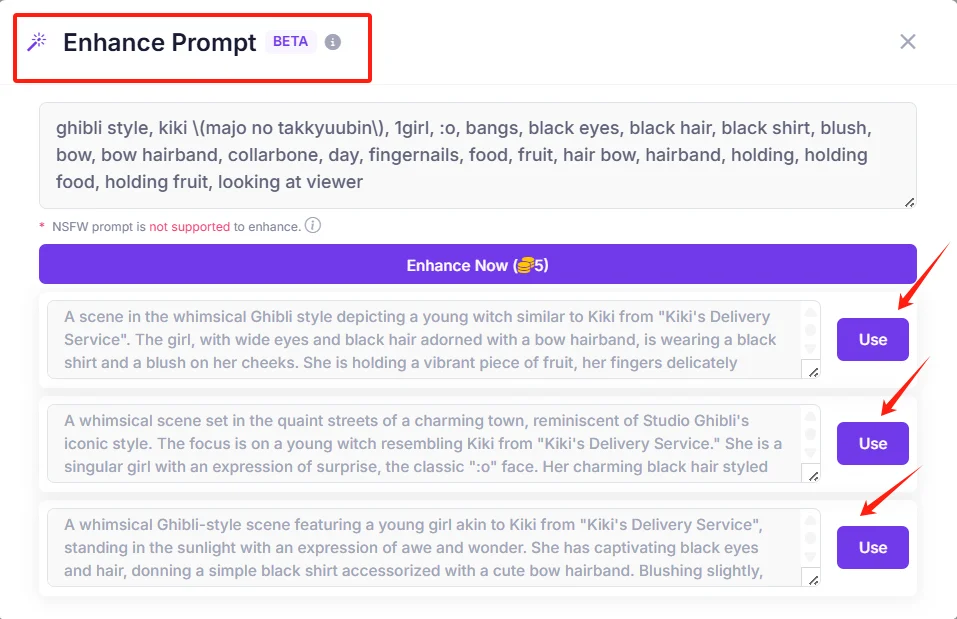
Use ”Enhance" feature
After writing your prompts, you can use our 'Enhance' feature to refine them and add more details to your Ghibli-style art.
5. Final Thoughs
Now that you know how to create stunning Ghibli style AI art for free, it's time to unleash your creativity! Whether you're turning a favorite character into a whimsical masterpiece or designing your own unique artwork, the possibilities are endless. By following the simple steps outlined here, you can bring the magic of Studio Ghibli to life without spending a dime.
Start experimenting and enjoy the process—your Ghibli inspired creations await!