
 ART GENERATOR
 EXPLORE


 TUTORIAL
How To
Learn how to use AnimeGenius AI tool with detail text & video tutorial.
Use Case
Find the hidden features of AI text-to-image generators and learn how to master AI for creative uses.
Prompt Guide
We provide detailed prompt tutorials to help you use AI like a pro

Parameter
Learn the usage of Stable Diffusion parameters and get more professional AI skills in generation.
How to Use AI to Create Consistent Characters?
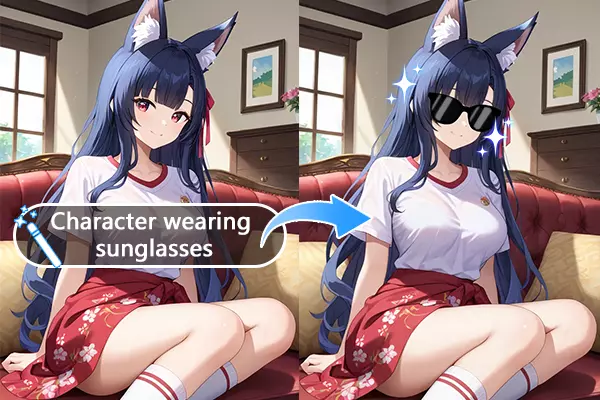
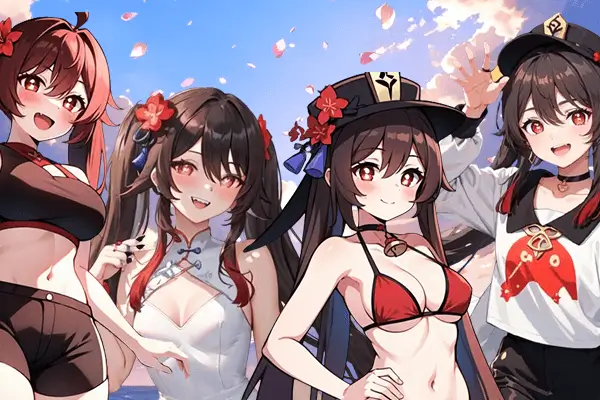
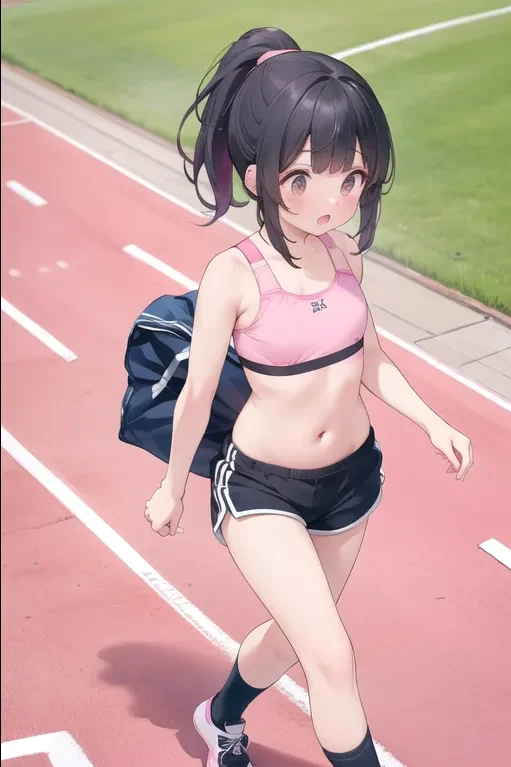
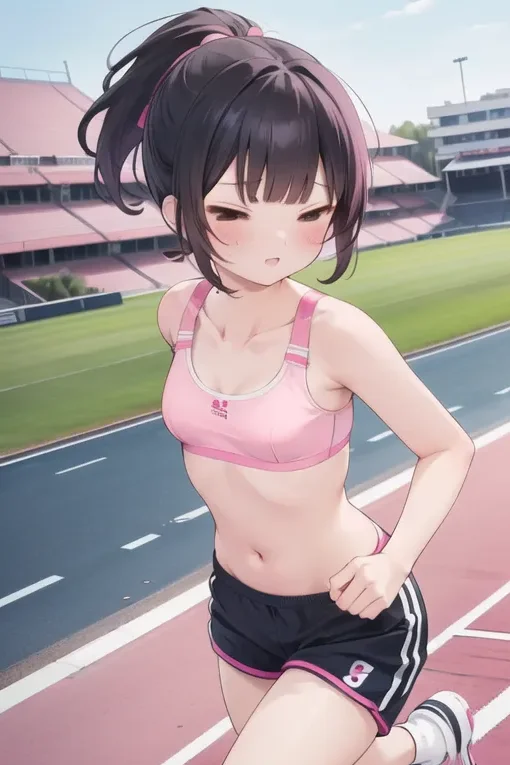
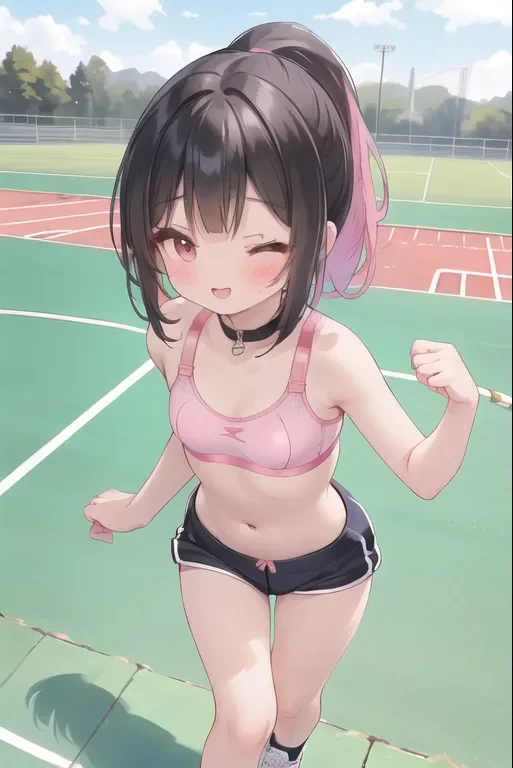
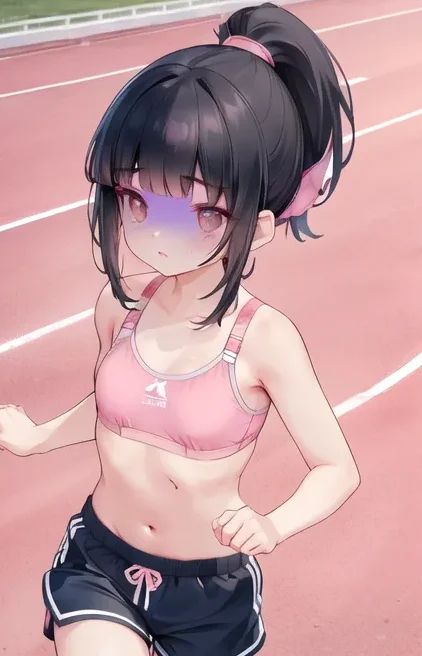
Change the character's expression, or her accessories, and with a little change like that, you get a series of images about the character. That's what we call consistent character. Painters use brushes to make changes, while we, as ordinary people, can choose to use AI tools to help us create our own images. Just have a try!
1. Find a suitable AI tool
Do you know of anime AI generators that can only generate single images or batches of raw images? If you want to generate a consistent character, does the AI change the rest of the character's configuration with it, but you only want to change the pose? Still struggling to find the suitable AI tool? Don't worry, AnimeGenius doesn't have this problem, as long as you follow our guide carefully!
2. Dos and Don'ts to achieve characters consistency
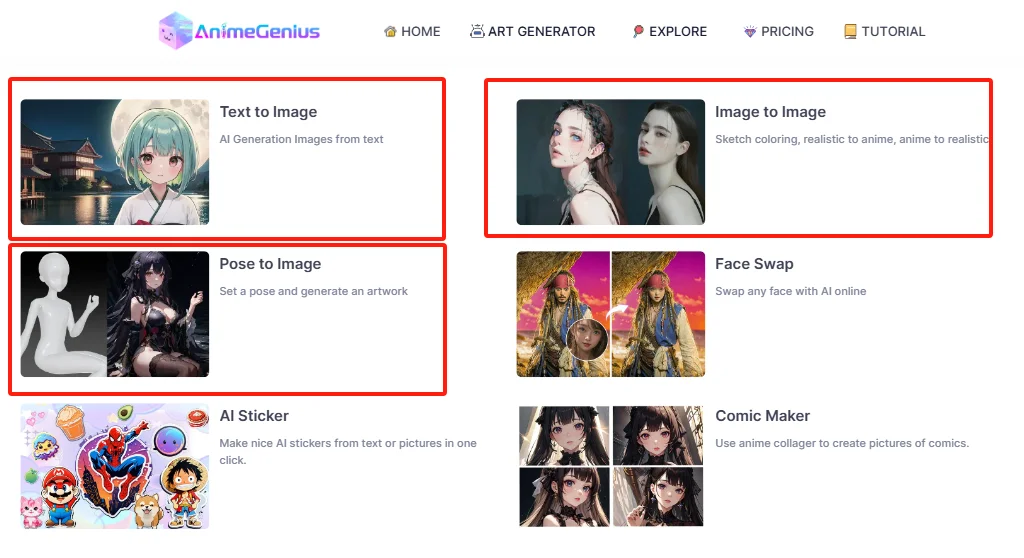
AnimeGenius has three ways for you to achieve characters consistency. But before your creation, if you are a newcomer, you need to sign up first; if you already have one, just click to 'ART GENERATOR'.
Dos: Keep same model+same initial prompts
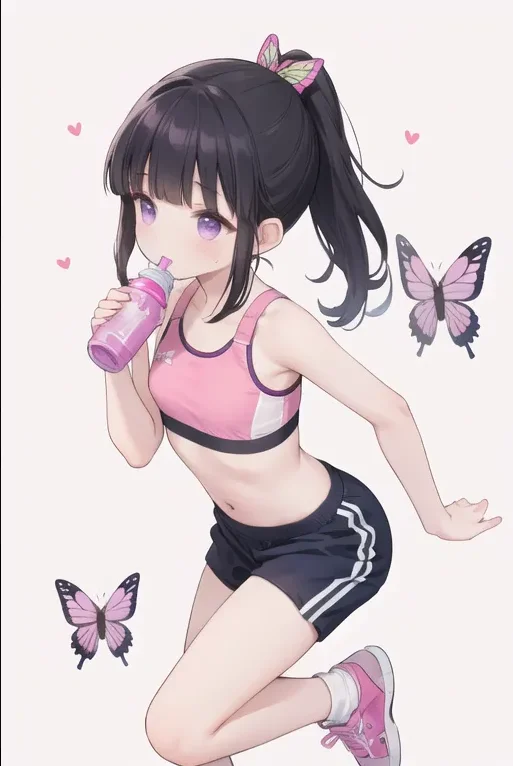
To achieve characters consistency, keep the same model and same initial prompts are crucial for it. Here are a set of prompts, which are the initial prompts.Prompts: (1woman), (cute and sexy), (medium hair:0.8), (black hair), (blunt bangs hair), (high ponytail hair), dark brown eyes, (small breasts), (pink sport bra:1.2), (navy blue running short pants), (black sneakers), white short sock, (sexy), (standing), (drinking water from bottle), (on running track), serious look, (medium full view)
Model: Cute Anime
Text to Image ---Change prompts a little
We use the initial prompts above but change them a little bit.(1woman), (cute and sexy), (medium hair:0.8), (black hair), (blunt bangs hair), (high ponytail hair), dark brown eyes, (small breasts), (black sport bra:1.2), (navy blue running short pants), (black sneakers), white short sock, (sexy), (standing), (drinking water from bottle), (on running track), serious look, (medium full view) add (navy blue sport jacket), (navy sweatpants) ,(on the playground)
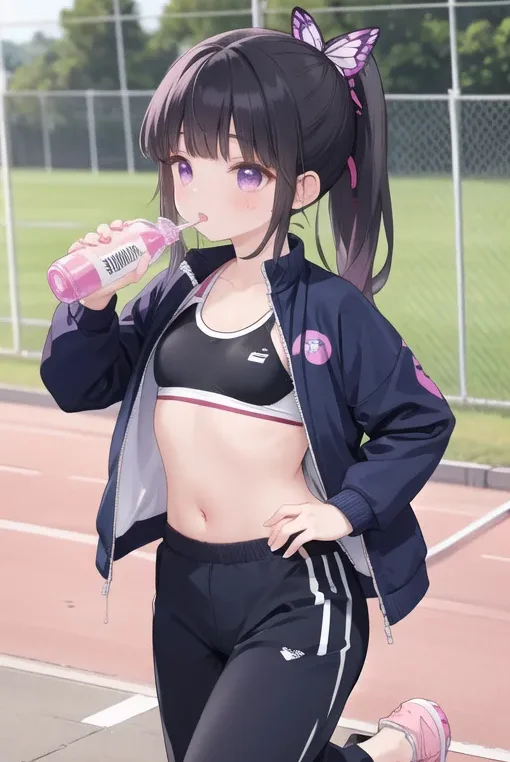
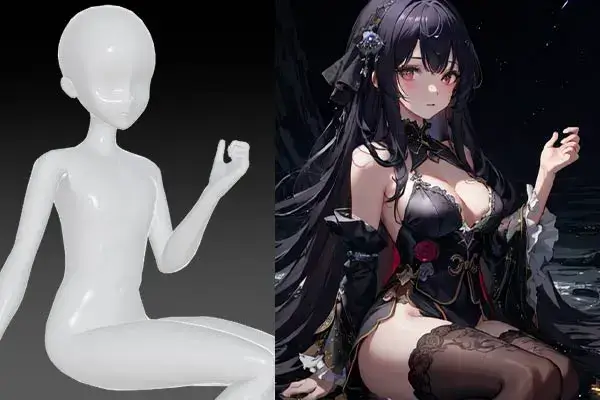
Pose to Image---Upload different poses
In this feature, you could upload a series of poses in order to generate more images of your character. This time, we still keep the initial prompts and the initial model, but we change the poses of the character.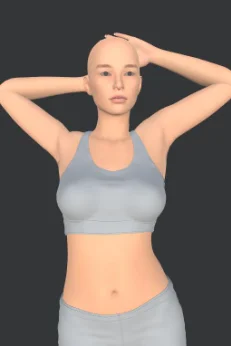
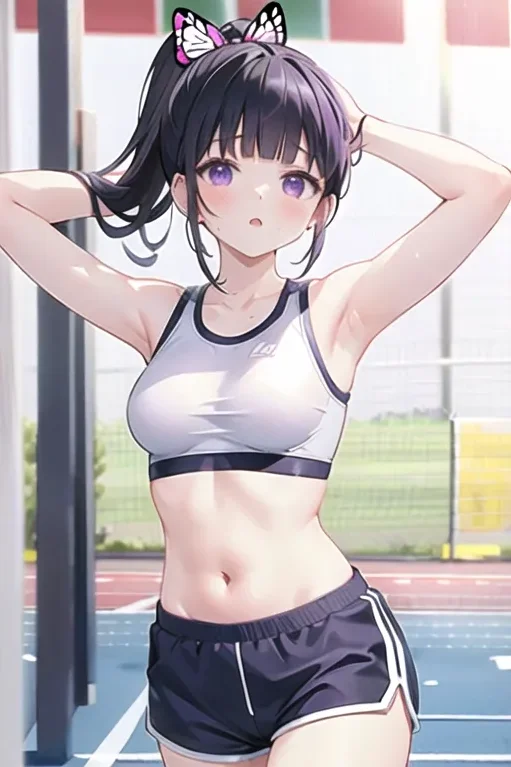
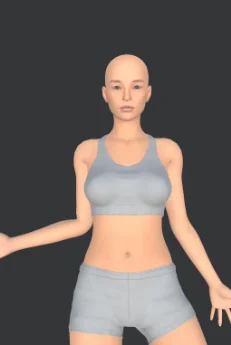
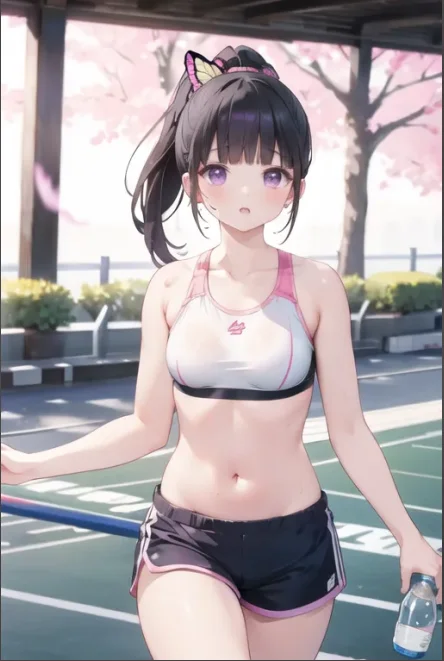
Image to image---create consistent character based on your own image
Besides two ways above, you could upload your own image to create consistent characters. So this time you don't have to use the initial prompts.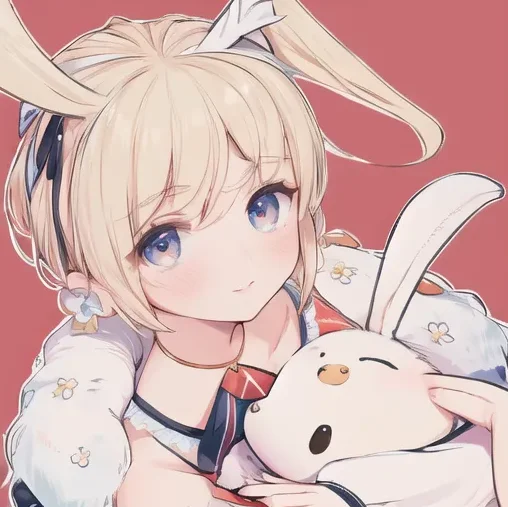
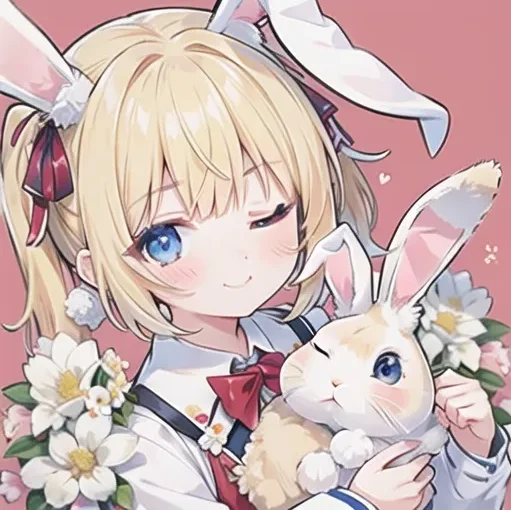
Don'ts :
Here are some caveats that you have to pay attention to when you generate consistent character.
Don't change model
If you change the initial model, the style of your character is different.
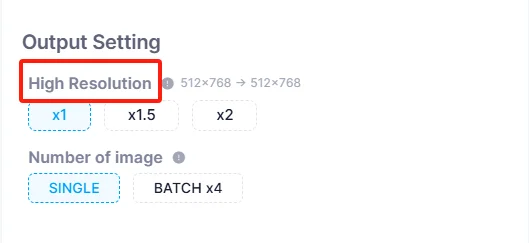
Don't change image resolution
As for prompts, you could change a little, like the clothes or the view of your character. But you can't change them completely. All your changes must be based on the initial prompts.
Don't write command prompts
Your prompts must be descriptive, if you enter a commanding prompts, like 'let her eat the noodles', the AI may not understand it very well.
Other Tips :
Write prompts in details
For prompts, they should be written in as much detail as possible so that the AI follows the direction you expect. For example, if you want your character to wear a navy sport bra, then you better also write what color it is.
Change CFG Scale
If you have followed all the steps in our guide, but the generated images do not meet the requirements of the consistent character, then you need to adjust the CFG scale, so that the ai will strictly follow the prompts you have written, and the autonomy of the part will be reduced.
3. Examples of consistent characters
Here are some consistent characters generated by changing the configuration of different conditions.Setting
Bedroomcoffee shop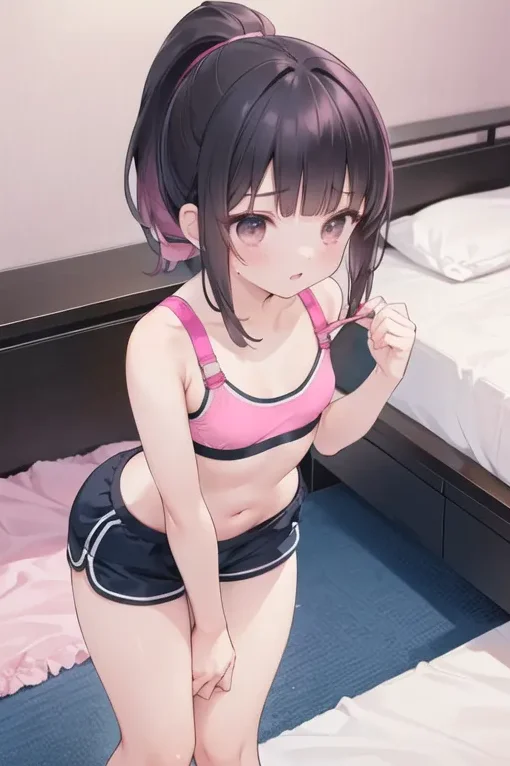
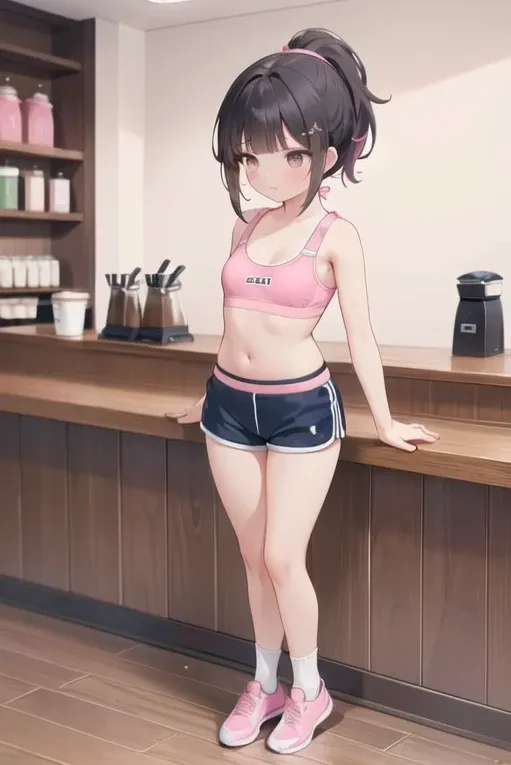
View
Front viewSide view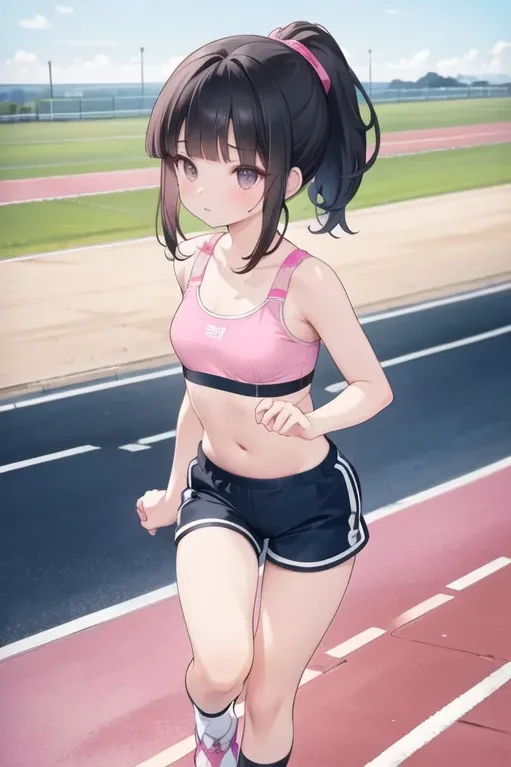
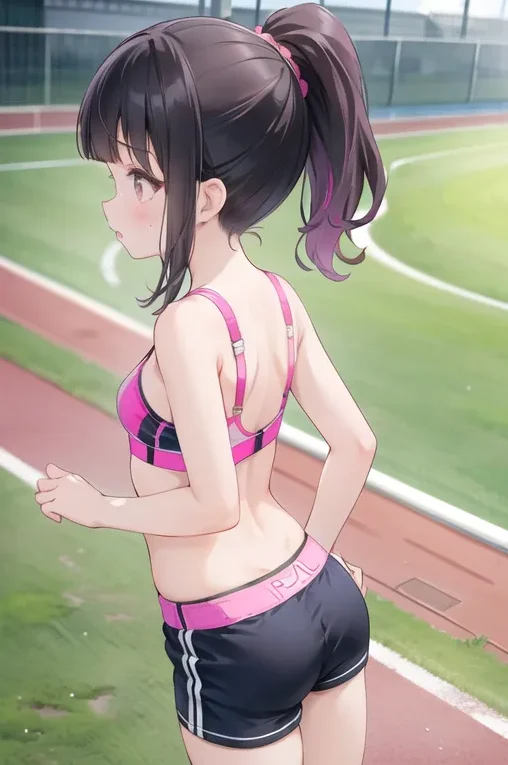
Facial features
AngryLeft wink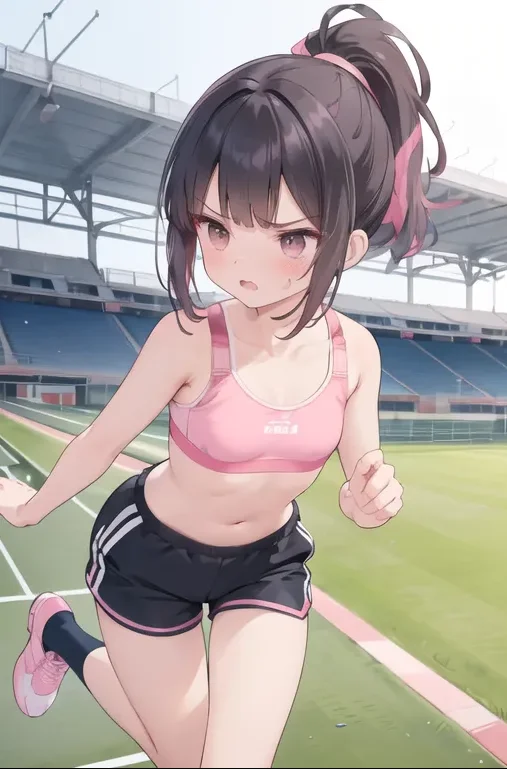
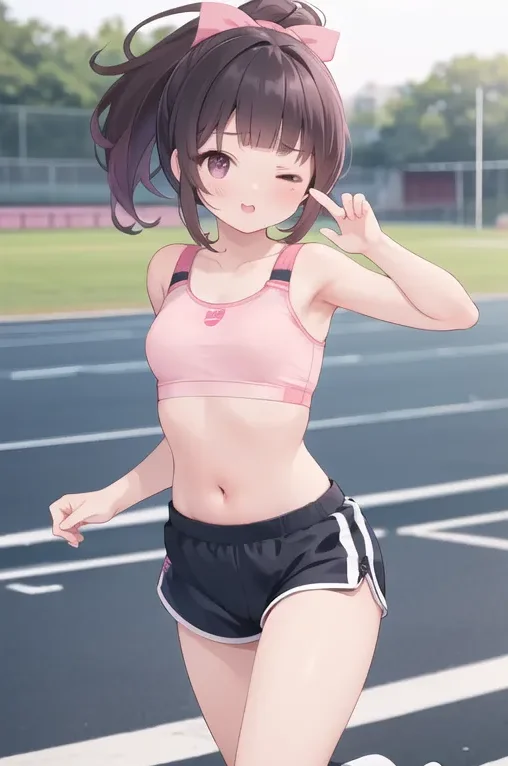
Clothes
Sport JacketSport Pants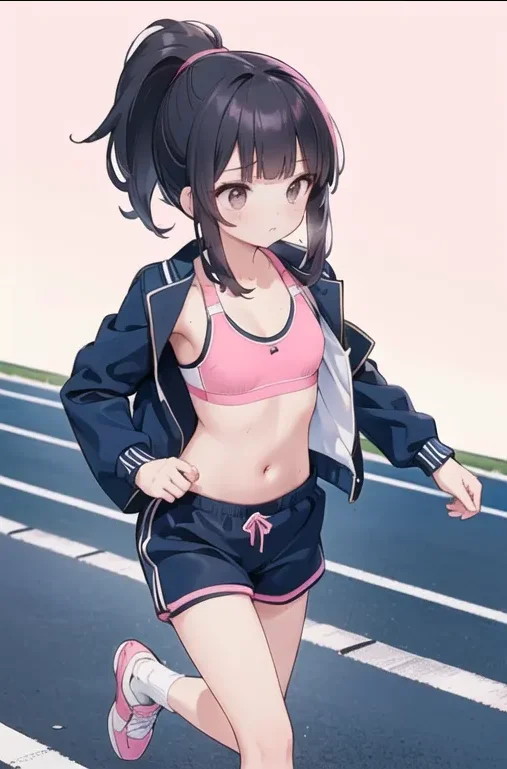
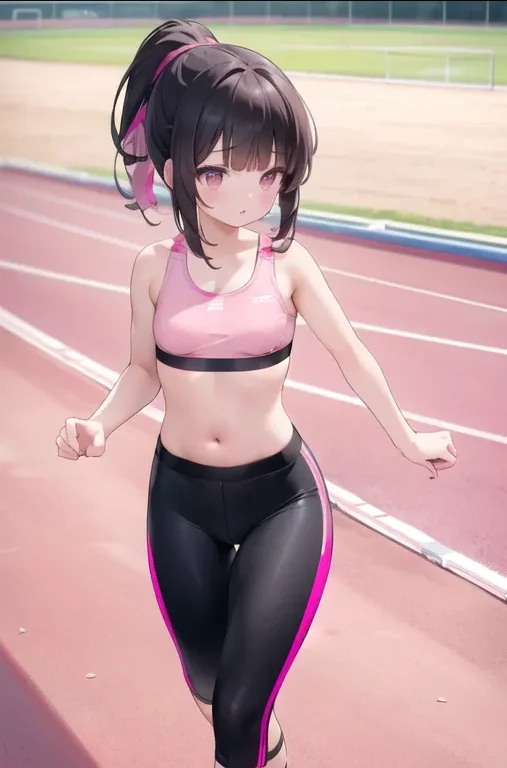
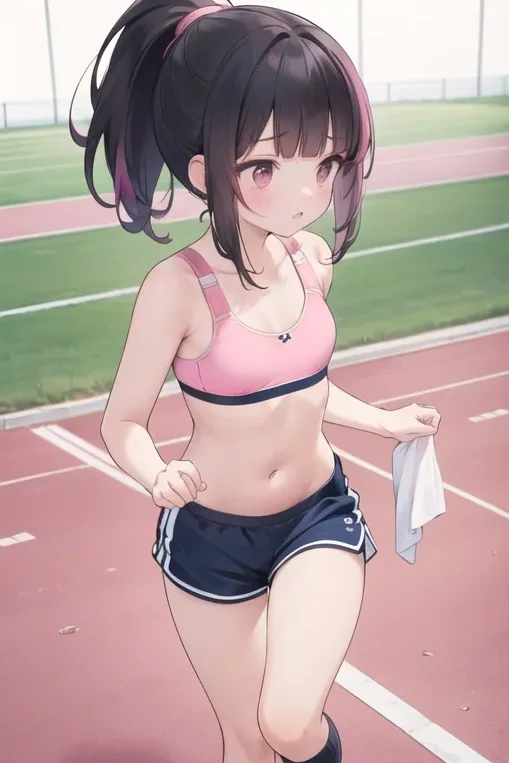
Accessory
Drinking Coca-colaTaking the towel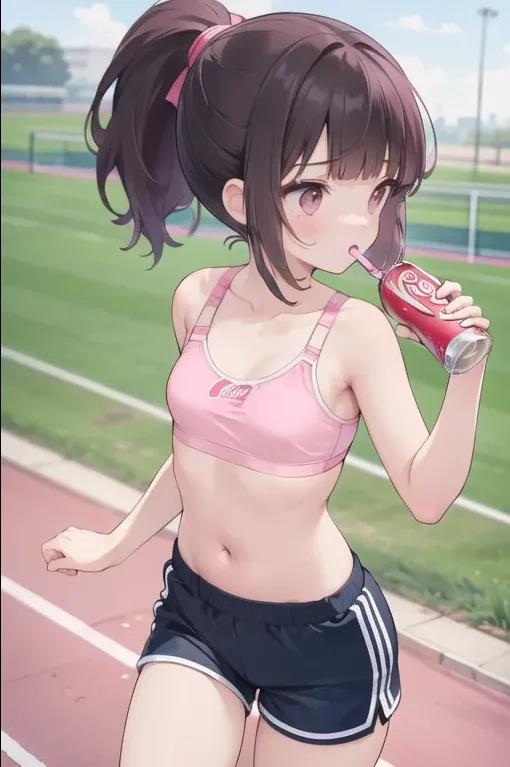
4. Conclusion
Follow the main three steps and examples above and I believe that you have a deep.
understanding of how to create your consistent character. Hopefully the information above will help you.
Make Your Own Cosplay Art with Our AI Generator
Try for free