
 ART GENERATOR
 EXPLORE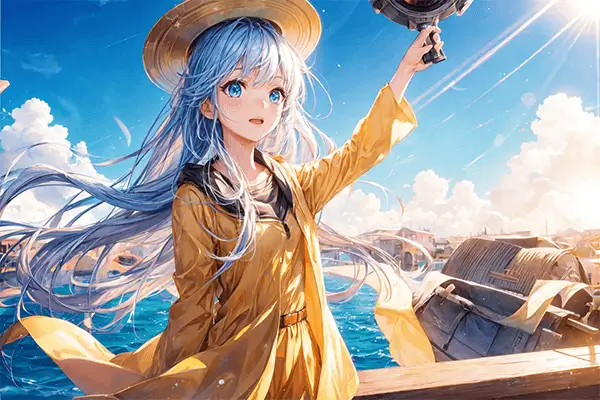


 TUTORIAL
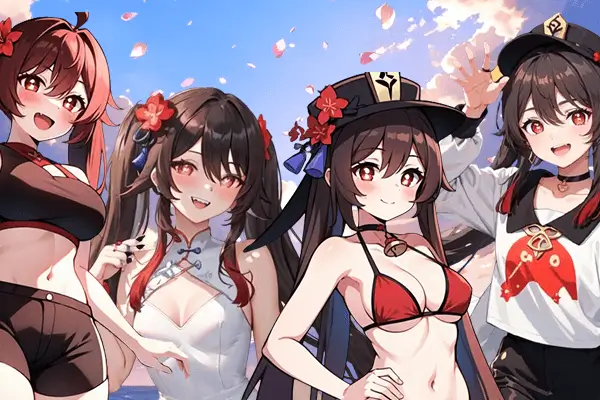
How To
Learn how to use AnimeGenius AI tool with detail text & video tutorial.
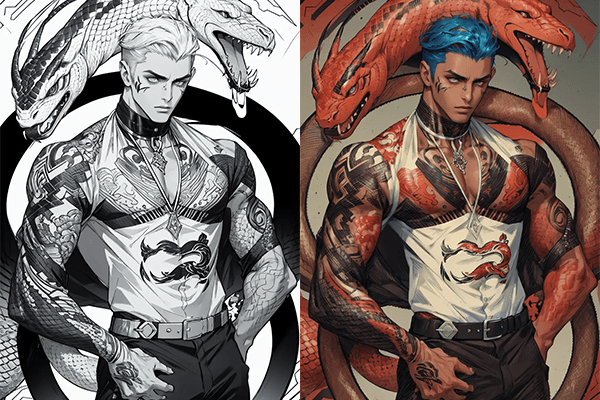
Use Case
Find the hidden features of AI text-to-image generators and learn how to master AI for creative uses.
Prompt Guide
We provide detailed prompt tutorials to help you use AI like a pro

Parameter
Learn the usage of Stable Diffusion parameters and get more professional AI skills in generation.
How to Use AI to Make Special Cosplay Art?
Are you still struggling with the fact that cosplay art these days is so different from anime archetypes? Do you want to visualize the effect of cosplay dress up directly? Don't worry, with the development of technology, what you want AI all can do. This article will guide you step by step on using AI to create unique cosplay art.
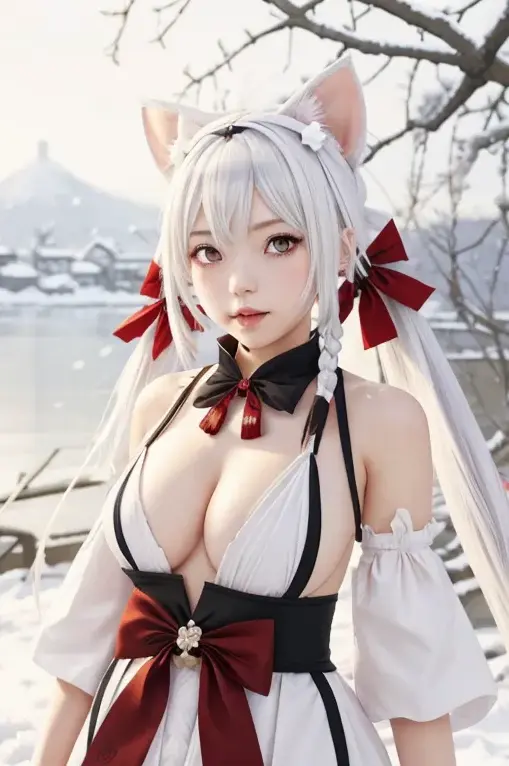
1. What is AI Cosplay Art?
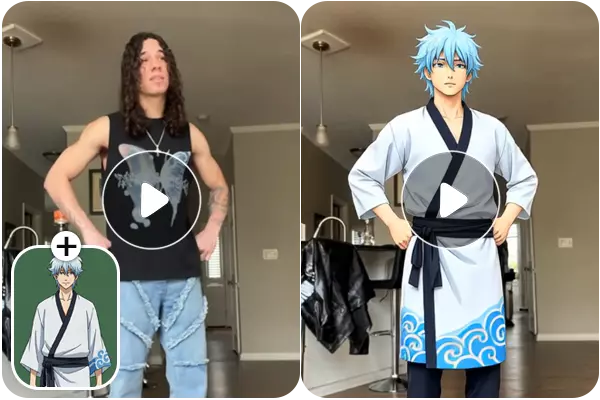
AI cosplay art refers to the use of AI tools to create or enhance cosplay-related artworks, allowing people dicrectly see What others cosplay like.
2. Which AI Tool could support Cosplay Art?
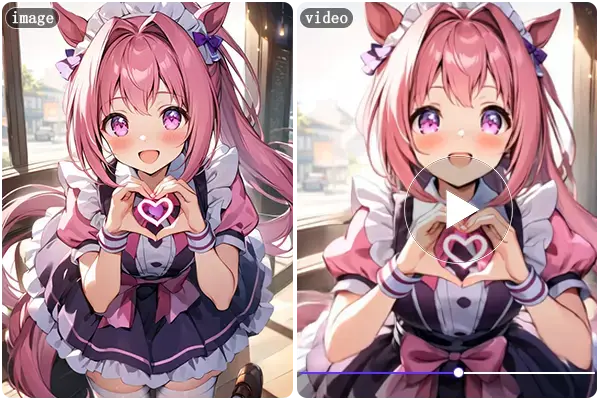
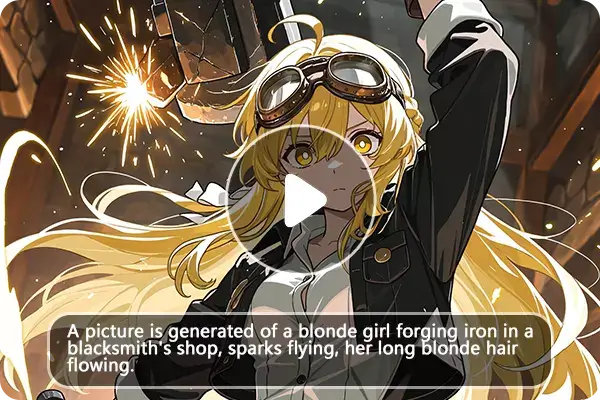
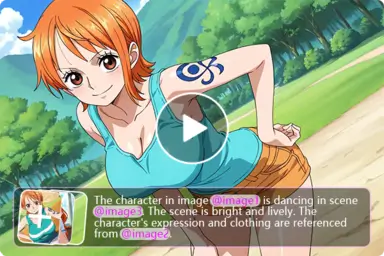
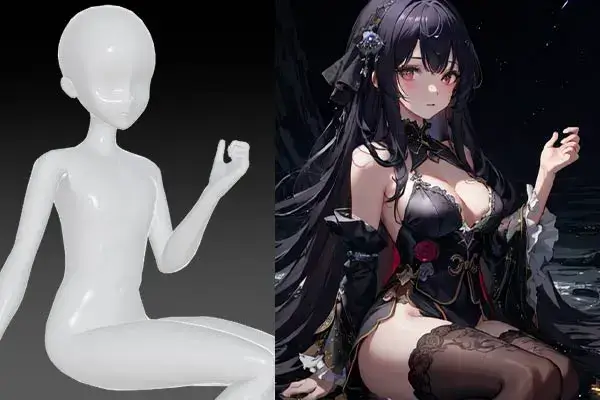
There are varies of AI tools to support cosplay art nowadays. Take AnimeGenius as an example, it is a AI tool that allows you to generate your own anime art, which is friendly to newcomers. It has aix main features to meet different needs of users all across the world. You could write down some prompts、upload a image or a pose to generate your unique anime images by using it. Besides these, it also could support some advanced features, like design tattoos、colorize sketch.
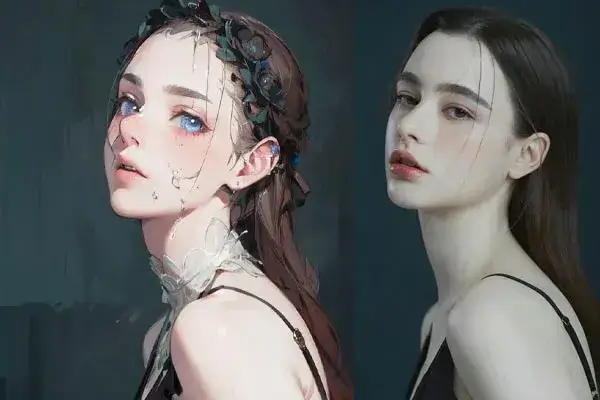
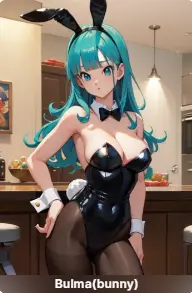
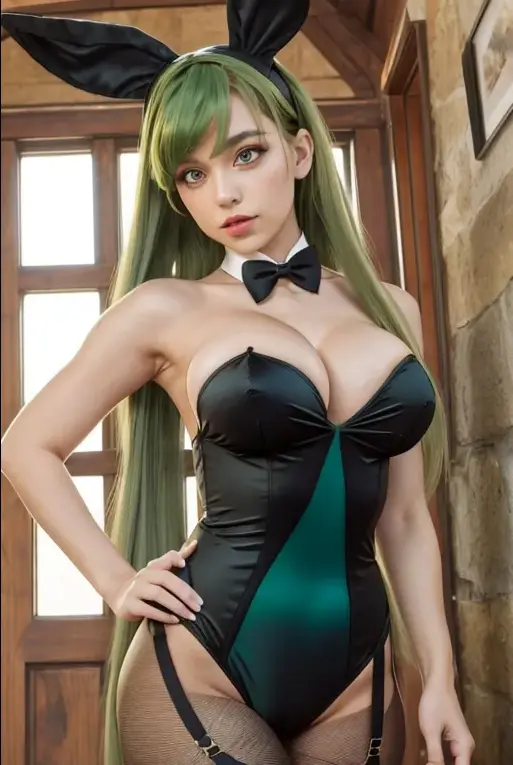
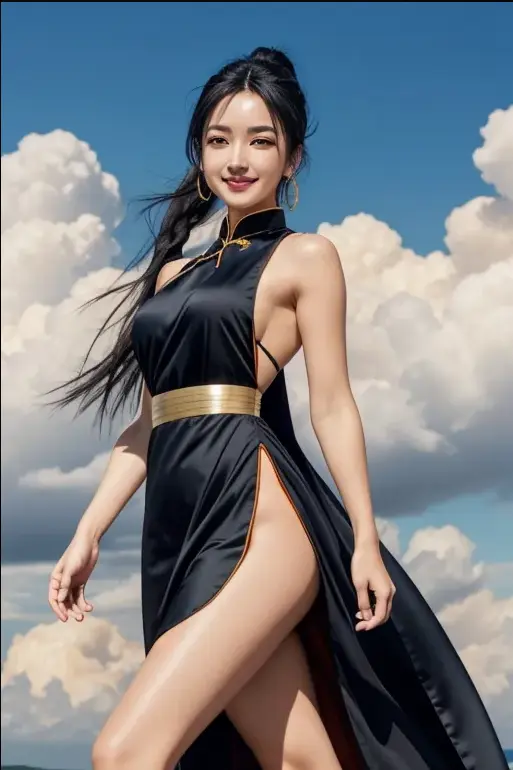
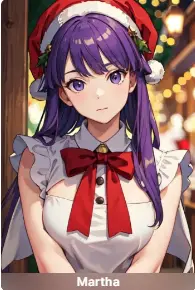
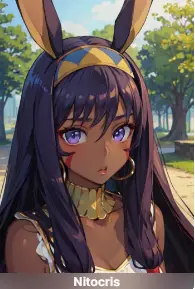
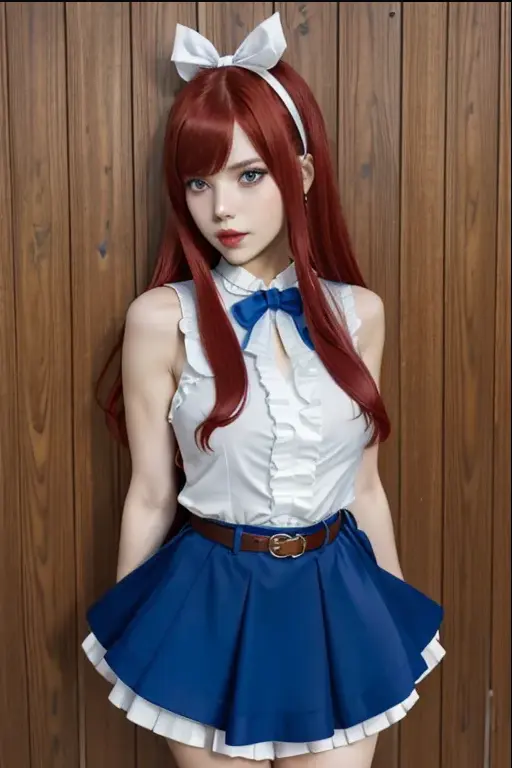
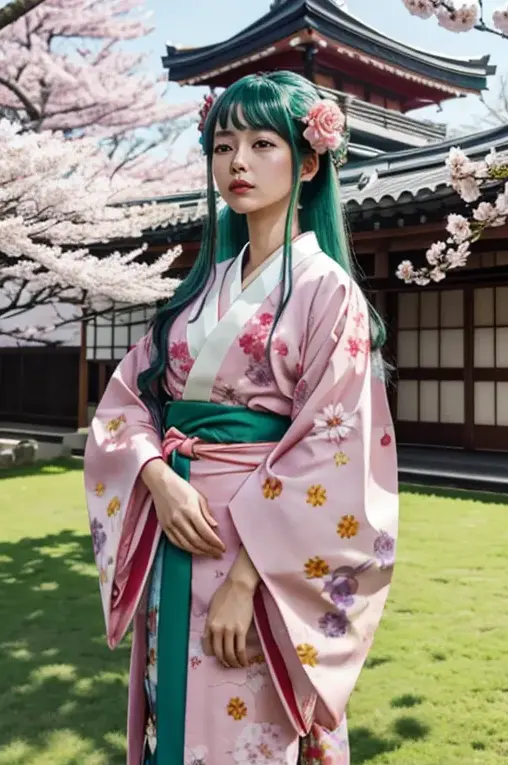
Today we're going to explore another feature, which is making cosplay art form specific anime. Just be like photos below. If you are interested in it and want to know how do these work, please follow us step by step.
Dragon Ball
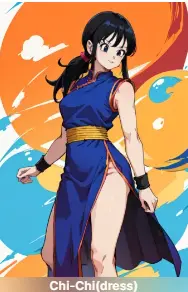
Fate
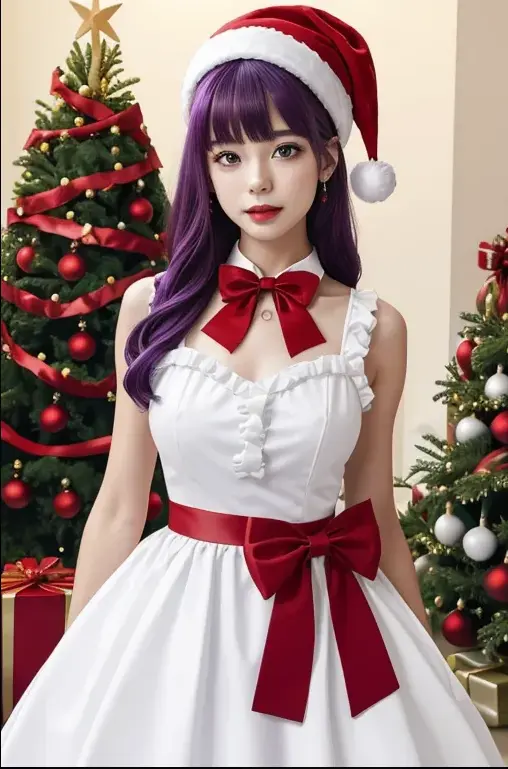
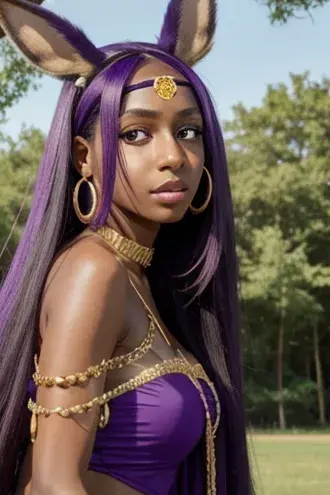
3. Basic method to make Cosplay Art
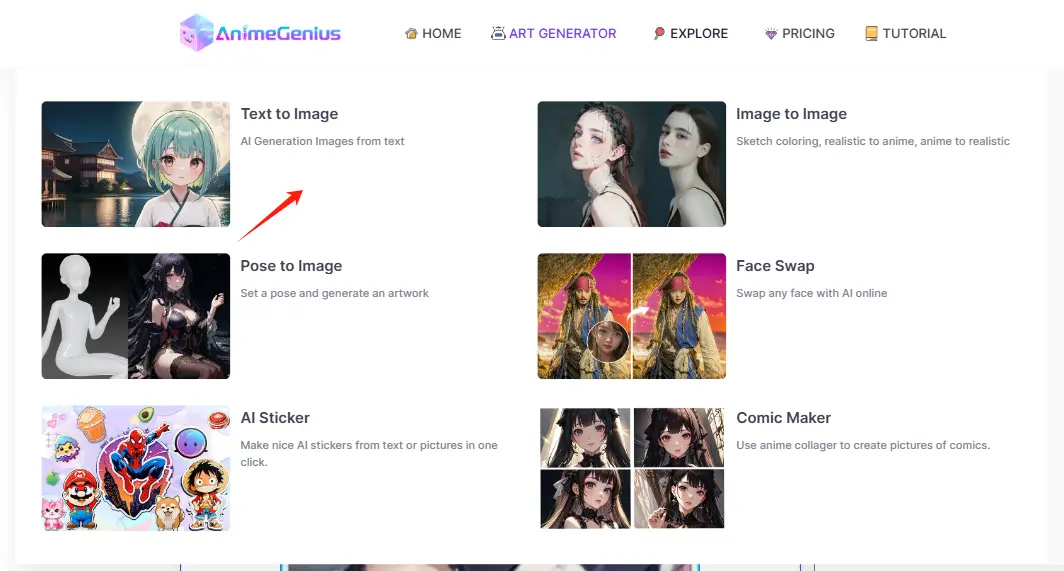
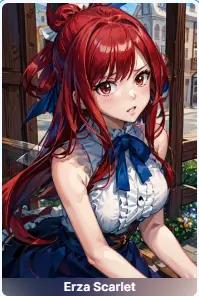
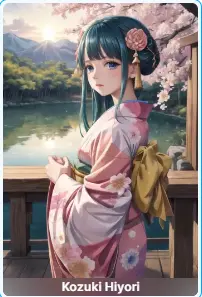
Step 1: Click to 'Text to Image', choose a Model and a Lora
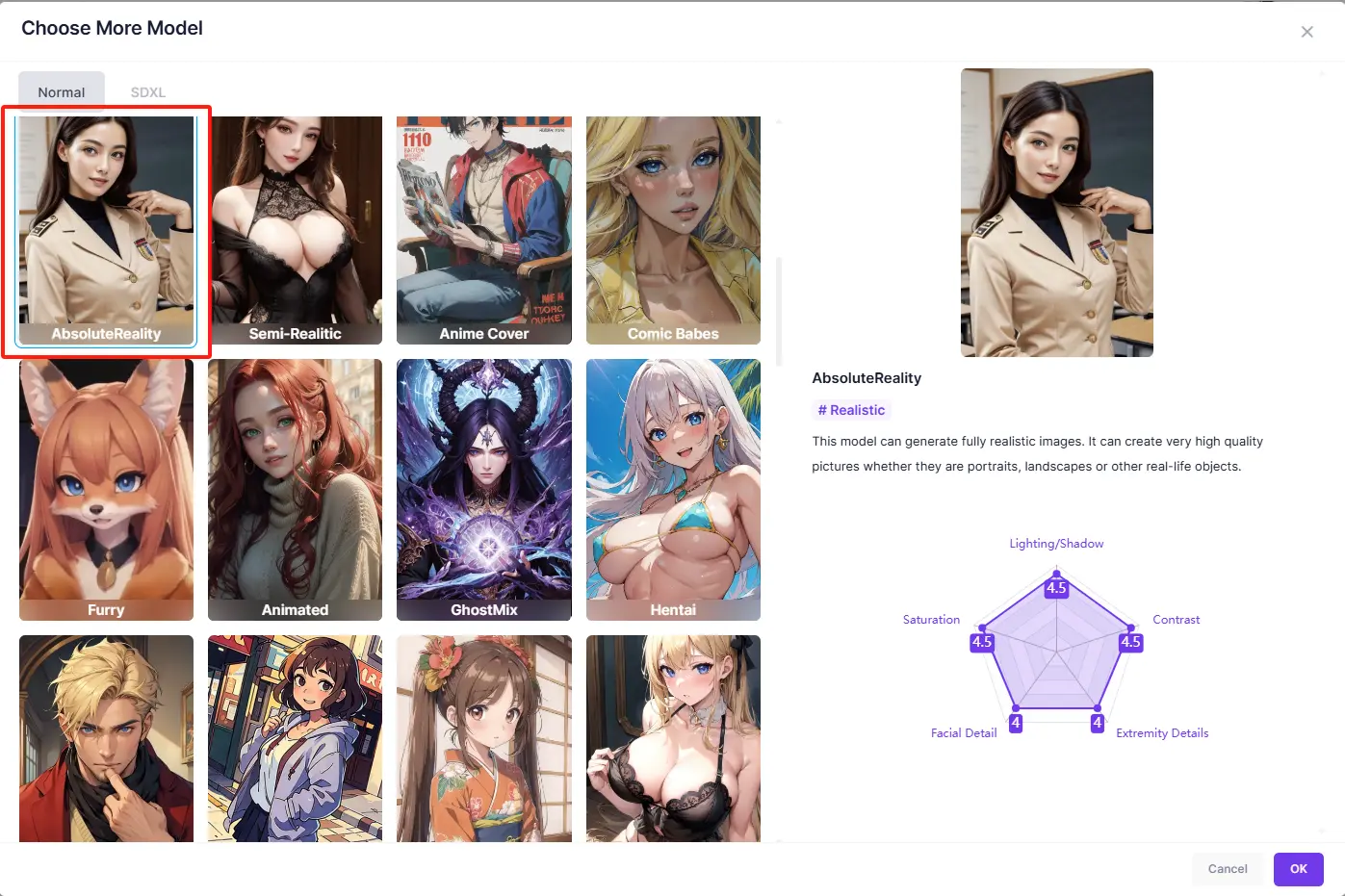
When choosing models, we recommend that you choose Realistic style models, like 'AbsoluteReality' , which will make your cosplay art look more naturalistic and lifelike. As for lora, you could choose any lora you like.
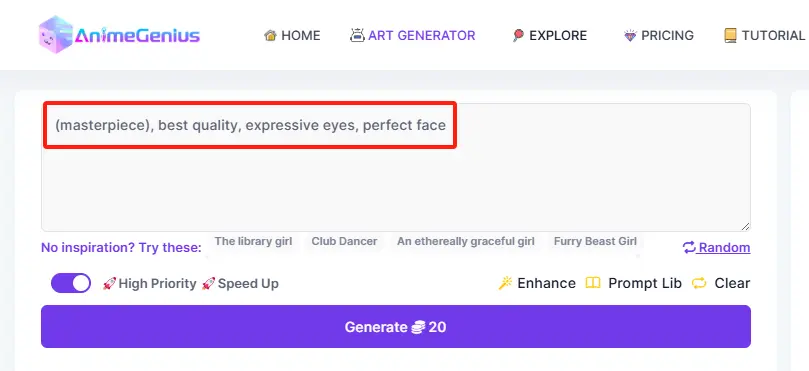
Step 2: Write down prompts
You could write down prompts to describe some characteristics of the lora by your own, or you could just use the default prompts.
Example
4. Advanced method to make Cosplay Art
Step 1: Click to 'Text to Image', choose a Model and a Lora
This step is the same as the basic method.
Step 2: Image to Prompt
For those who don't know how to write prompts or feel that their own prompts don't work well for generating cosplay art, you can upload an image of your choosen lora to 'Image to prompt' to get prompts.
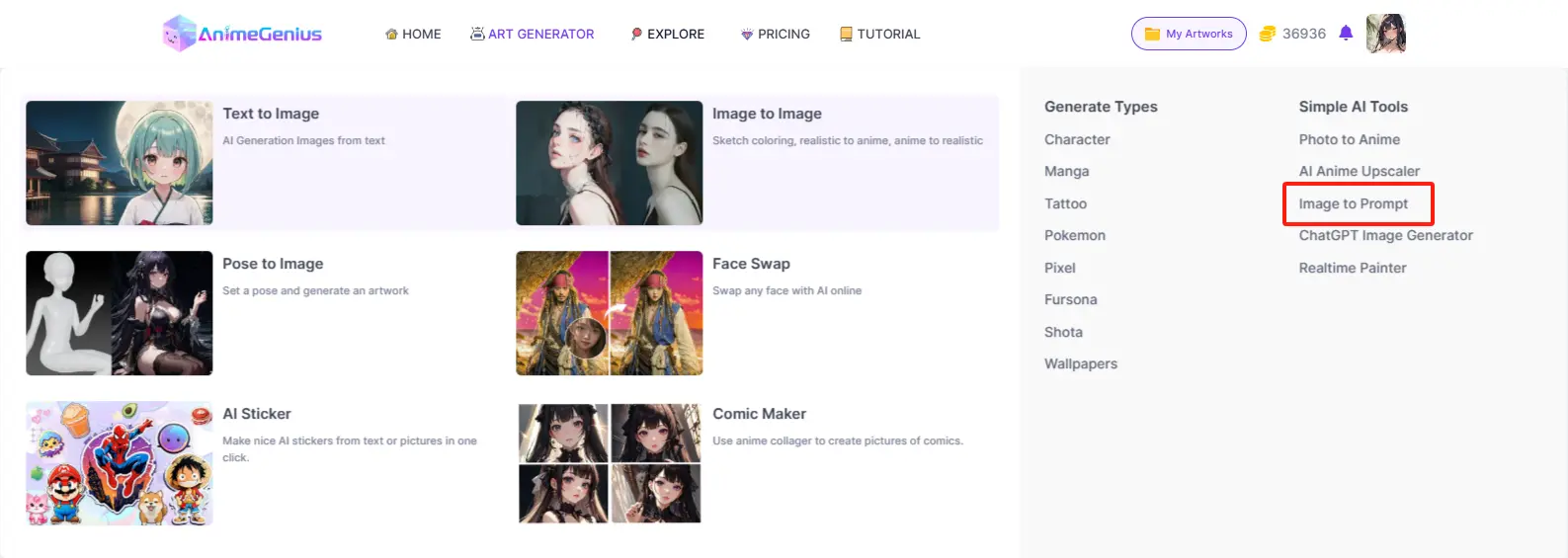
And then you could directly send it to 'Text to Image'.
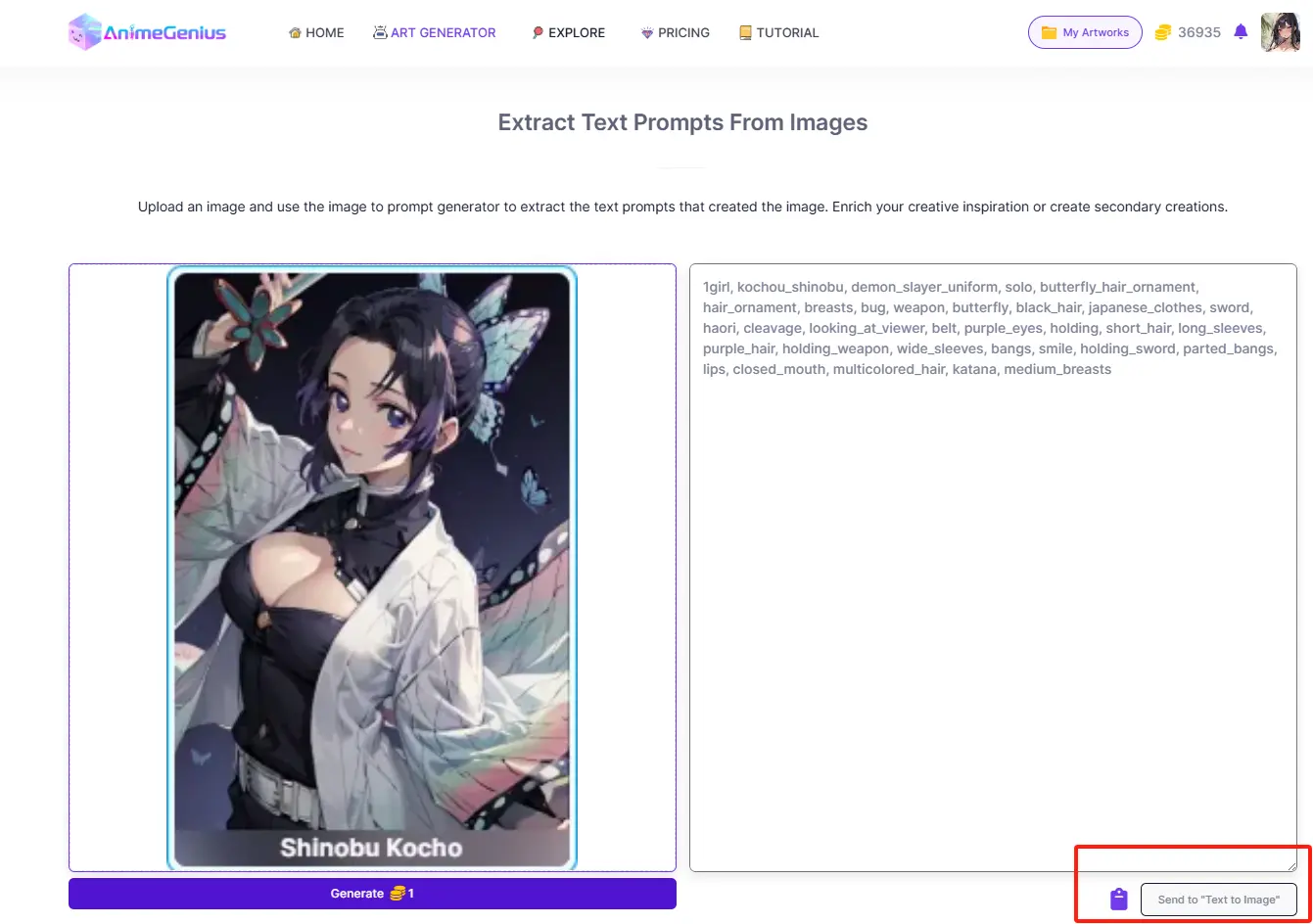
Example
5. Conclusion
Follow the two methods above and you'll be able to make your own cosplay art. Hopefully the information above will be helpful to you!
Make Your Own Cosplay Art with Our AI Generator
Try for free