

 ART GENERATOR
 EXPLORE


 TUTORIAL
How To
Learn how to use AnimeGenius AI tool with detail text & video tutorial.
Use Case
Find the hidden features of AI text-to-image generators and learn how to master AI for creative uses.
Prompt Guide
We provide detailed prompt tutorials to help you use AI like a pro

Parameter
Learn the usage of Stable Diffusion parameters and get more professional AI skills in generation.
How to Use AI to Make Unique Trading Cards?
Do you like trading cards? Would you like to make trading cards of your favorite anime? But all you have to do is to wait for them to be published? Here is a chance for you that you could make your own unique trading cards. You can turn everything you love about anime into trading cards! This article will help you to use AI to design tarding cards step by step.
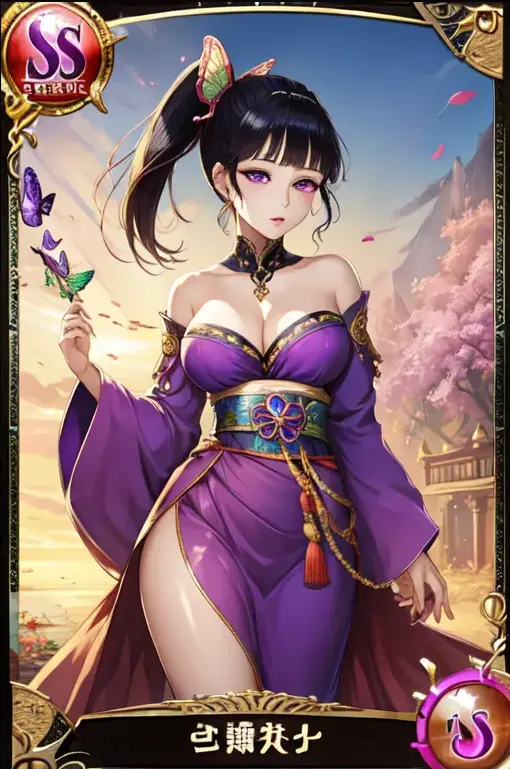
1. Which AI Tool could suppot to make Trading Cards
Prompt A: A collectible trading card featuring a fierce warrior girl, depicted in a dynamic battle stance. The card design exudes an SSR rarity, with intricate details, vibrant colors, and a holographic finish that adds a touch of magic to the illustration.
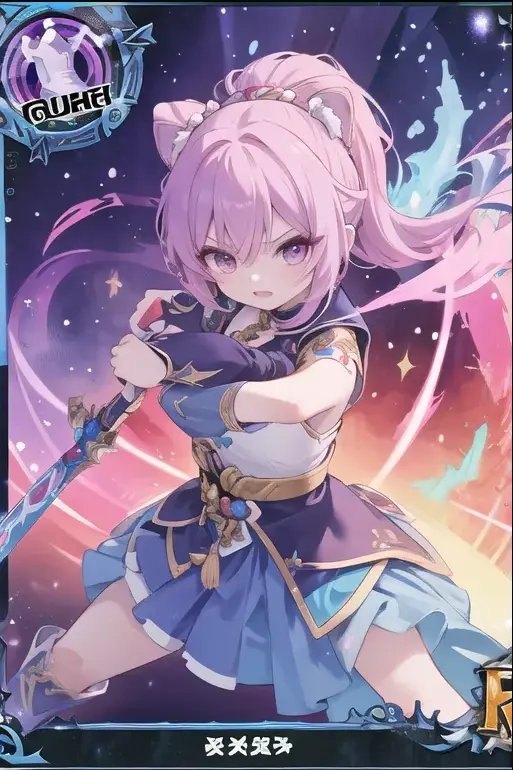
Prompt B: A collectible trading card featuring a fierce warrior maiden in an SSR (super rare) category, emanating an aura of power and intensity. Vibrant colors, intricate detailing, and a dynamic pose that captures the essence of strength and determination.
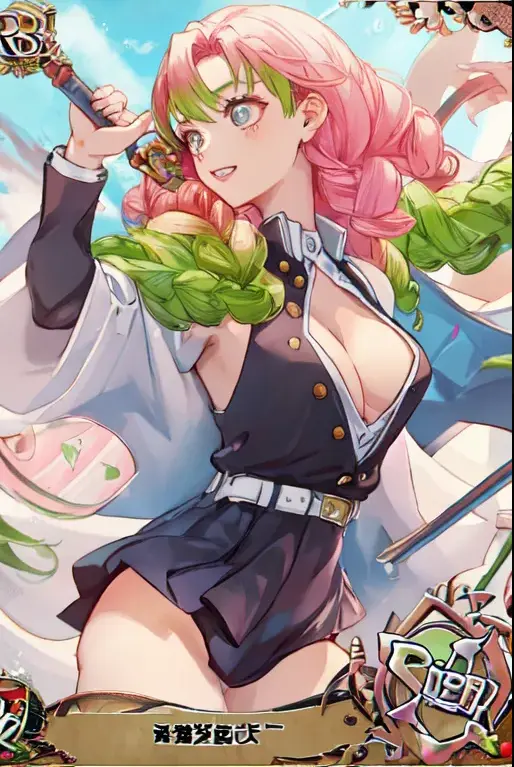
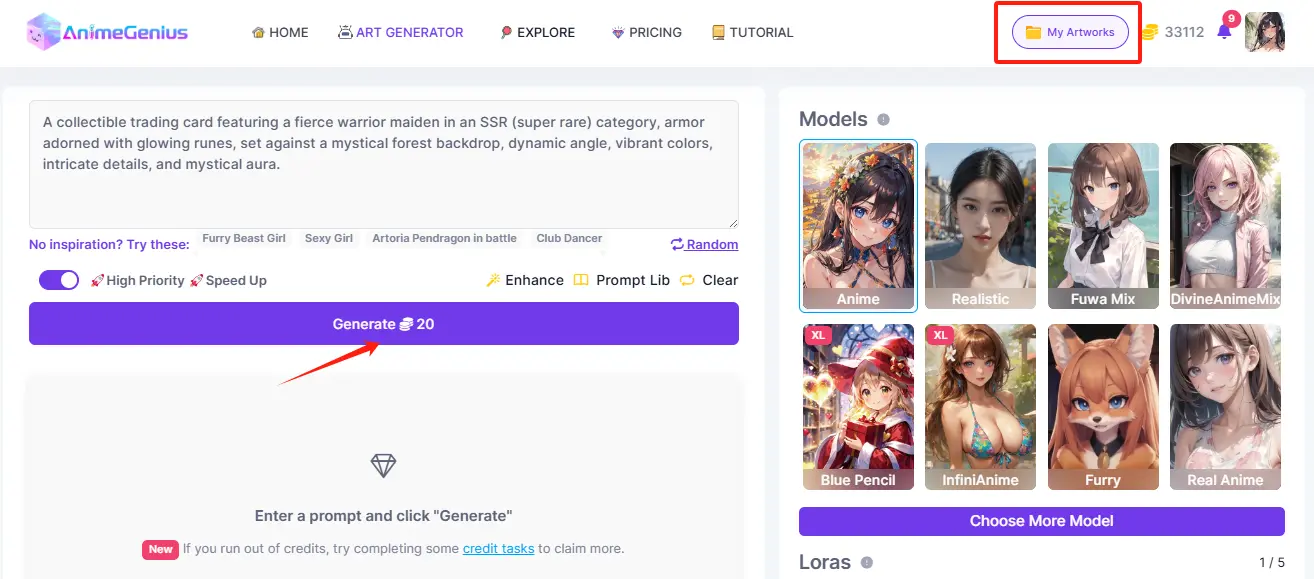
Prompt C: A collectible trading card featuring a fierce warrior maiden in an SSR (super rare) category, armor adorned with glowing runes, set against a mystical forest backdrop, dynamic angle, vibrant colors, intricate details, and mystical aura.
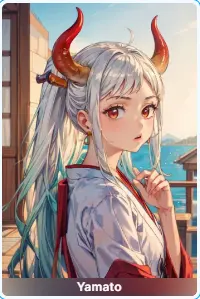
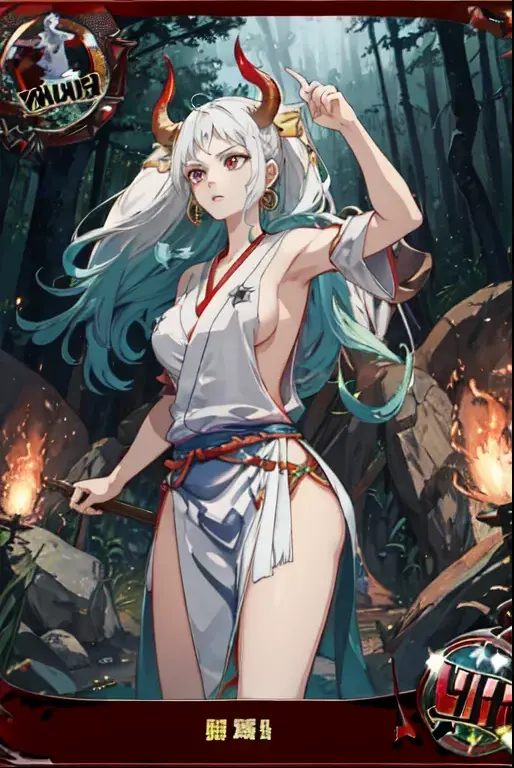
Look at these trading cards provided above. Can you believe that I made all of these myself? All of these I made using AnimeGenius, and it is easy to operate. AnimeGenius is a convenient AI tool, which could support users to generate their own anime art. All you need to do is to write down some prompts or upload a image. If you want to add more details to your anime art, you could choose its models and loras. AnimeGenius is known for its delicate models and loras.
Besides this basic features, AnimeGenius is also has some secret features, like the trading cards I made. Now let me share you about it.
2. Basic Steps to Design Trading Cards
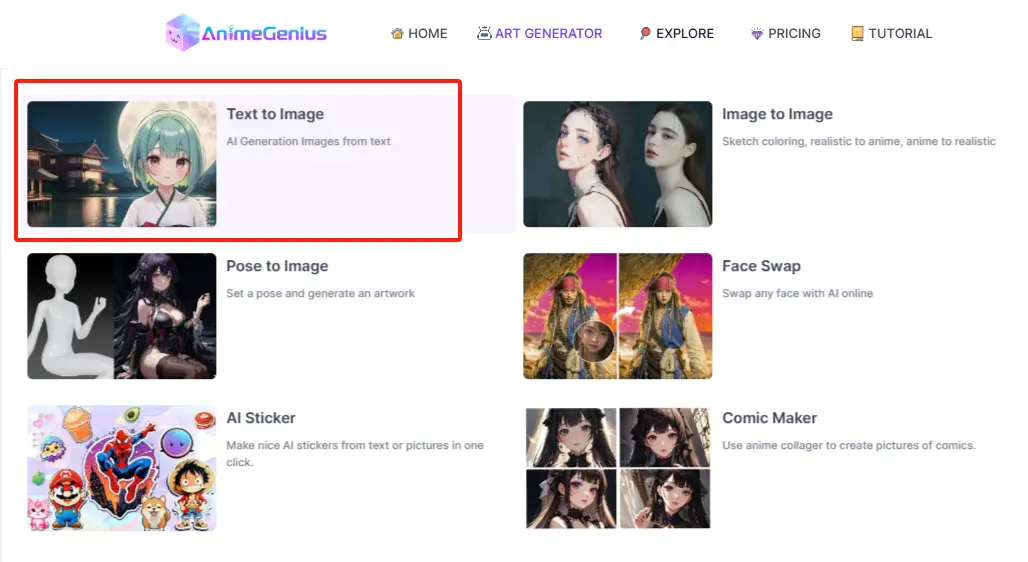
Step 1: Sign up and click to 'Text to Image'
Before your creation, if you are a newcomer, you need to sign up first; if you already have one, just click to 'Text to Image' directly.
Step 2: Write down prompts
By yourself
You could wirte down some prompts on your own to describe your trading cards. You need to note that the word 'trading card' must be included in your prompts.
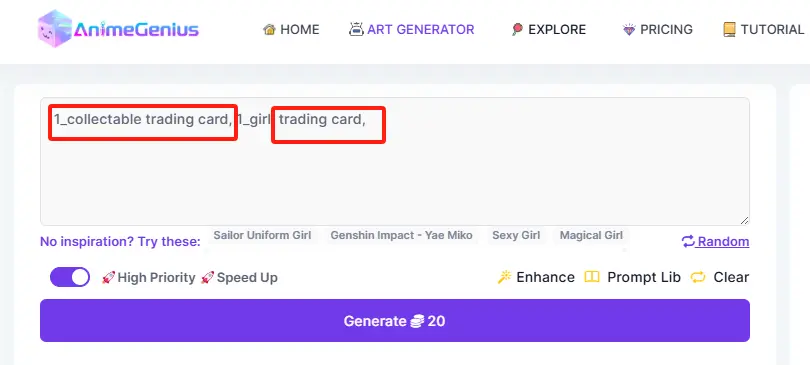
For more details, you could use 'Enhance' feature to further refine.
Explore OC Gallery
As a newbie, you can also go to the 'OC Gallery' to borrow other people's trading cards. You could search 'Trading cards' and then copy the prompts you like.
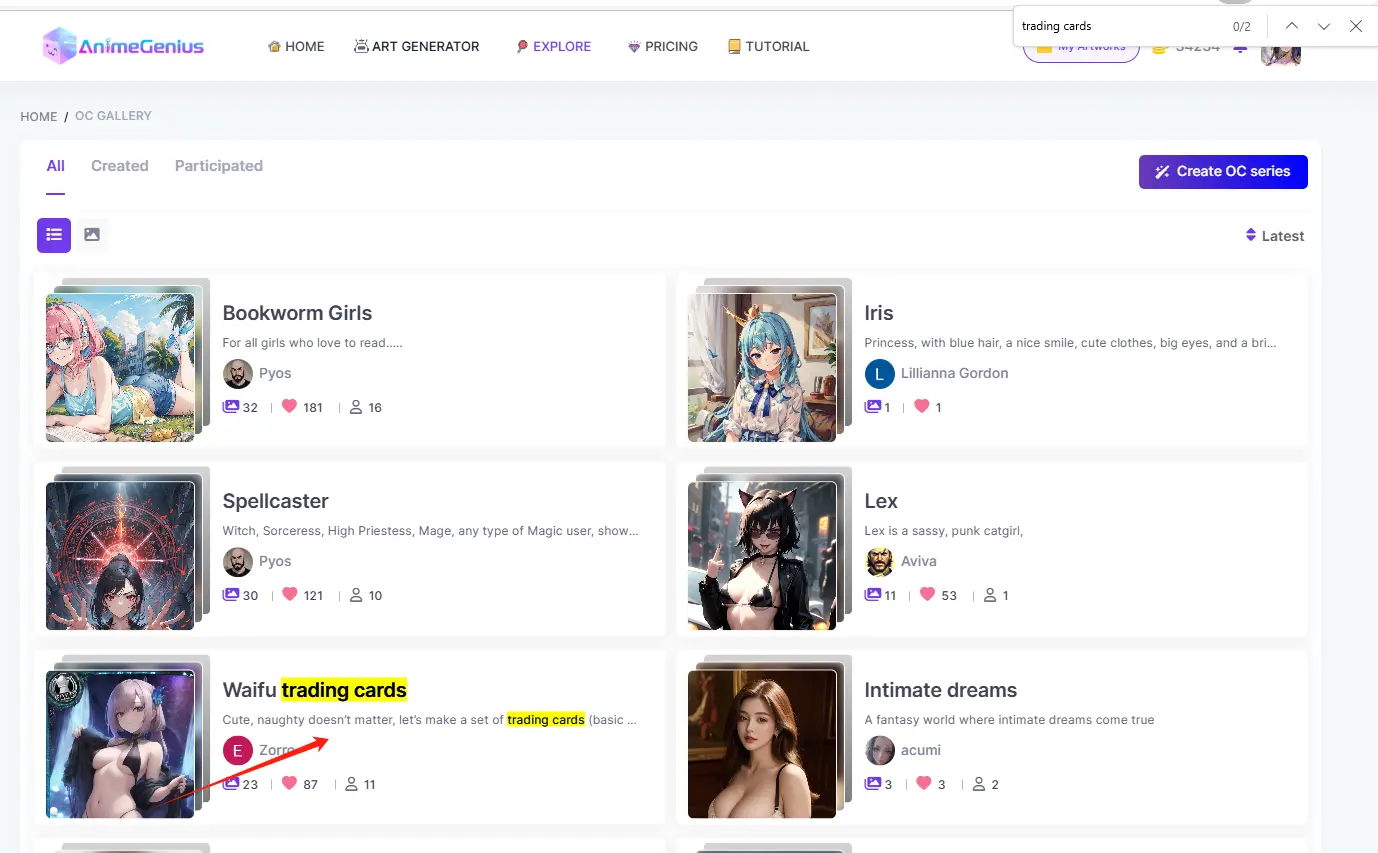
Step 3: Choose Models and Loras
In this step, you could choose models and loras to add more details for your trading cards.
Step 4: Click to 'Generate' and share your trading card
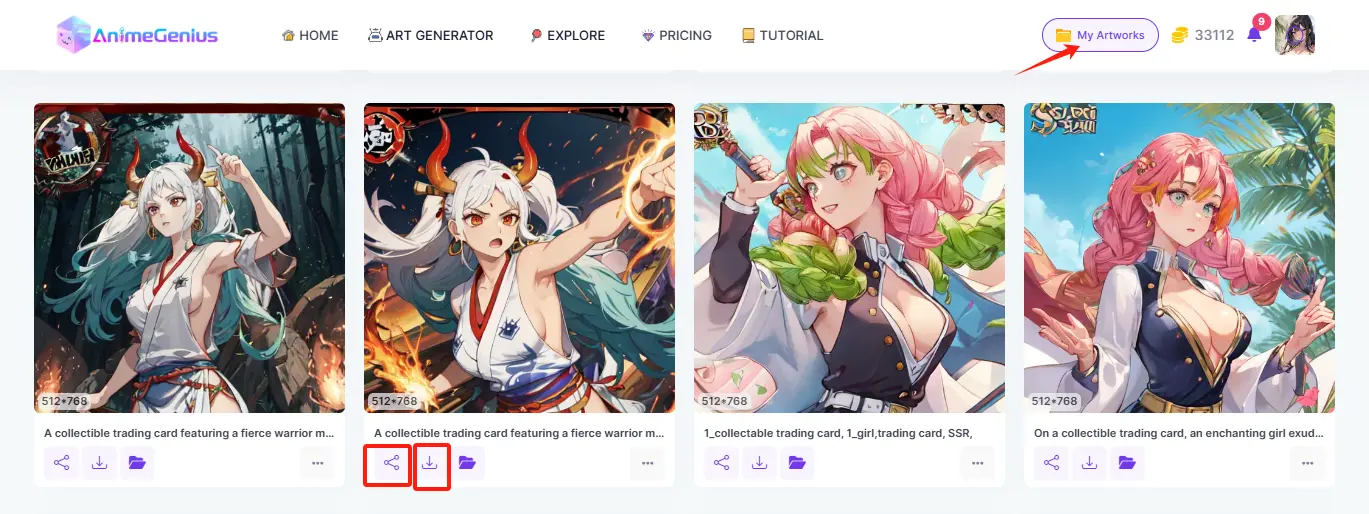
After finishing the steps above, just click to 'Generate', your trading card will be output in seconds! And then, you could choose to upload or share it from 'My Artworks'. Get your trading cards seen by more people!
3. Conclusion
Follow the two methods above and you'll be able to design your unique trading cards. Hopefully the information above will be helpful to you!
Make Your Own Trading Cards with Our AI Generator
Try for free