
 ART GENERATOR
 EXPLORE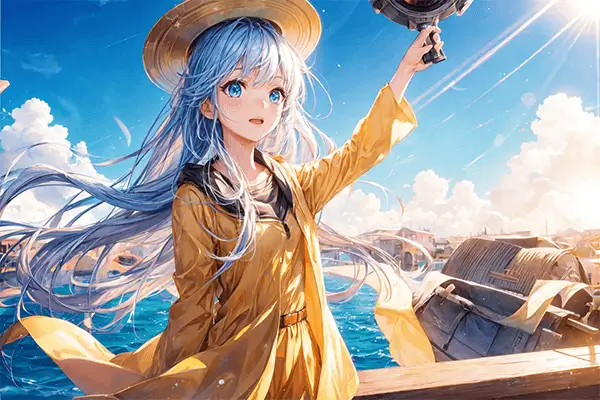


 TUTORIAL
How To
Learn how to use AnimeGenius AI tool with detail text & video tutorial.
Use Case
Find the hidden features of AI text-to-image generators and learn how to master AI for creative uses.
Prompt Guide
We provide detailed prompt tutorials to help you use AI like a pro

Parameter
Learn the usage of Stable Diffusion parameters and get more professional AI skills in generation.
Three Best Ways to Use Stable Diffusion Seed
What is Seed in Stable Diffusion?
Seed in Stable Diffusion is a starting point or initial input that is used to generate an output. Specifically, it is a value or set of values that is provided to the generative model to initiate the generation process. Seeds are used to ensure that the generated output is reproducible, which means that the same input will always generate the same output.
You don't need to come up with the number yourself because it is randomly generated when not specified. The rules for the Stable Diffusion system to identify different input Seed are very simple.
- Input seed > 0, it means you have chosen a specific seed
- Input seed < 0, Stable Diffusion will choose a random seed
- Seed = 0 or empty, it also means a random seed
How to Use Seed Wisely?
Before learning how to use Stable Diffusion Seed, we must remember such a rule:
Same prompt + same seed = same image
So based on different prompts and seeds, we have three different ways of using it
Way1: Same prompt + same seed
If you want to generate the same image, you can use a same prompt + same seed to achieve it
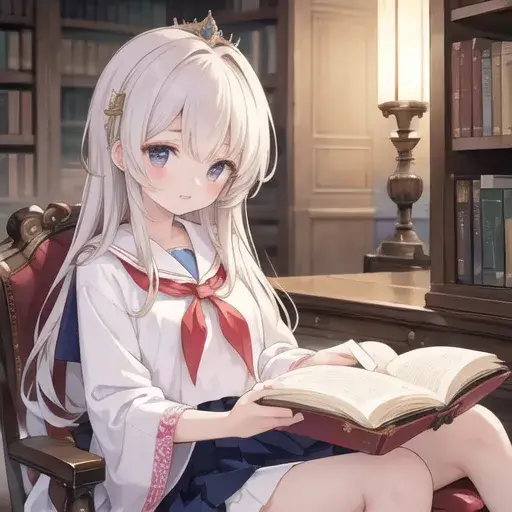
Anime girl generated by Stable Diffusion
Anime girl generated by AnimeGenius
We used the same prompt and seeds in the two images above, keeping the settings exactly the same and returning the same good results in two different AI generators.
Way2: Different prompts + same seed
- Prompt: (masterpiece:1.3), (absurdres:1.3), (best quality:1.3), (ultra-detailed:1.3),(best shadow:0.7), (handled hair), (sharp eyeliner, eyeshadow, detailed eyes:1.1), perfect anatomy, BREAK, 1girl, solo, {different color} HAIR, hair between eyes, GREEN EYES, glowing eyes, sailor collar, school uniform, side ponytail, sidelocks
- Model: Anime
- CFG Scale: 8
- Seed: 3308202122
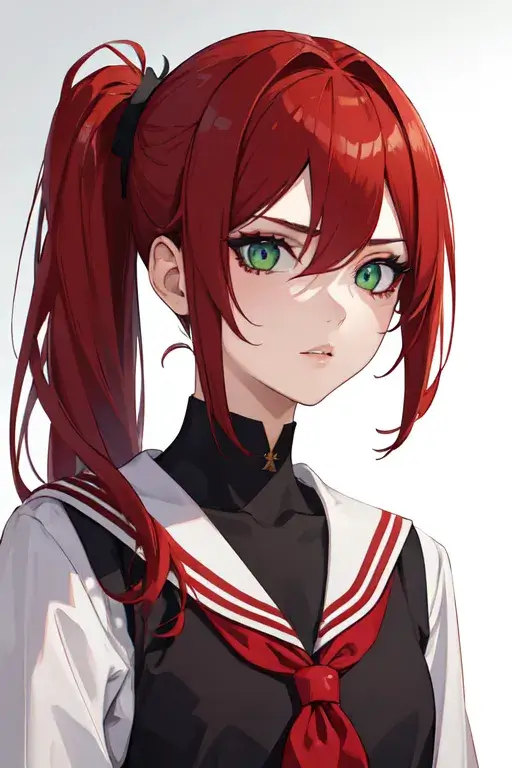
Red hair girl
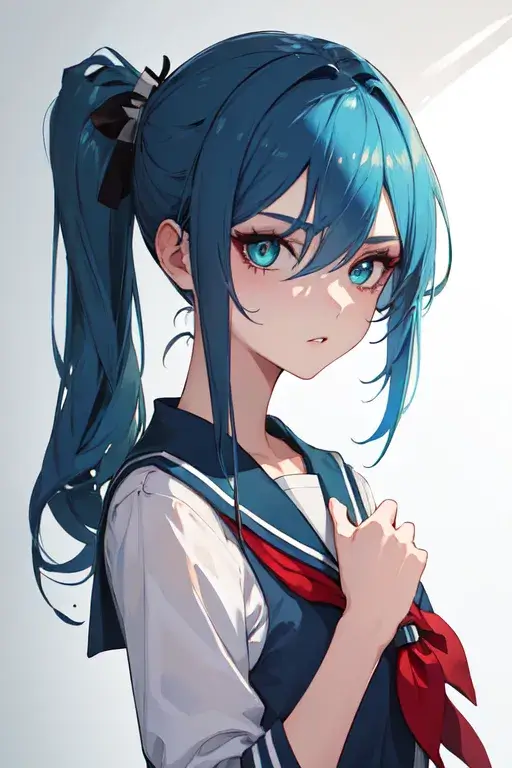
Blue hair girl
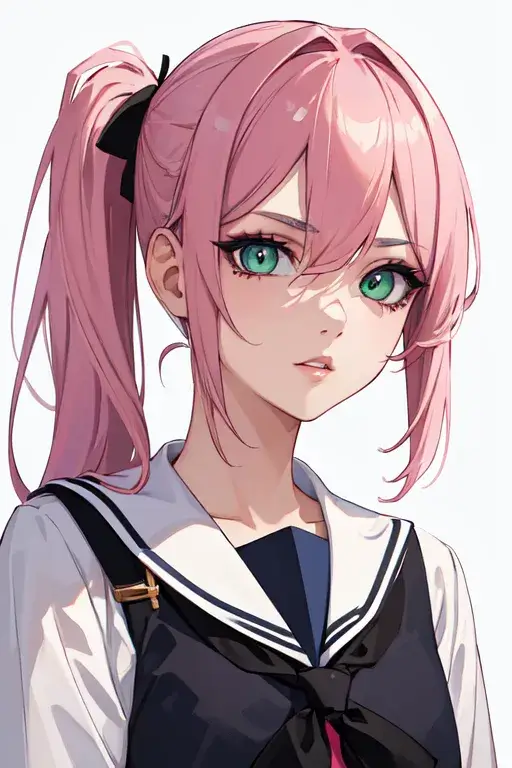
Pink hair girl
As we can see, using the same seed and just modifying the hair color part of the different prompt words, you will get highly consistent image sequences. You can use this little trick to create the series of images you want
Way3: Same prompt + different seeds
Seed: 3308202122
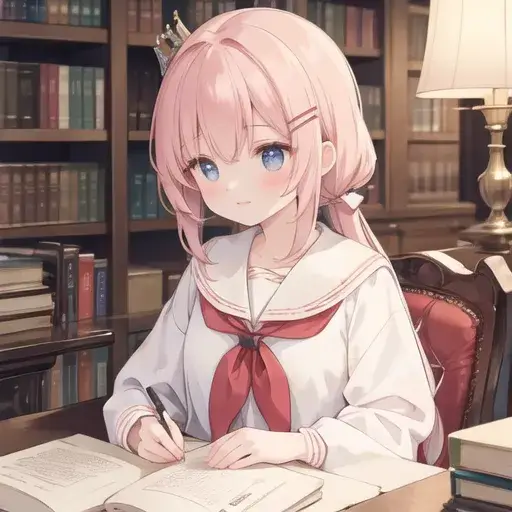
Seed: 3500307759
Look at the two images above, they together depict a cute girl reading a book, I used the exact same prompt and different seeds. So I got two different pictures
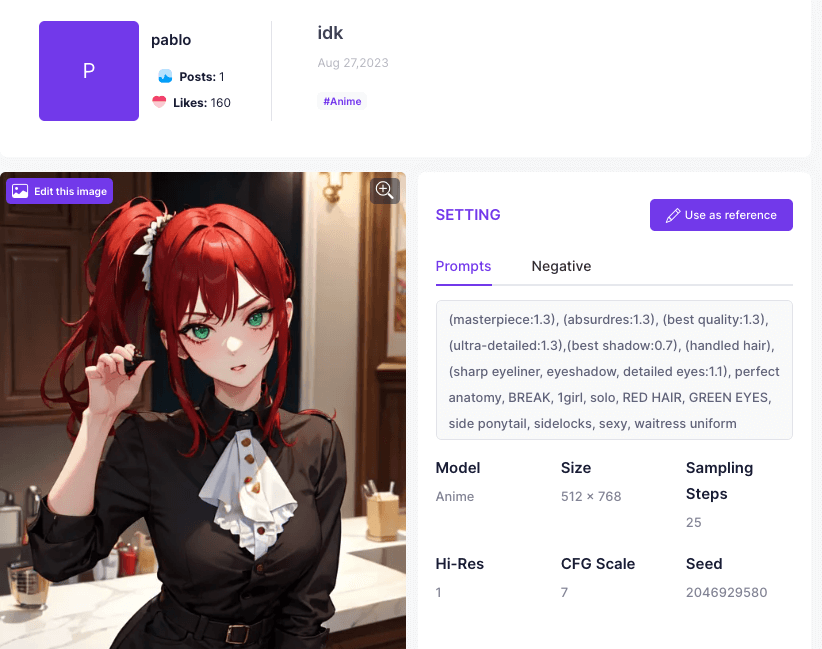
How to find the Seed of an AI image?
In AnimeGenius, You can view pictures created by users using AI in the Explore page. Click on the image to view the prompt and and seeds they used