
 ART GENERATOR
 EXPLORE


 TUTORIAL
How To
Learn how to use AnimeGenius AI tool with detail text & video tutorial.
Use Case
Find the hidden features of AI text-to-image generators and learn how to master AI for creative uses.
Prompt Guide
We provide detailed prompt tutorials to help you use AI like a pro

Parameter
Learn the usage of Stable Diffusion parameters and get more professional AI skills in generation.
The Ultimate Stable Diffusion Camera Angle Prompts Guide
In this article we introduced 32 Stable Diffusion camera angle prompts in Stable Diffusion and use 12 cases to show how to create image with different lens in AI.
Different perspective compositions can also affect how we observe the details of a character. For example, overlooking composition may allow us to see the whole picture of the character, while looking up composition may allow us to pay more attention to a specific part or feature of the character. Through different Angle composition, we can guide the audience's line of sight and decide which role or element to use as the focus of the picture. Different Angle composition can also bring a stronger sense of hierarchy and three-dimensional sense to the picture. The effect of different perspective composition on painting is to change the audience's visual experience, thus affecting their emotional response and cognition, making the picture more vivid, interesting and creative
We introduced 32 Stable Diffusion Lens Angle Tips in the article and provided 12 cases to show you how to use AI to create pictures with different camera angles.
32 Different Camera Angle Prompts in Stable Diffusion
- Close-up
- From side
- Straight-on
- Medium shot
- Profile picture
- Portrait
- Looking at viewer
- Looking to the side
- Full body
- Perspective
- Expressions
- Overhead view
- Macro lens
- Looking away
- Dramatic angle
- Front side back three
- Aerial view
- Depth of field
- Multiple views
- From above
- Cowboy shot
- Close to viewer
- Telephoto lens
- Extreme closeup
- Low angle
- Fisheye lens
- POV
- From below
- Mandala
- Dynamic angle
- Looking at phone
- Partially underwater
12 Stable Diffusion cases to create different camera angle images
Here are 12 different stable diffusion art style tips that I have used in AnimeGenius. You can also follow our steps to practice and click the button below to enter the exercise.
Fixed appearance description prompt words:
Prompts: masterpiece, best quality, official art, extremely detailed CG unity 8k wallpaper, exquisite facial features, prefect face, shiny skin, female, ((Ai Hoshino)),solo, light smile, sailor suit, ((White background))
Model: Anime
Lora: Ai Hoshino ,Detail
1. First use (full body) to make a full body camera angle
((full body))
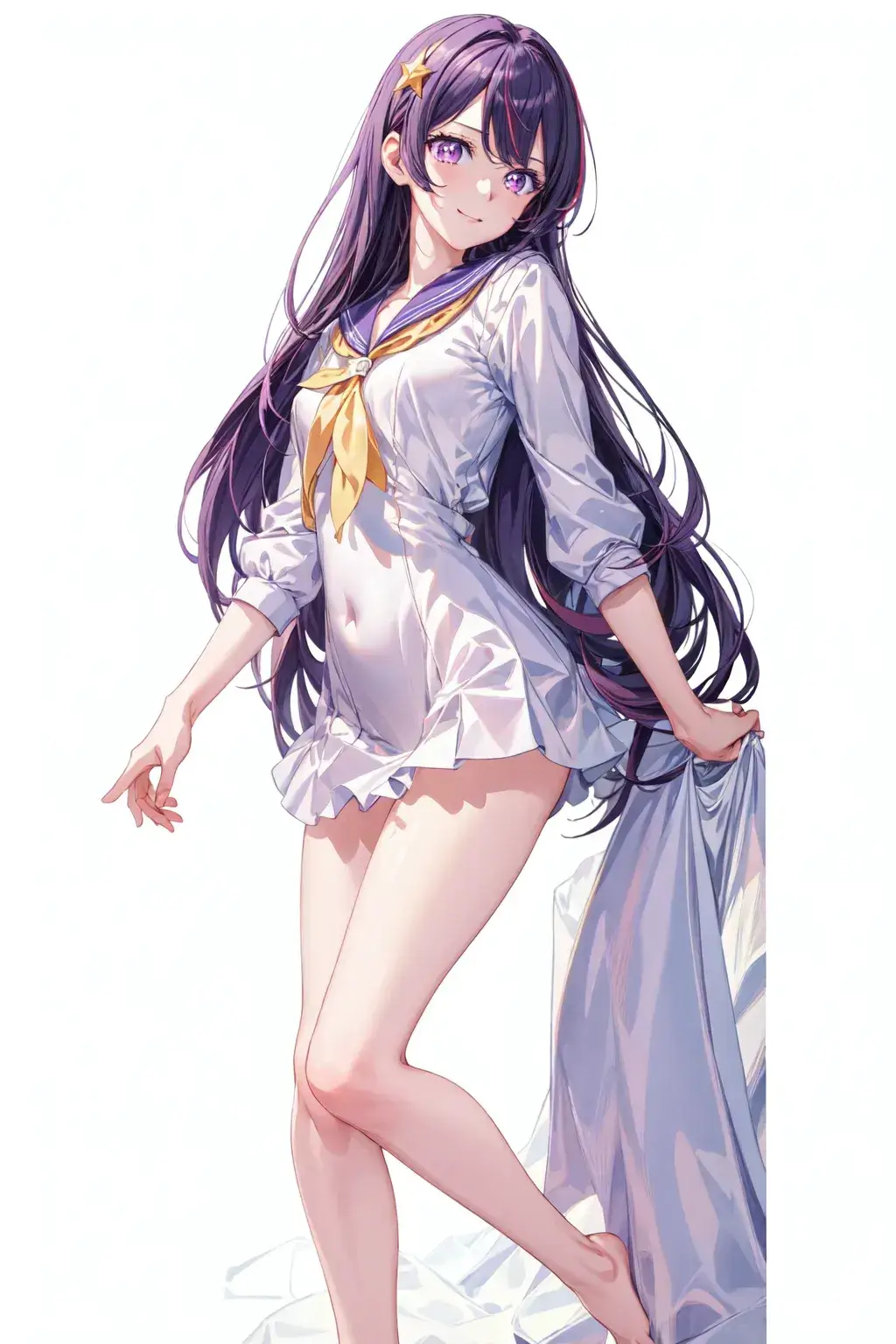
2.Use ((from above)) and ((cowboy shot) camera angle
((from above)),((cowboy shot))

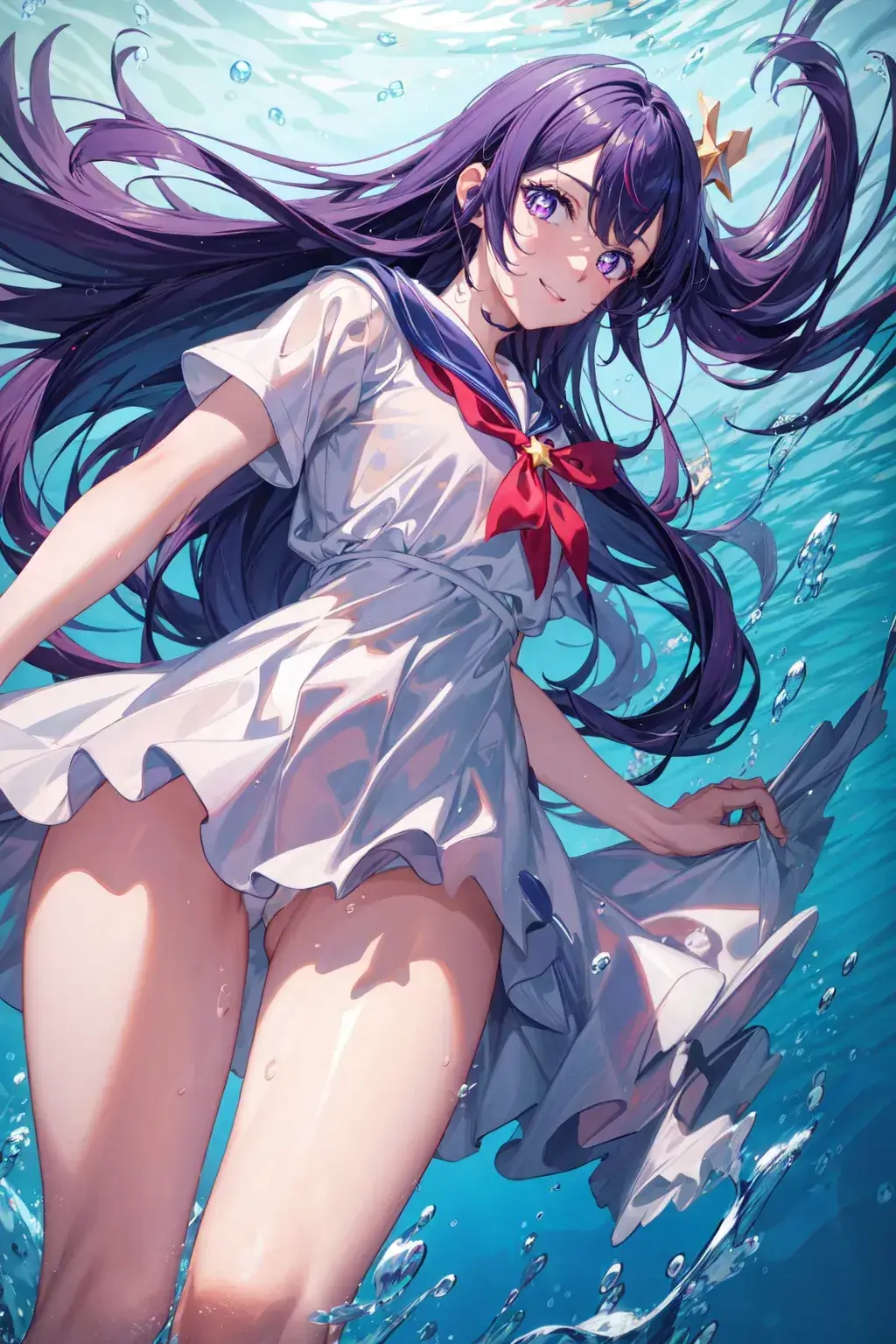
3.Use ((partially underwater shot)) and ((from below)) camera angle
((partially underwater shot)),((from below))
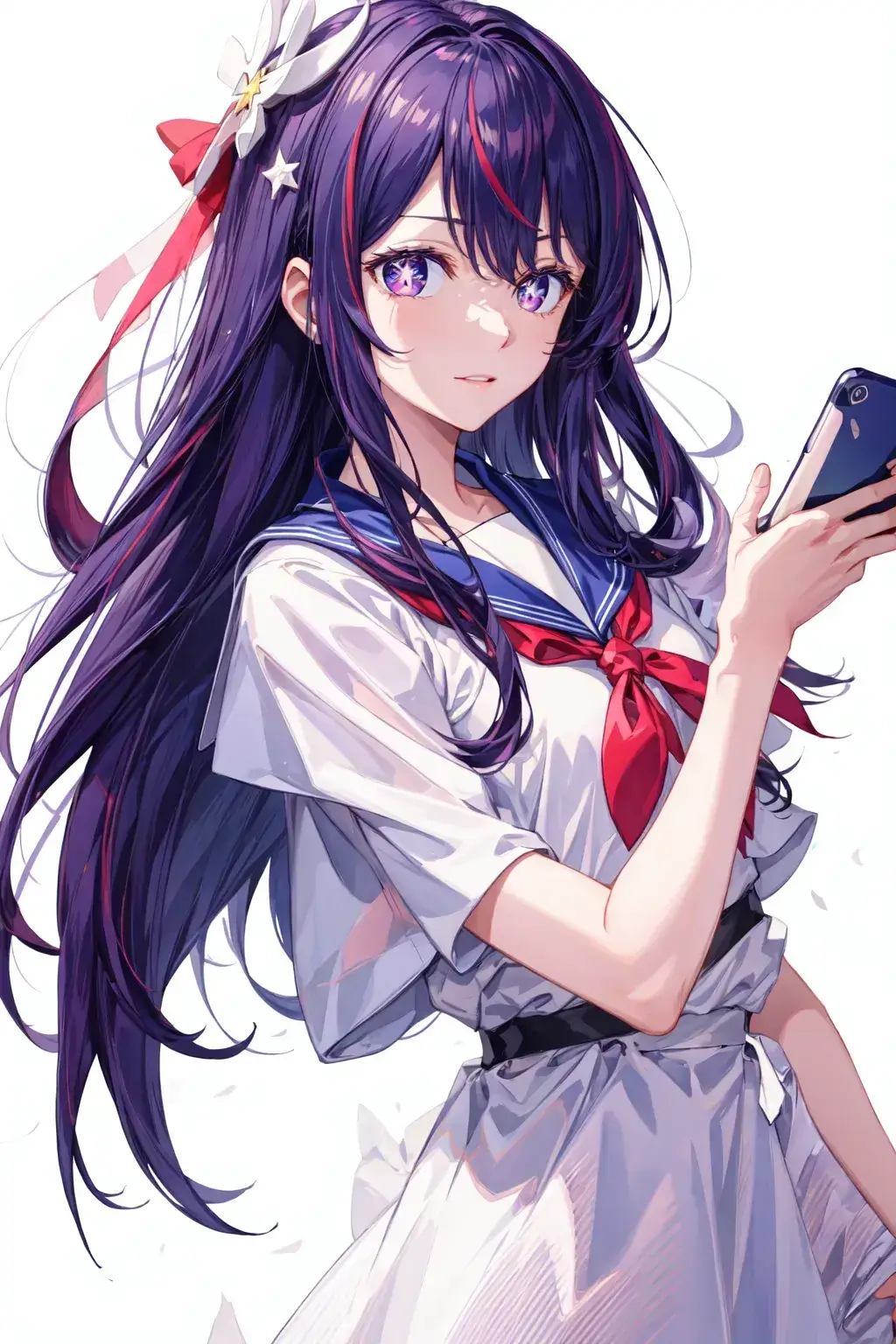
4.Use ((looking at phone)) camera angle
(((looking at phone)))
5.Use(((aerial view))) camera angle
(((aerial view)))
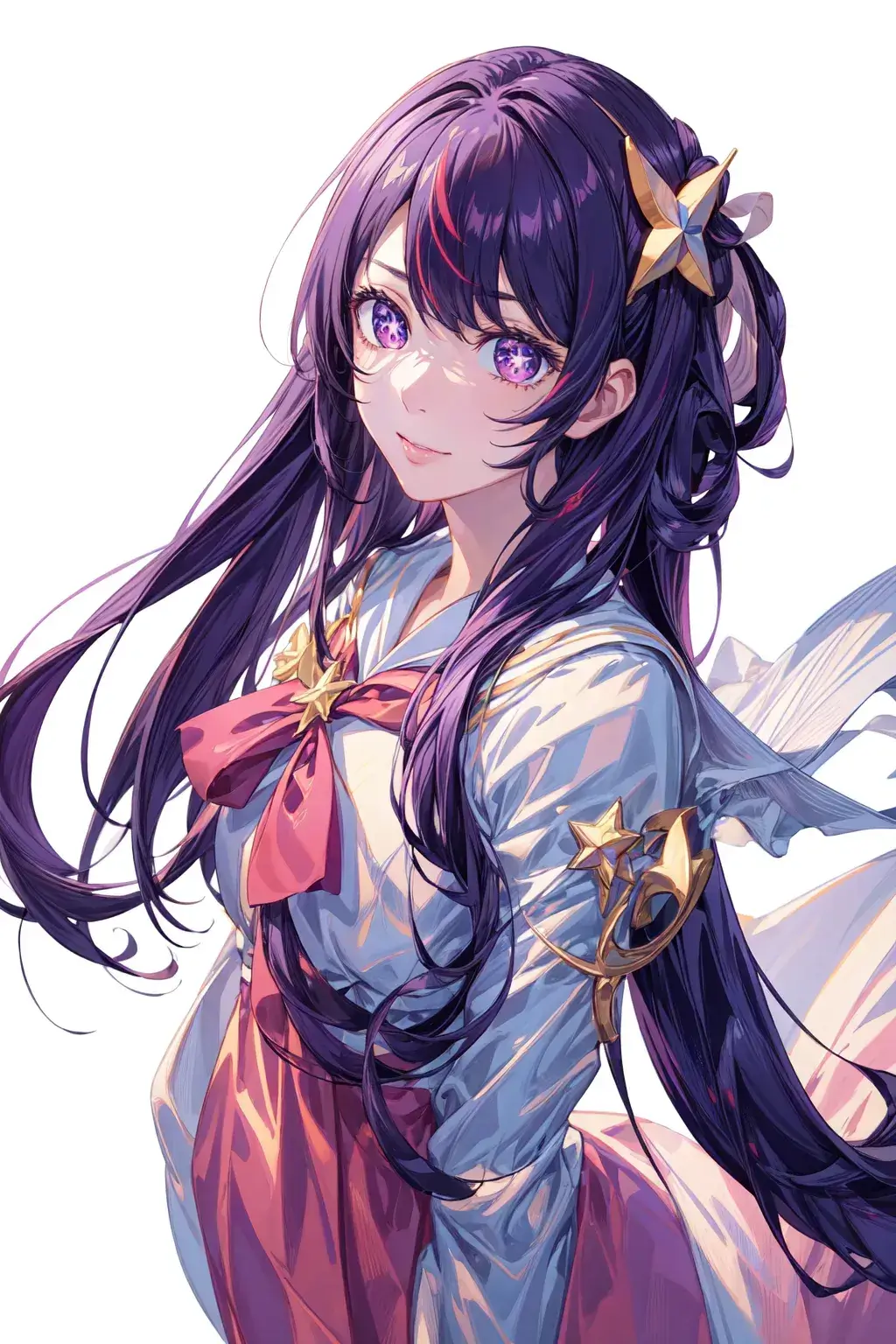
6.Use ((portrait)) and ((bust)) camera angle
((portrait)), ((bust))
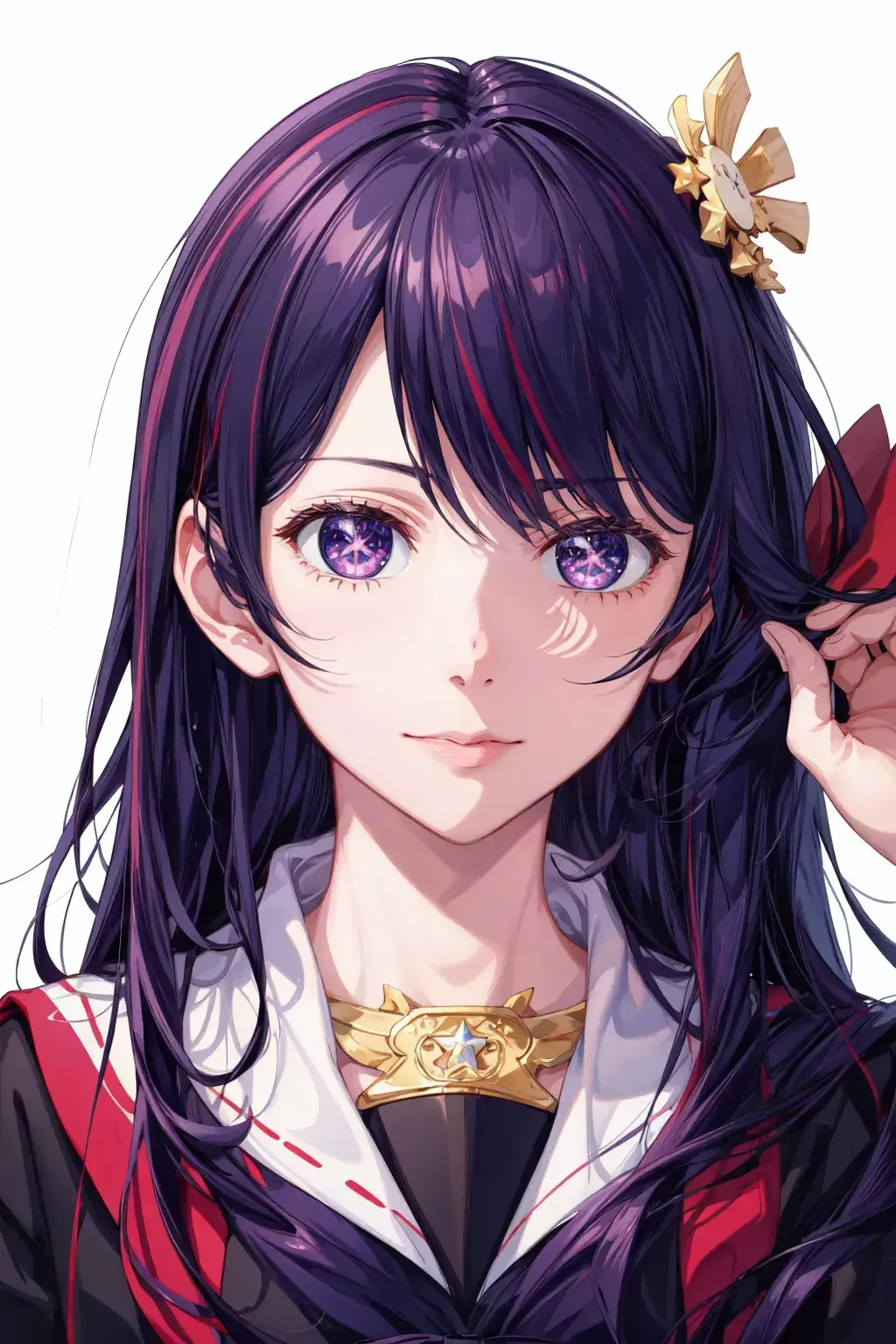
7.Use ((from below)) and ((looking away)) camera angle
(((from below))), (((looking away)))
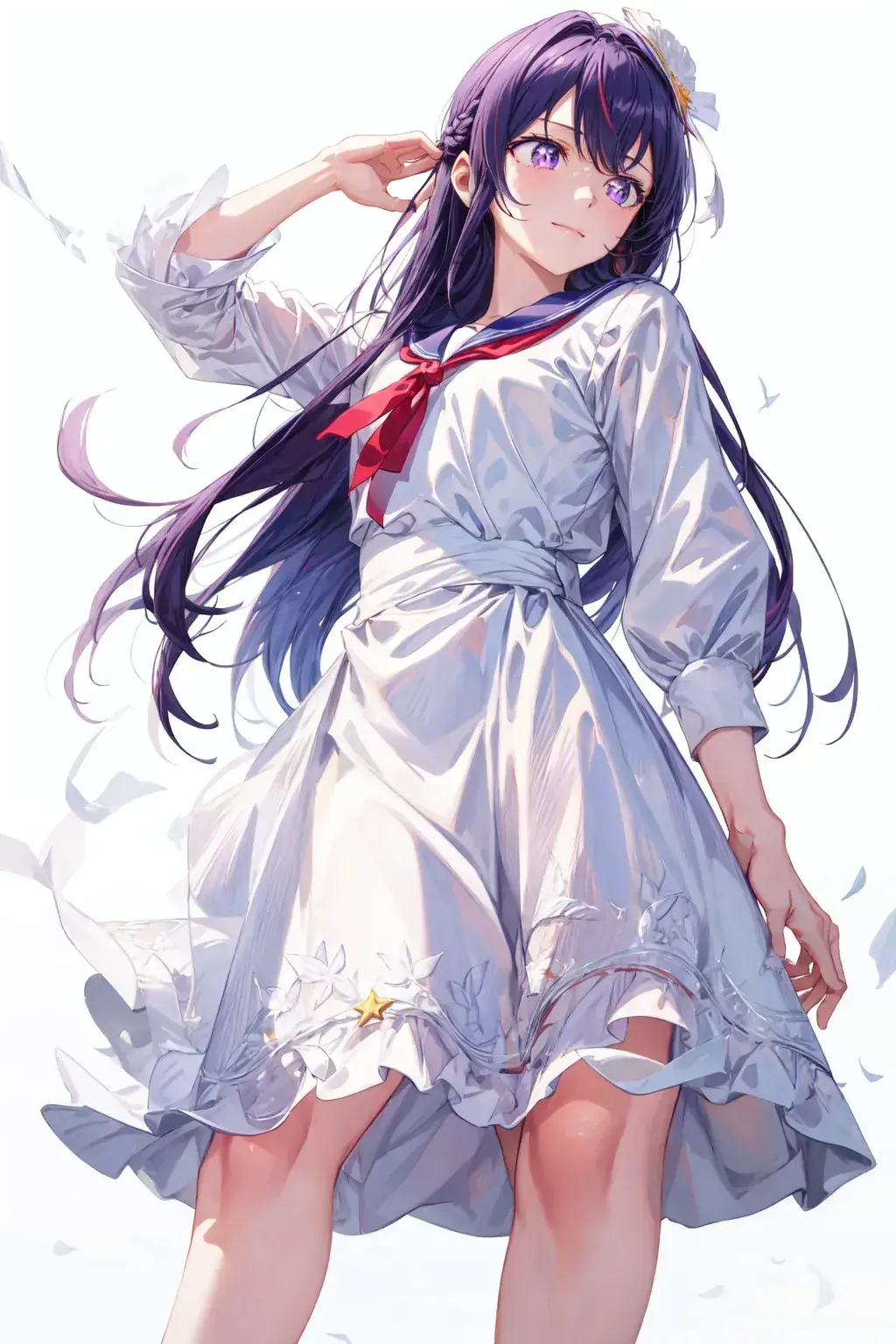
8.Use ((POV)) and ((three sided view)) camera angle
(((POV))), (((perspective)))
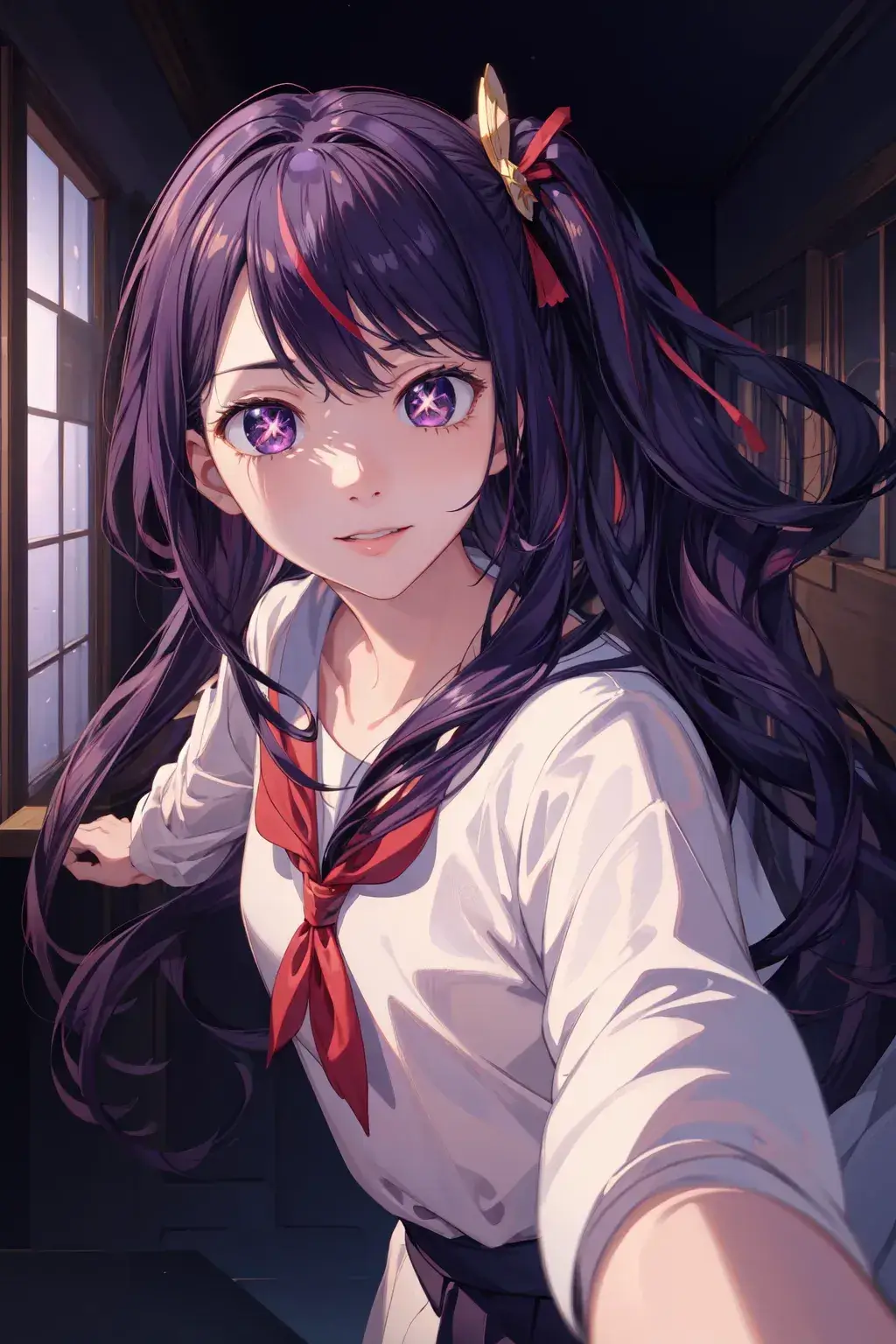
9.Use ((expressions)) camera angle
(((expressions)))
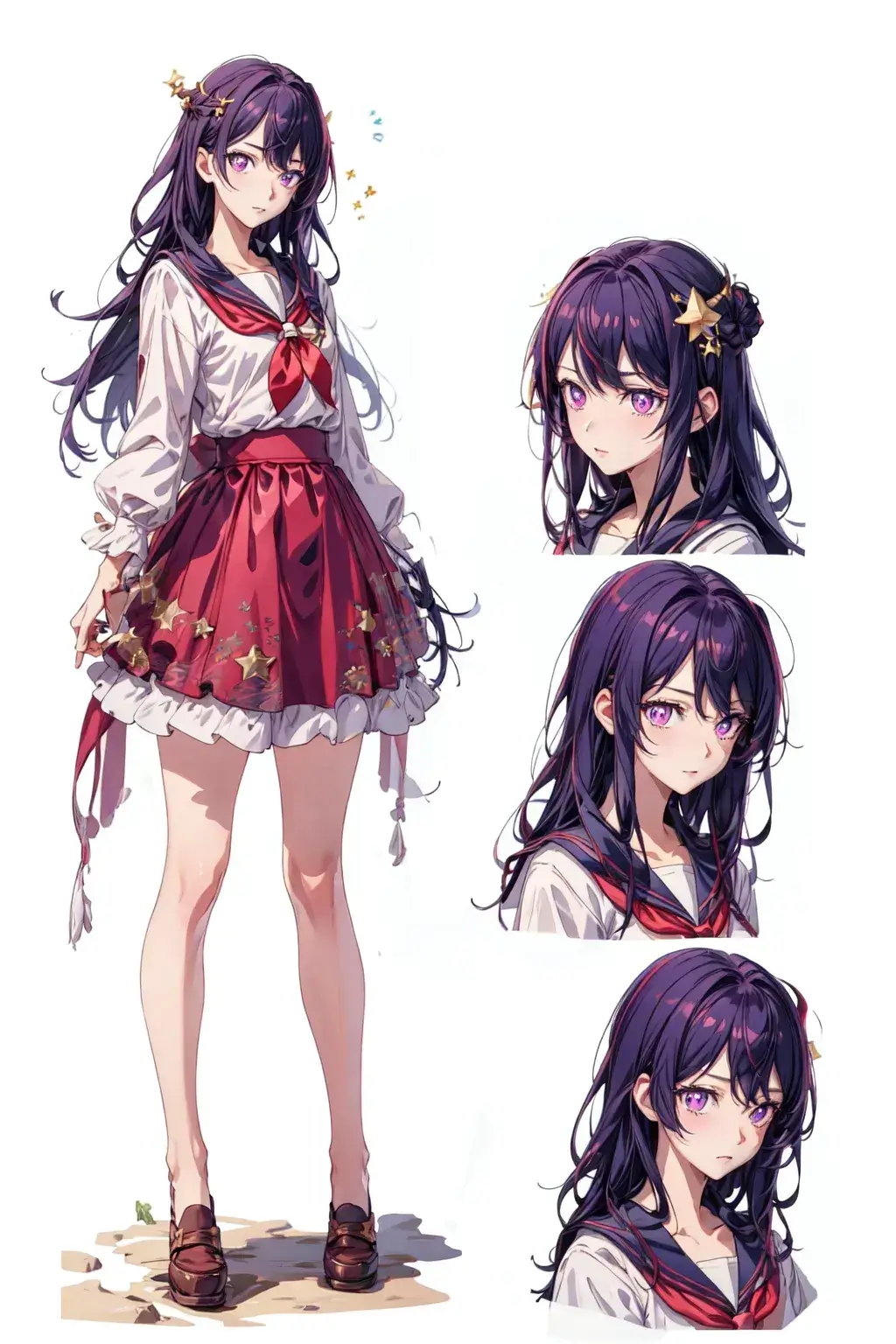
10.Use ((Front side back three views)) camera angle
(((Front side back three views)))

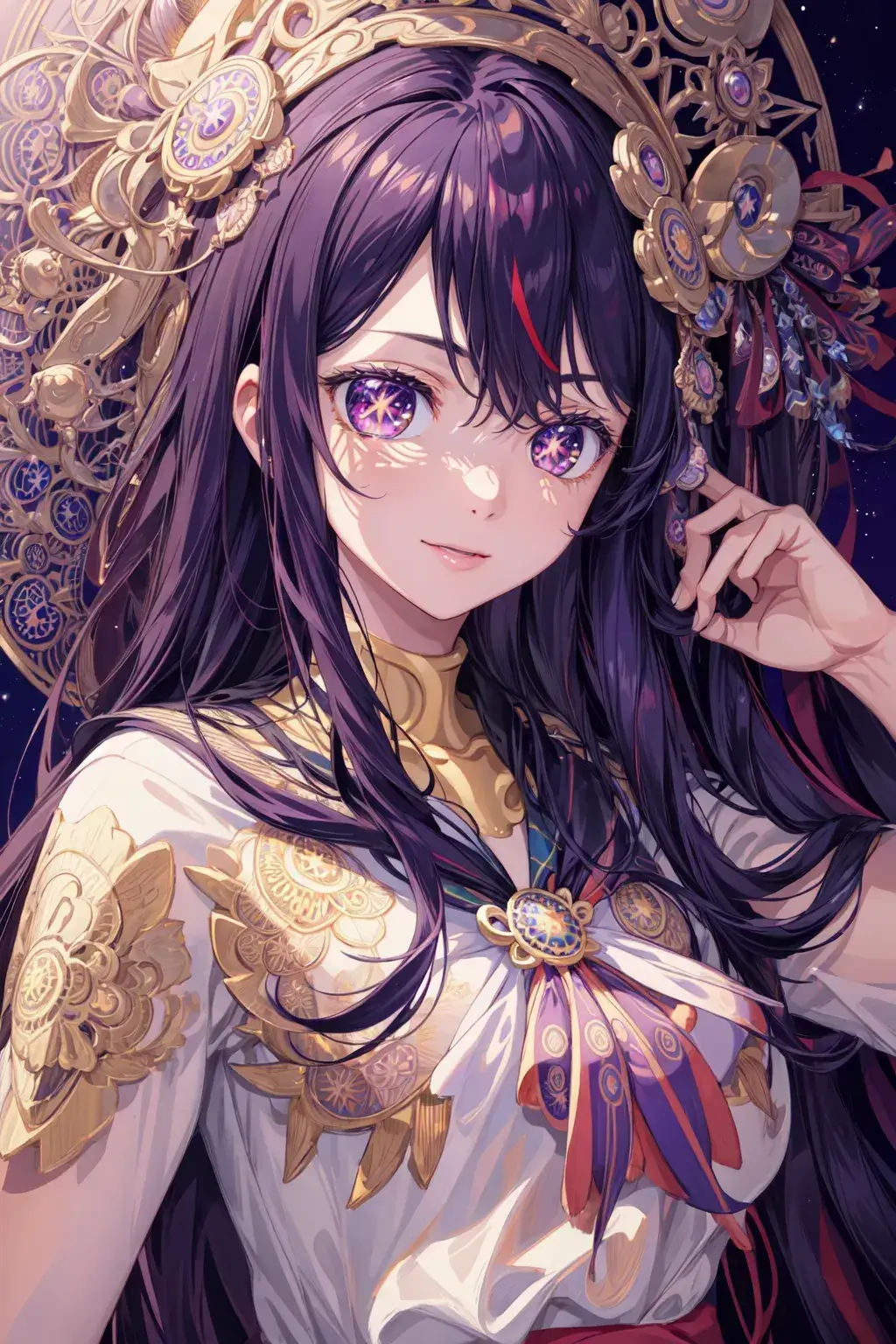
11.Use ((mandala)) camera angle
(((mandala)))
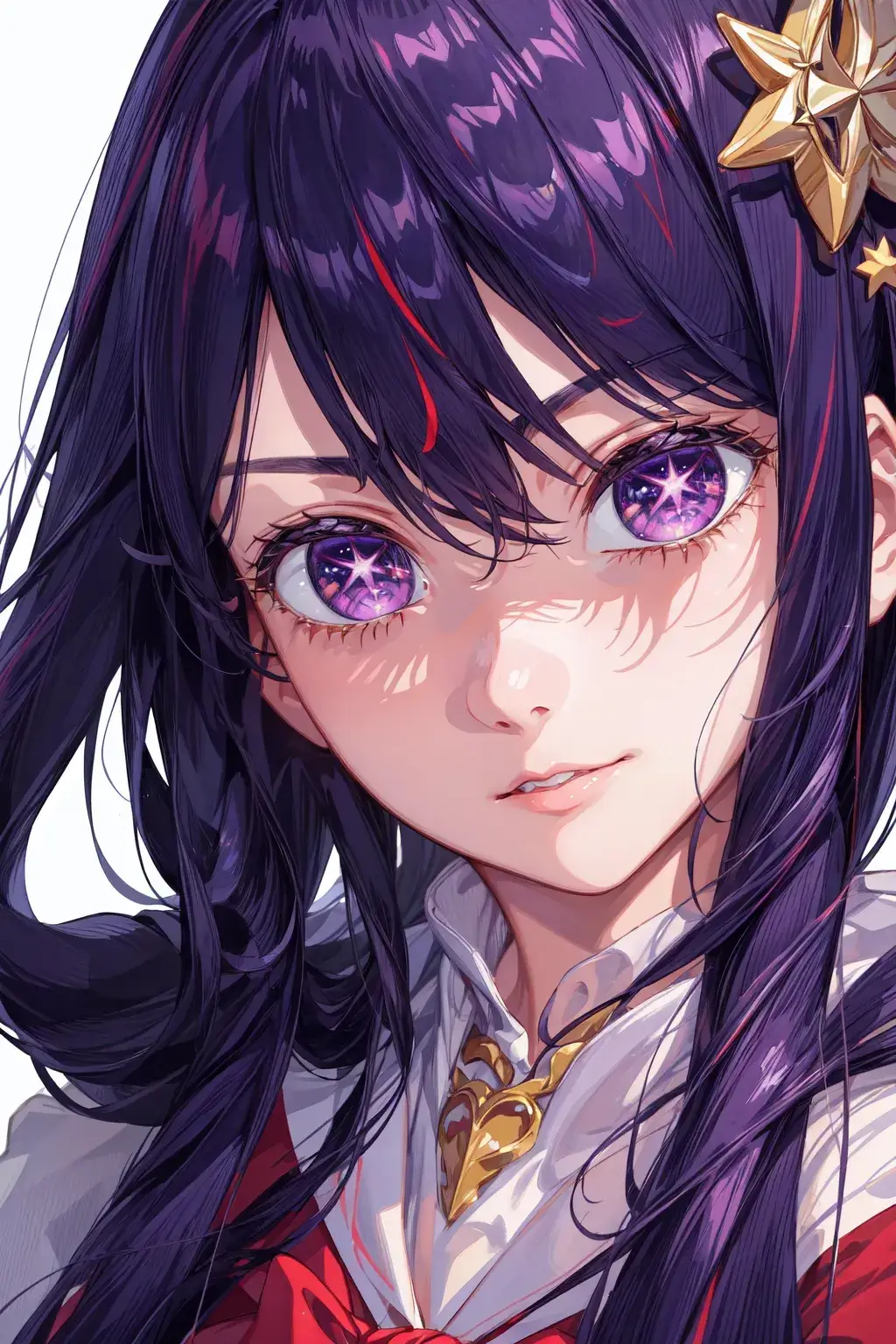
12.Use ((extreme closeup)) camera angle
(((extreme closeup)))
Summary
This is the way to create to diffenert camera angle images. Did you learn that? Stay tuned for future updates as we continue to teach you how to better use AnimeGenius.
Best Free Anime AI Image Generator Online
Start The Camera Angle Images Generation