

 ART GENERATOR
 EXPLORE


 TUTORIAL
How To
Learn how to use AnimeGenius AI tool with detail text & video tutorial.
Use Case
Find the hidden features of AI text-to-image generators and learn how to master AI for creative uses.
Prompt Guide
We provide detailed prompt tutorials to help you use AI like a pro

Parameter
Learn the usage of Stable Diffusion parameters and get more professional AI skills in generation.
Make Your Own Art with Lycoris Recoil AI Generator
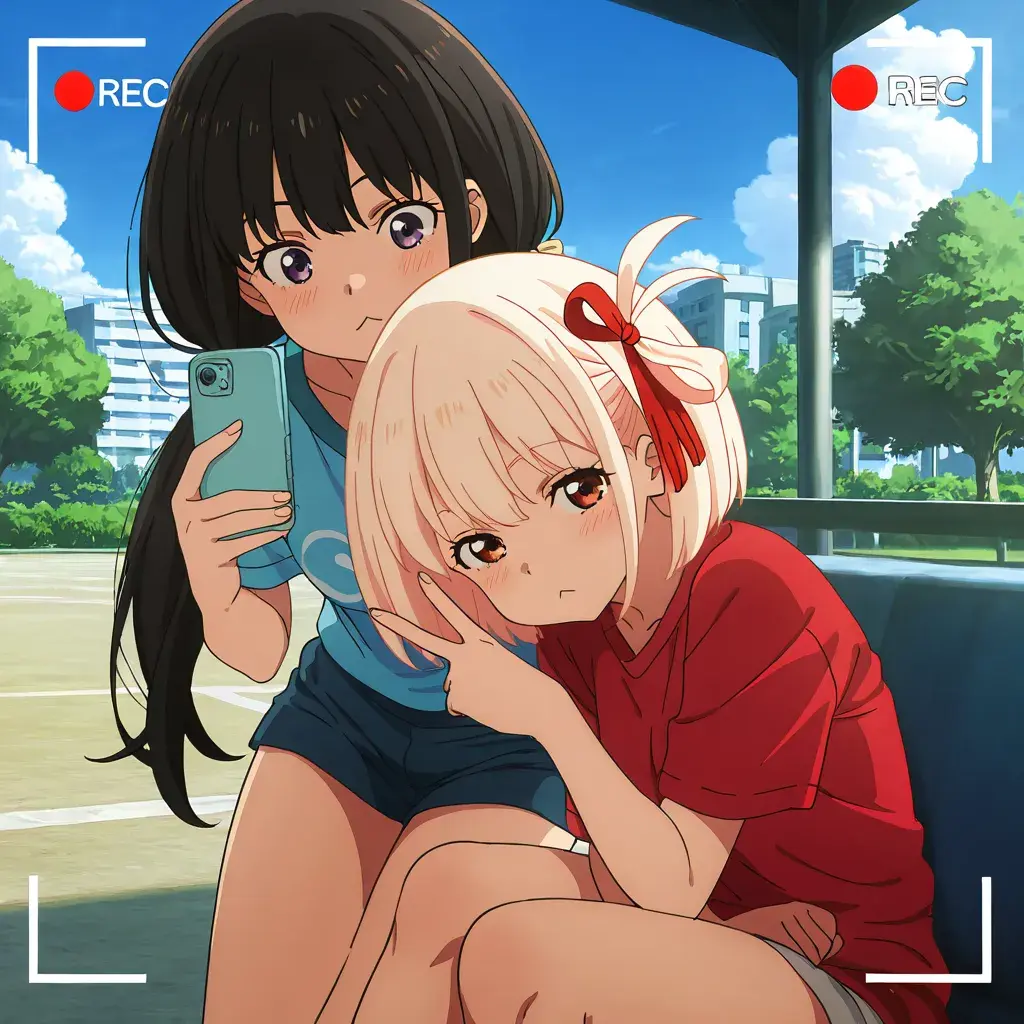
How to Use Our Lycoris Recoil AI Generator?
Want to bring Chisato & Takina to your screen in HD? Follow these simple steps to generate your own Lycoris Recoil images using our free AI-powered tool!
1. Describe Your Character Idea
Tell the AI what kind of illustration you want! Include details like pose, outfit, scene (café, combat, beach, etc.), and background elements. The more vivid your prompt, the better your result.
2. Pick the AI Model and Style Filters
Choose our anime-tuned Free SDXL AI model "WAI-NSFW-illustrious" for the best 2D output. You can also apply special style filters like “Flat Anime” or “Anime Style” to match the vibe of Lycoris Recoil.
3. Set Image Size and Layout
Choose a resolution that fits your screen: mobile vertical (2:3 or 9:16), PC widescreen (3:2 or 16:9), or avatar-friendly square (1:1). You can also upscale your image to stunning 4K with our AI Anime Upscaler. Our presets are optimized for perfect display across all devices.
4. Generate and Customize Again
Click generate to bring your creation to life! Not perfect yet? Feel free to tweak the prompt, switch models, or adjust details and generate again until it’s just right.
Discover Stunning AI Artworks Inspired by Lycoris Recoil
Browse a vibrant collection of AI-generated art created with our AI Generator, featuring your favorite Lycoris Recoil characters and original designs. Perfect for anime fans looking to brighten their screens with dynamic, high-quality visuals.
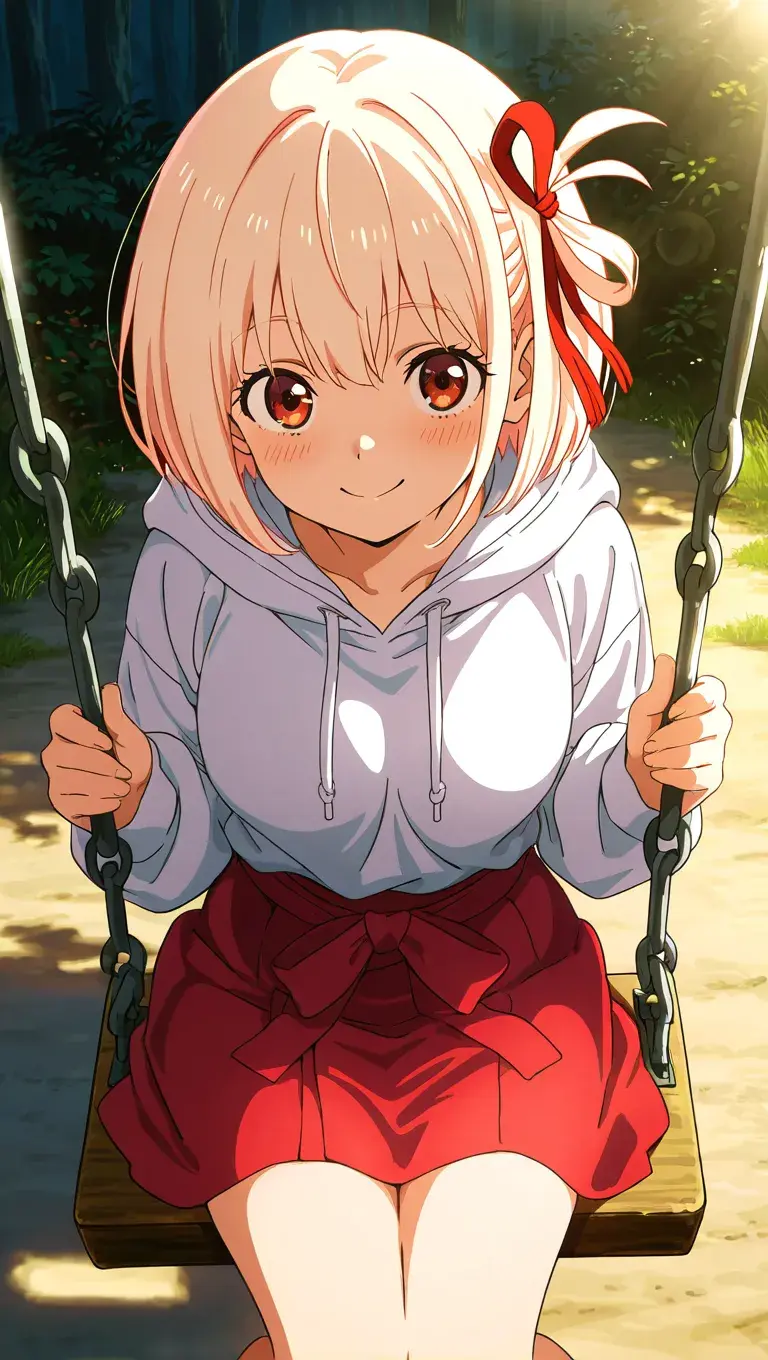
Chisato Nishikigi AI Art
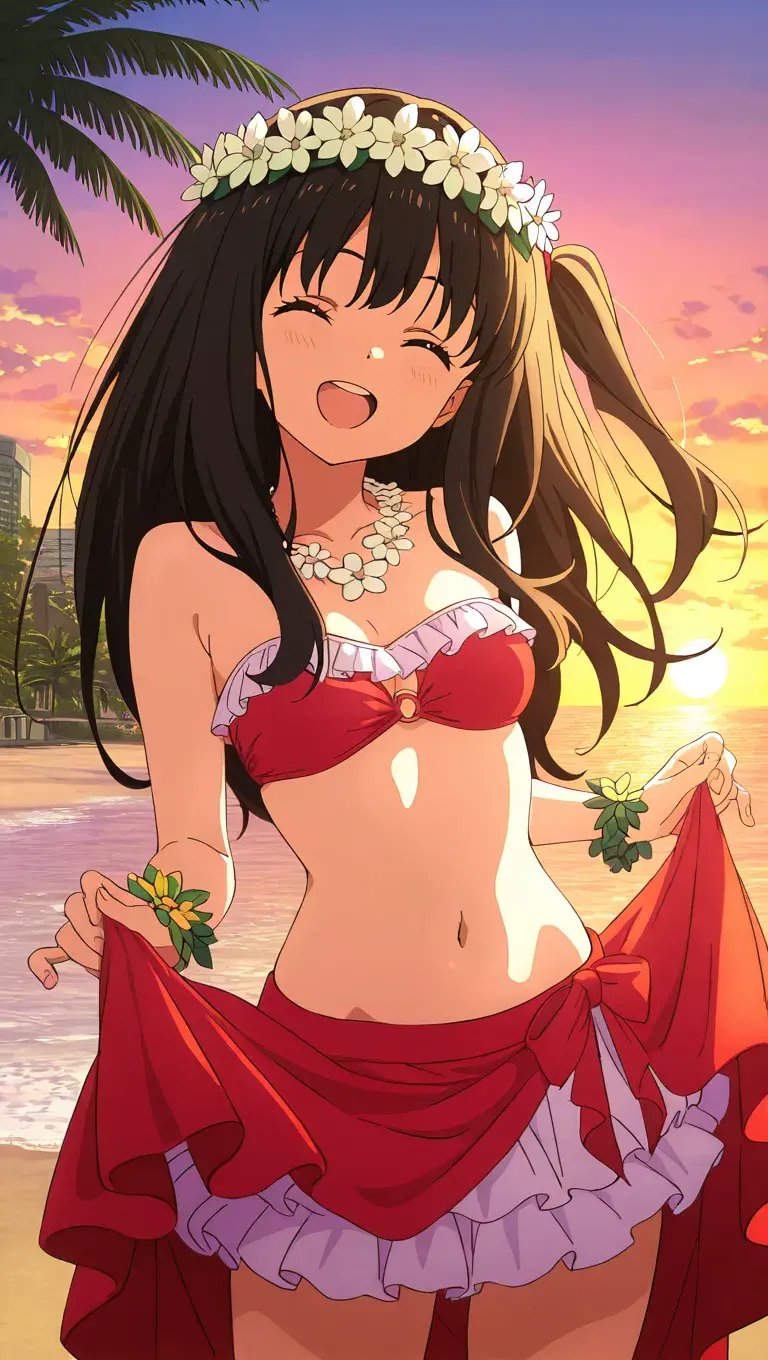
Takina Inoue AI Art
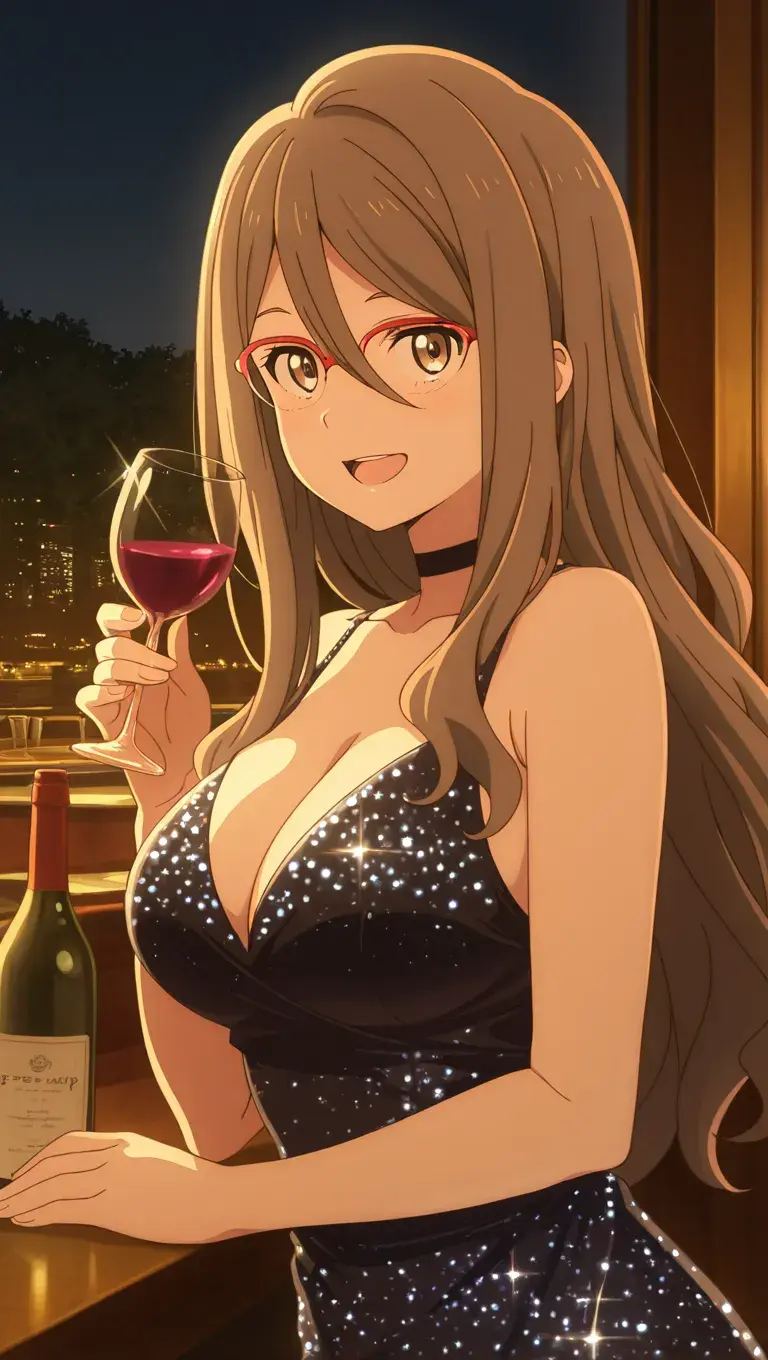
Mizuki Nakahara AI Art
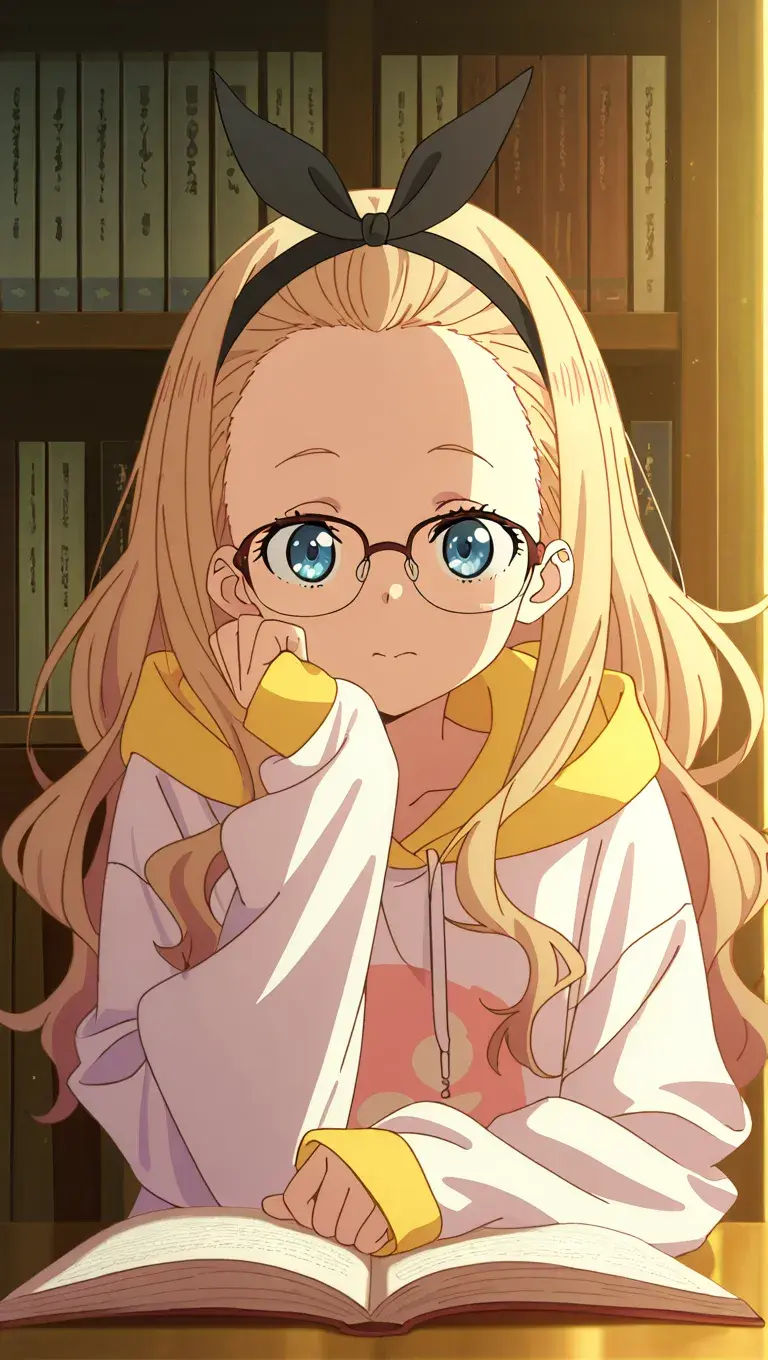
Walnut Kurumi AI Art
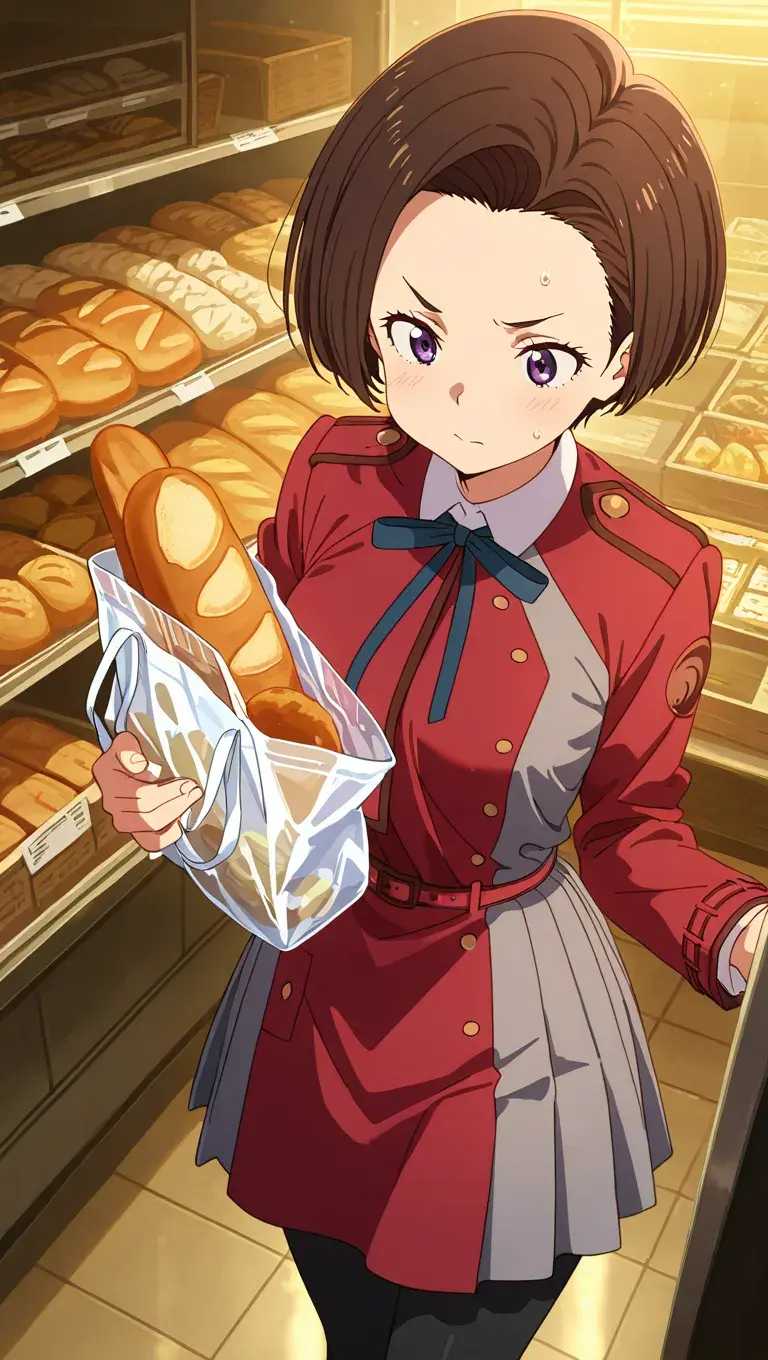
Fuki Harukawa AI Art
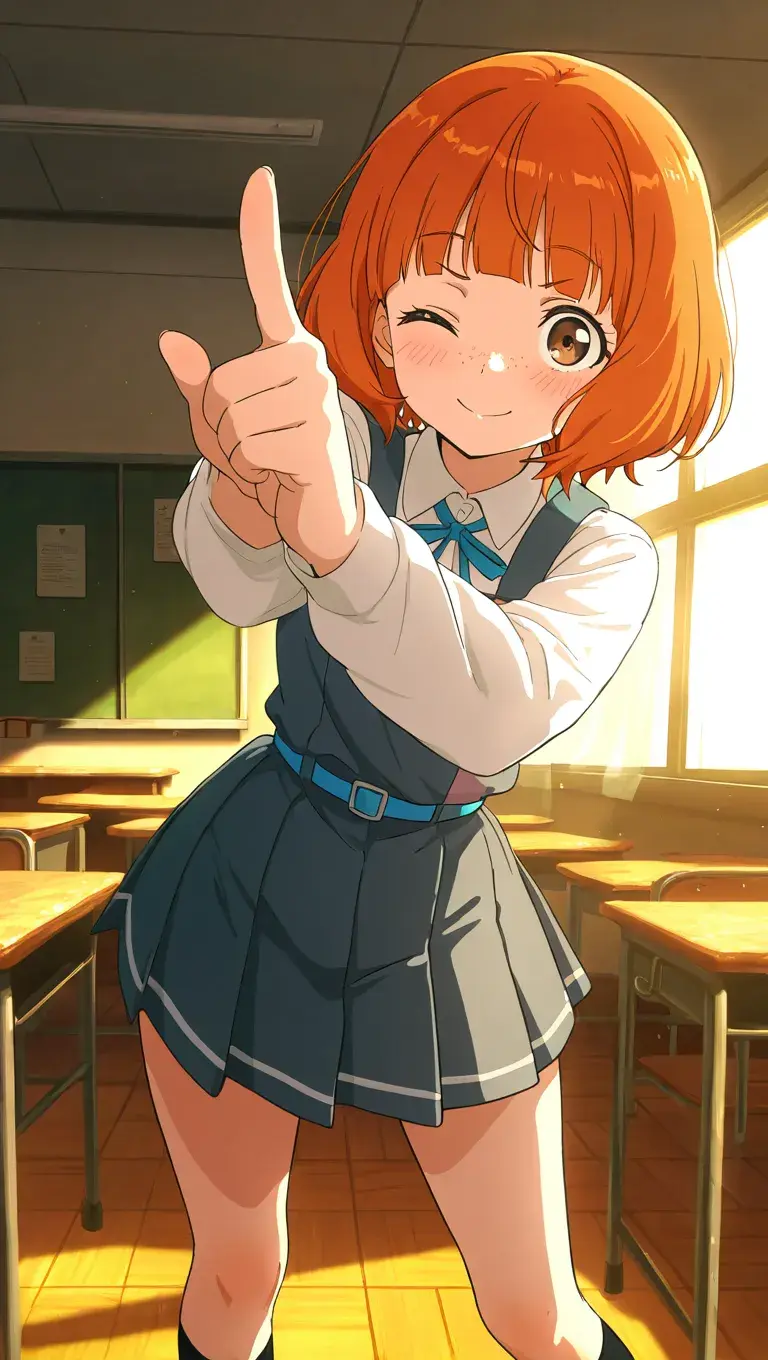
Janome Erika AI Art
Reimagine Lycoris Recoil Characters in Scenes You've Never Seen Before
Ever wondered how Chisato or Takina would look in a fantasy realm, a vibrant school festival, or a snowy winter street? Our AI lets you create stunning images of Lycoris Recoil characters in imaginative, unique settings. Go beyond the original anime style and explore new worlds with your favorite characters—perfect for fans who love to dream and get creative.
Create Your Own Scene
Turn Your Ideas into Anime Art with Just a Few Clicks
Even if you’re not an artist, you can now bring your Lycoris Recoil-inspired ideas to life. Whether it’s a casual Chisato in streetwear or Takina relaxing at a café, our AI makes it easy to transform your concepts into stunning HD images. No drawing skills needed—just imagination and a few clicks. It’s the perfect creative outlet for any anime fan who loves exploring what-if moments.
Turn Ideas into Art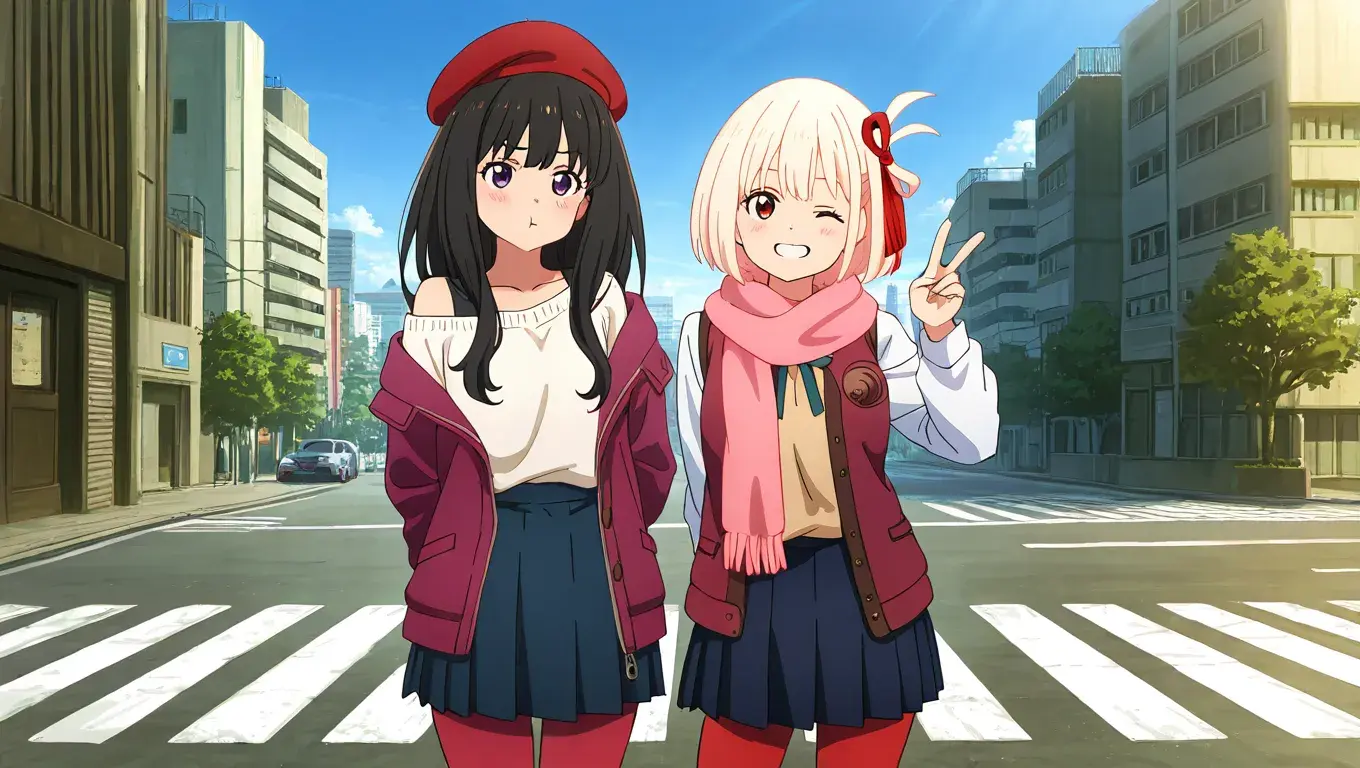
Share Your Lycoris Recoil AI Wallpapers to Attract More Fans Online
Once you’ve crafted your unique Lycoris Recoil wallpaper, share it with the world. Posting your custom anime backgrounds on platforms like Instagram, X (Twitter), or TikTok is a great way to connect with fellow fans and grow your audience. You might just attract more followers by showing off your original AI-generated creations.
Share and Get Noticed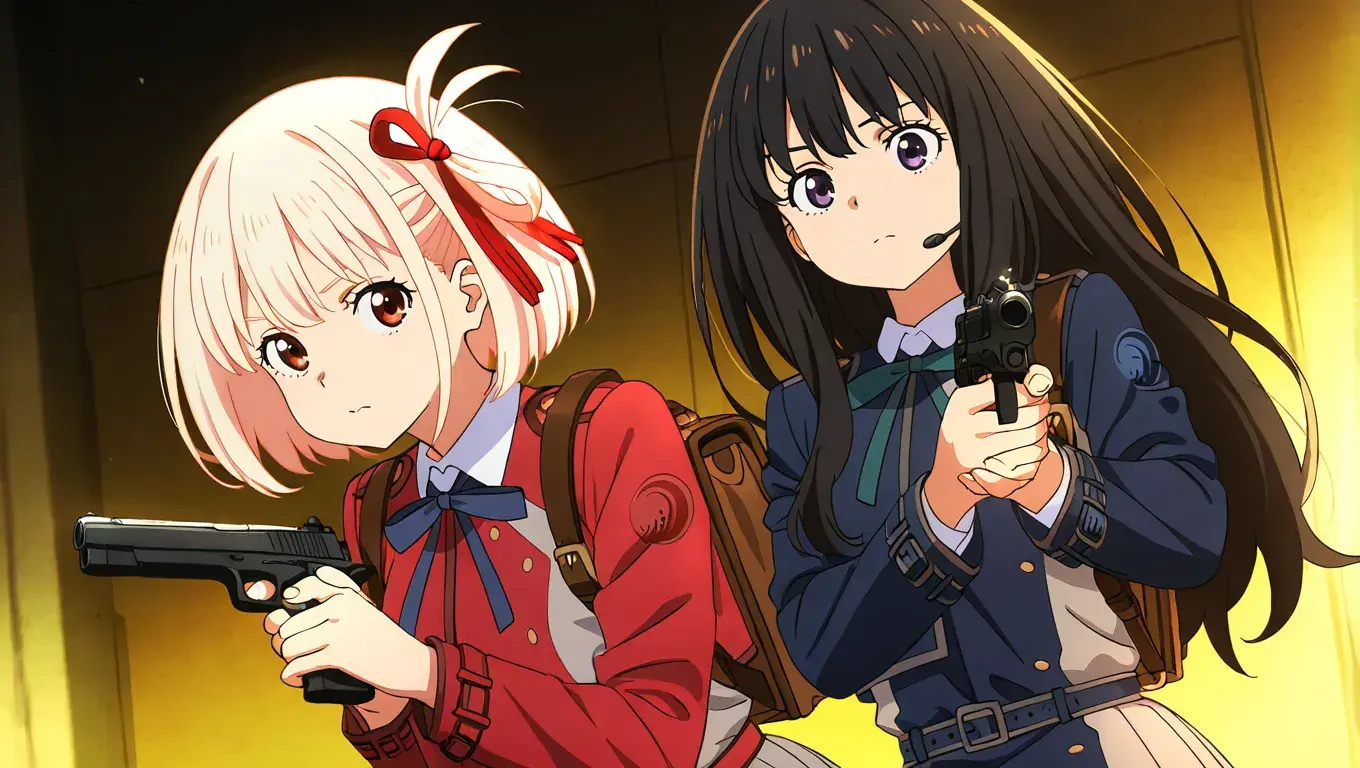
FAQ About Our Lycoris Recoil AI Generator
Find quick answers about how to generate, customize, and share your own Lycoris Recoil characters using our AI tools.